 MemeGIF
 Opus 5.5 Guide: Sports Pictogram Motion
Study beat-synced sports pictograms with MemeGIF. Review source shapes, timing, captions, and music cues before planning your own geometric motion project.
Start here: open MemeGIF Opus for rhythmic sports-pictogram films.
Watch the Aichi-Nagoya 2026 pictogram-film release. The supplied 163.605-second file presents geometric athletes, English/Japanese titles, color-coded groups, and a tiled finale—not edited sports footage. The creator’s account of procedural production attributes the collection to Claude Opus 5.5; we have not independently verified those sessions or performed this reconstruction.
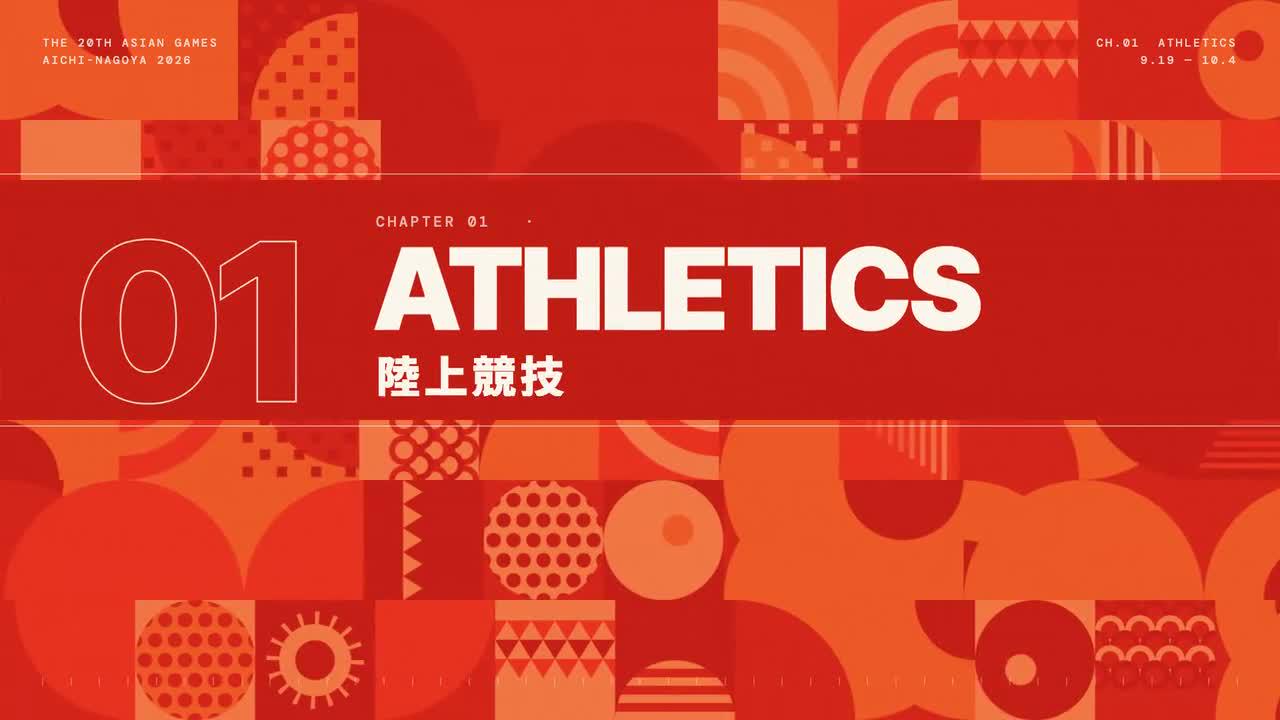
Author-film frame. Credit: LemoLab. This is an unofficial fan work.
1. Separate sports, cards, and musical beats
Use the reference to plan an MemeGIF study of geometric actions, or follow the separate local reconstruction. These are different deliverables. MemeGIF can help explore a short motion project, while rebuilding the published catalog requires the external source, its edit list, and the sound pipeline described below.
Begin the MemeGIF brief with an action rather than a decorative athlete silhouette. A jump, throw, or run needs a readable preparation, main movement, and finish. During MemeGIF review, ask whether a viewer can identify the action without relying entirely on the title to explain an ambiguous pose.
Keep the figure's proportions stable across the MemeGIF movement. Watch limb length, head size, joint placement, and the relationship between torso and hips. Simple shapes make unintended changes conspicuous. An MemeGIF athlete that stretches unpredictably may remain attractive while failing the visual rules established by its starting pose.
For a prop-based MemeGIF action, define contact and release separately. Follow the hand or foot and its relationship with the object through the movement. Do not accept an MemeGIF ball that jumps to another location merely because the final throwing pose looks convincing in a paused frame.
Reserve clear areas for both languages in the MemeGIF layout. Horizontal actions can extend farther than upright poses, and long titles need their own space. Compare the complete MemeGIF motion with the text placement, including frames where limbs, nets, or background motifs might enter the reading area.
Chapter color should organize the MemeGIF study without doing all the explanatory work. Retain a clear title and recognizable action when moving between groups. A new hue can signal a transition, but the viewer still needs enough visual context to understand what item is being introduced.
Study the geometric-athlete motion system. Figures use rounded bars and disc heads, while masked titles and shifting grid rows create transitions. Keep figures clear of readable bilingual titles.
The author’s source describes 43 sport categories and 70 action cards, not 43 equal-length shots. Its composed score uses 150 BPM: a beat is 0.4 seconds, with longer cards and faster subgroup runs. These are source settings, not newly measured tempo or verified event statistics. The film has no narration.
Inspect edl.js, poses/, scenes.js, and music/music.py. The score reads the edit list, so changing chapter lengths requires corresponding musical changes—not merely shifting a soundtrack.
2. Install only the required tools
Keep the author release, external checkout, and MemeGIF project distinct. Retain the source revision and dependency information for local work, without copying the creator's success reports into your own verification notes. An MemeGIF preview is not evidence that the separate render environment was installed or tested.
The local case creates its score through code. MemeGIF's current motion workflow produces a silent visual project, so soundtrack work needs a separate plan. Do not promise that MemeGIF will import the reference's synthesis code, reconstruct its sound, or synchronize a new visual edit automatically with the published music.
Prepare the approved title copy before generating an MemeGIF concept. Identify the primary and secondary language, maintain a consistent order, and check each character afterward. An MemeGIF title resembling the expected word at a glance may still contain a substituted character or omit an important part of the label.
Choose references that help explain the requested action, not simply the finished presentation. If you attach material to an MemeGIF project, note what it controls and what must change. Keep an accepted MemeGIF version separately so the next revision is evaluated against a known arrangement rather than a moving target.
Use a separate local terminal with Git, Node 20+, Python 3.11+ or uv, FFmpeg/ffprobe, and zsh. This case uses synthesized sound, not TTS or imported sample banks.
git clone https://github.com/lemomo-ai/lemo-opuscar.git sports-study
cd sports-study
export LEMO_OPUSCAR_HOME="$PWD"
sh plugin/skills/lemo-opuscar/scripts/setup.sh deps
mkdir -p evidence
git rev-parse HEAD > evidence/commit.txt
cd styles/pictogram-motion/demo
PY=../../../.venv/bin/python
Check fonts and retain dependency versions. Keep the reference separate from rebuilt outputs. The case-specific commands below run from demo/, not the repository root.
3. Use this new copy-ready brief
The prompt below addresses an external code reproduction. For MemeGIF, write a short visual brief describing your selected actions, title treatment, grouping, and transition. MemeGIF is not the separate terminal used by those commands, and its available duration does not automatically match the long reference catalog.
Reduce the item list to a coherent excerpt when planning an MemeGIF motion study. Give actions enough room to register rather than squeezing the entire reference into a shorter setting. Record the chosen excerpt's scope, and describe the MemeGIF result as a study rather than a reconstruction of every published card.
Use Sketch in MemeGIF to assess figure placement and typography before requesting timed motion when that is your main uncertainty. Use Motion to review the action sequence. Confirm MemeGIF settings and the displayed credit amount before submission; retain the brief and accepted version for later comparisons.
For MemeGIF revision, name the visible action and the specific failure. A request such as improving rhythm is less reviewable than identifying a release that occurs before the hand reaches the intended position. State which accepted MemeGIF pose and caption relationships should remain, then inspect whether the revision preserves them.
Keep reference attribution and unofficial status explicit in your MemeGIF study notes. A similar visual treatment does not imply association with the event. For a new MemeGIF production, develop your own subject, labels, and visual identity rather than treating the reference's complete branding as a reusable default.
This reproduction prompt is newly drafted, not recovered from the author:
Study and reconstruct the existing All 43 Sports fan film. Read the actual
commit, locks, STYLE.md, DEMO.md, CREDITS, edl.js, pose contracts, render.mjs,
mux.sh and music code. Check inputs; then follow supported commands directly.
Preserve attribution and unofficial status, not an organiser endorsement.
Keep the EN-JP version, source grouping, 43-category/70-card distinction,
readable actions, progress ticks and tiled finale. Retain stable limb lengths,
prop contacts, color contrast and separate text/figure areas. No real footage,
new narration, external media generation or invented performance claims.
Derive state from absolute time and card-local beats. Test reverse seeking and
contact/release frames. Export the music timeline from edl.js before composing.
If the edit changes, update the score's section assertions rather than disabling
them. Report actual onset checks without copying the author's pass results.
Check 60 fps, 161.6 seconds of source picture plus the mux's two-second tail;
distinguish that from container duration. Use the positional worker argument,
LANGQ/OUTDIR settings and zsh mux. Independently decode outputs: a completion
message is insufficient. Save prompts, source diffs, dependencies and actual
model/provider/effort/session records. No publishing or reference-image redistribution.
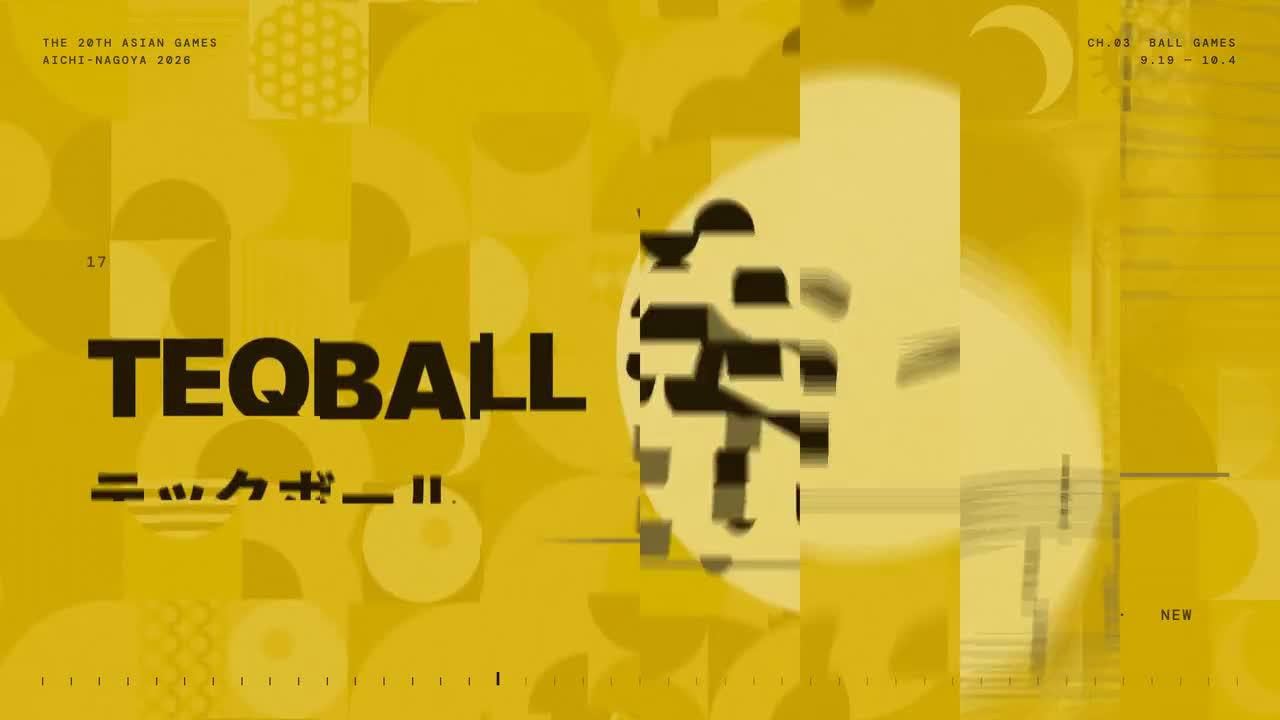
Original-release frame; review action readability and both title languages in motion.
4. Rebuild music, poses, and video
Review MemeGIF actions through playback and targeted pauses. An attractive still does not reveal whether a foot slides during contact, an arm crosses the caption, or a prop appears before its release. Inspection should follow the entire movement and compare the uncertain moment with its neighboring frames.
For a ground-contact MemeGIF action, identify which foot supports the athlete and when support changes. Watch whether the body travels coherently rather than hovering while limbs cycle. Stylization can simplify anatomy, but Review should still distinguish intended motion from accidental detachment or unstable placement.
For an airborne MemeGIF prop, follow its path from contact through release and landing or exit. Keep its appearance recognizable as it moves. An MemeGIF correction should address the observed discontinuity without adding duplicate positions that make it unclear whether the illustration depicts movement or multiple physical objects.
Inspect title entrances and exits in the MemeGIF study, including their relationship to figure motion. A readable resting card can become unreadable during a wipe or row shift. Verify both languages in the MemeGIF export rather than assuming that correct source text guarantees visible and complete lettering throughout playback.
The reference's edit list ties visual sections to its score. If you add sound externally to an MemeGIF project, build timing from your accepted visual edit instead of stretching the reference soundtrack indiscriminately. Recheck the MemeGIF picture after any later edit so an earlier sound alignment is not mistaken for a current result.
Change one observed MemeGIF defect at a time where practical, retain the earlier version, and compare the full excerpt after revision. A repaired contact frame does not establish that all transitions remain correct. Watch for new caption overlaps or altered item order introduced elsewhere in the MemeGIF sequence.
node music/export_timeline.cjs
"$PY" music/music.py
cat music/report.txt
node lab.mjs stills/athletes.png "p=sprint,hurdles,relay&n=8&beats=4"
LANGQ=ej node shot.mjs 24.8 63.2 104.9 153 --sheet
LANGQ=ej FPS=60 OUTDIR=out_ej node render.mjs video 2
OUTDIR=out_ej zsh ./mux.sh
node srt.cjs
2 is worker count; the mux is a zsh script, not portable sh. It adds two seconds of cloned tail for the music’s ring-out. The SRT contains title cards, not spoken captions.
Inspect errors, clipping, and audio attacks. For an observed defect:
Correct the observed pose, overlap, or onset mismatch. Preserve source timing
unless a documented edit requires coordinated score changes. Keep the figure
layer masked away from labels. Regenerate affected checks and show real offsets.
5. Check the whole catalog and ending
For an MemeGIF handoff, reopen the exported file and review every included action and title. Confirm the intended order, consistent figure treatment, usable reading space, and a deliberate ending. Keep the MemeGIF project version that produced the accepted export, along with unresolved issues and any externally added sound.
A tiled finale summarizes a catalog only when viewers can still recognize what the cells represent. Inspect that idea in the MemeGIF study without assuming the same detail fits every layout. If the summary becomes visually crowded, simplify the MemeGIF ending instead of allowing unreadable miniature labels to carry essential information.
Distinguish technical output checks from editorial approval. A file can decode successfully while its athlete actions, caption spelling, or visual hierarchy remain wrong. Compare the accepted brief with the complete playback, and record what was actually inspected rather than adopting the creator's reported checks as your own evidence.
Hand over the selected excerpt, exact text record, accepted versions, final export, and provenance together. That lets another editor identify the intended action and continue a correction without guessing from a poster frame. The reference remains a study source, while the new production should be described according to its actual content and completed work.
OUT=../pictogram-motion.mp4
ffprobe -v error -count_frames -show_streams -show_format -of json "$OUT"
ffmpeg -v error -i "$OUT" -f null -
The documented full render is 9,816 frames at 60 fps. Inspect every category, title, transition, and music ending; the renderer’s console does not reliably certify encoder success.
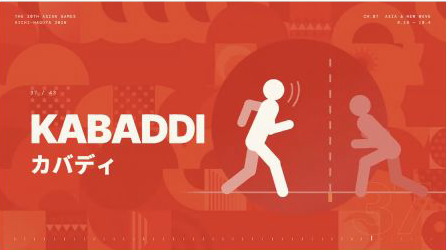
Additional author-film frame; retain fan-work identification.
Archive the editable project and checks. MIT does not cover event identity: the sports film’s explicit rights exclusions identify organiser-owned elements and forbid redistributing ref/ images. Preserve font notices; replace event-specific branding for another production.