 MemeGIF
AI anime generator on MemeGIF for original characters and coherent scenes
Give an original character somewhere to belong. The AI anime generator in MemeGIF opens with GPT Image 2 text mode, portrait 3:4 framing, and 1K. Describe a role, one action, clothing, lighting, and a useful setting. Review the configuration and credits, then compare the illustrated draft with your brief before developing its expression, silhouette, or surroundings further.
Image workspace
Sample Image
 22 / 30
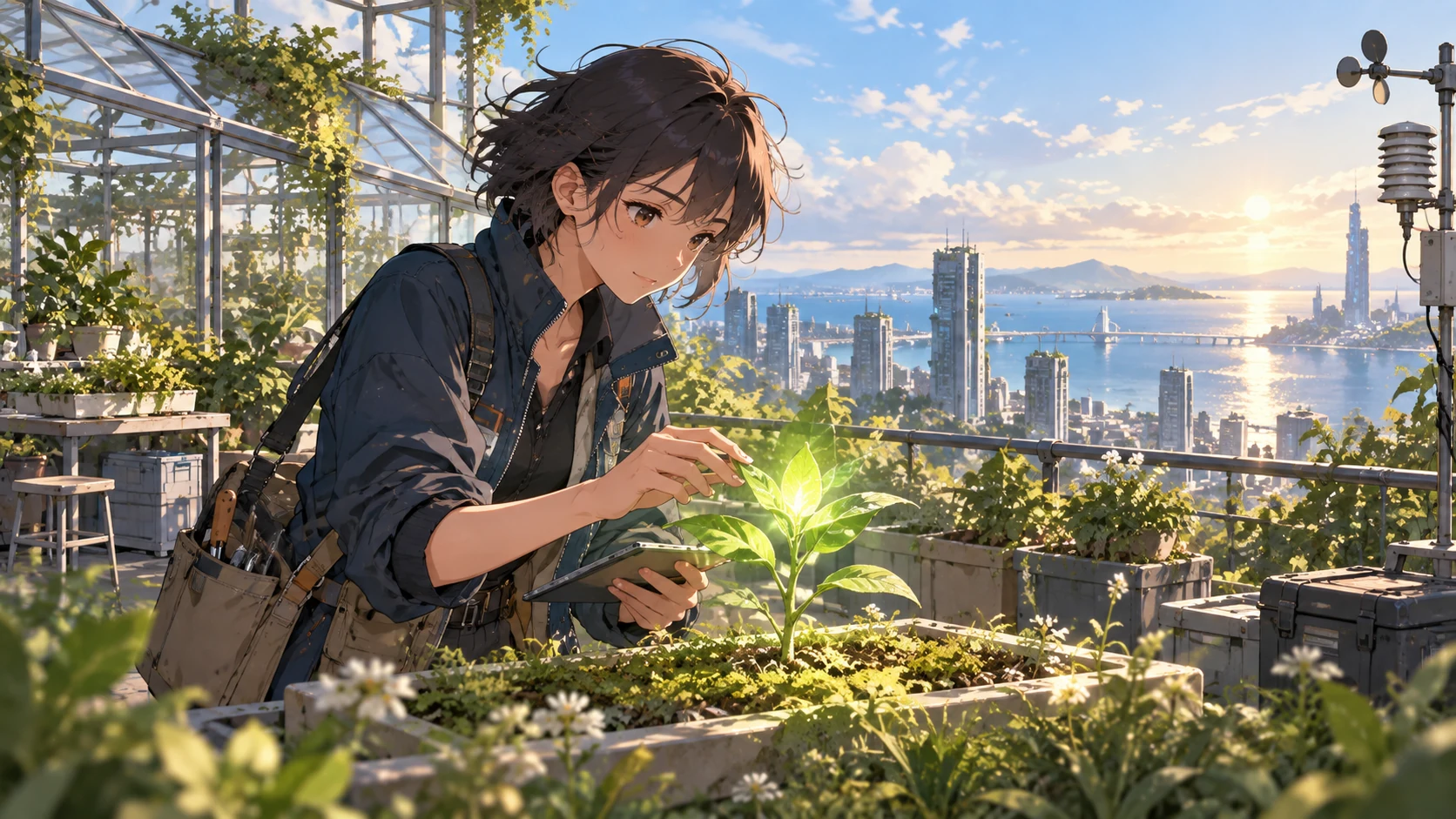
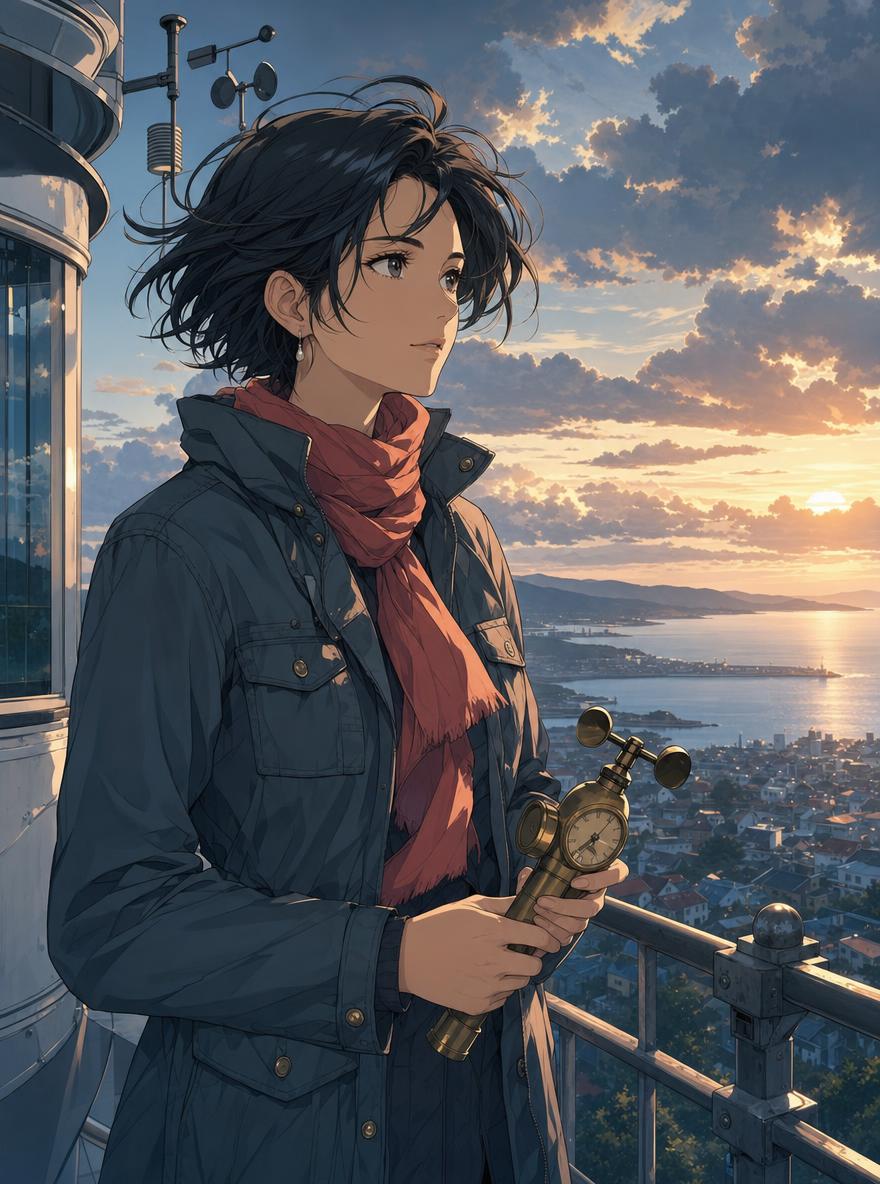
AI-generated illustration of a fictional rooftop botanist and coastal city.
Introduction
Give the AI anime generator a character in MemeGIF
Begin with a person and a purpose. The AI anime generator in MemeGIF receives a clearer brief when role, expression, outfit, and action belong to the same imagined character.
Start with role and personality
Describe an adult weather researcher with a calm, curious expression and a brass handheld instrument.
- Give the AI anime generator on MemeGIF that role before listing decorative traits.
- The action explains why the prop belongs in the image.
Make the silhouette readable
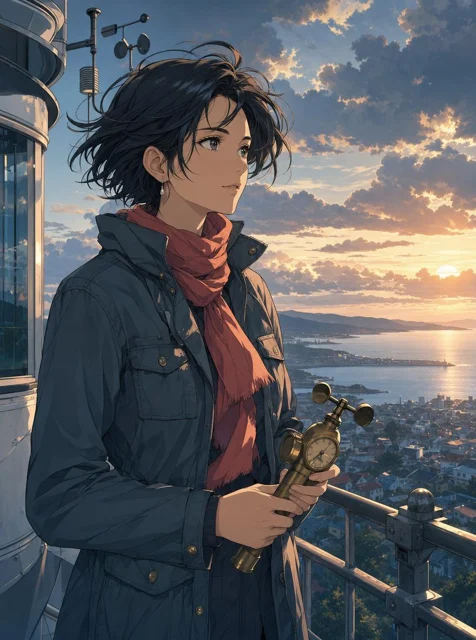
A slate field jacket, short windswept hair, and coral scarf give the researcher a recognizable outline. Tell the AI anime generator in MemeGIF which shapes matter at a glance. Too many ribbons, buckles, or ornaments can compete with that silhouette.
Describe original visual ingredients
Request clean linework, restrained cel shading, and a softly painted environment. The AI anime generator in MemeGIF uses GPT Image 2 rather than a separately identified anime-specific model. Describe the treatment directly, with your own character and costume. Specific line, shadow, and texture choices provide a clearer direction than an unexplained style label.
How to use
How to use the AI anime generator in MemeGIF
- PromptSTEP 1
Define an original character
Open the AI anime generator in MemeGIF with GPT Image 2 text mode. Describe a role, expression, outfit, and one meaningful object without needing a starting image.
- ModelGPT Image 21K3:4PromptSTEP 2
Give the character a scene
Brief the AI anime generator in MemeGIF on action, setting, framing, and light. Keep the surroundings secondary to the person and allow room for the visible gesture.
- Detail
 STEP 3
Review and generate a draft
Begin the AI anime generator at 3:4/1K in MemeGIF. Check outputs and the quote, then sign in with sufficient credits before submitting the text request.
- Create an original anime illustration of an adult weather researcher on an observatory balcony above a coastal town. Short windswept dark hair, a slate field jacket, a coral scarf, and a brass handheld weather instrument. Calm, curious expression, waist-up framing, clearly drawn hands. Warm sunset rim light, a quieter cool foreground, distant clouds, and layered atmospheric depth. Clean linework with restrained cel shading and a softly painted environment. Portrait composition, no text, logos, or recognizable franchise elements.DownloadSTEP 4
Inspect and refine one issue
Compare the AI anime generator draft from MemeGIF with your brief. Inspect anatomy, costume, object contact, and perspective before selecting it or planning a focused reference-editing revision.
Features
Build an AI anime generator setting with purpose
A background should explain where the character belongs. Give the AI anime generator in MemeGIF a place, time, and activity, with scenery that supports the person rather than competes with them.
Give the setting a function
An observatory balcony gives the researcher a reason to hold a weather instrument above the coastal town.
- Give the AI anime generator on MemeGIF that relationship between person and place.
- In the greenhouse example, an instrument maker’s workbench explains the tools and posture. Keep only objects that help the action read.
Plan depth in MemeGIF
Describe a quieter foreground, a clear character area, and distant clouds above the town. The AI anime generator in MemeGIF receives a depth plan without making every layer equally detailed. Check that the face and instrument remain prominent.
Make weather visible within the scene
Warm sunset rim light and a cooler foreground create a coherent weather direction. Tell the AI anime generator on MemeGIF its visible consequences on hair, clothing, and railings. For the greenhouse, soft overcast light through the roof suits muted greens and warm wood. Avoid competing time-of-day instructions within one scene.
Direct AI anime generator composition
Decide what viewers should notice first. The AI anime generator in MemeGIF uses written direction for framing, gesture, color hierarchy, and breathing room; identify those choices before adding small decorations.
Choose the camera distance
The page starts at portrait 3:4, which can hold a waist-up character and some surroundings.
- Give the AI anime generator in MemeGIF the camera distance and comfortable headroom.
- A full figure needs a different balance of space than a face study. Check the crop before asking for finer costume detail.
Give the pose clear support
Begin with a readable standing turn or a supported seated posture. Give the AI anime generator on MemeGIF clear hand contact with the instrument or workbench. Inspect wrists, elbows, shoulders, and the object’s scale afterward. An expressive face does not resolve fingers merged into a tool or an arm with an implausible connection.
Create a restrained color hierarchy
Choose slate clothing and a coral accent against the warmer sky. The AI anime generator in MemeGIF can receive a dominant palette without making every surface equally saturated. Compare the scarf, face, and distant town together.
Run the AI anime generator draft in MemeGIF
Make each attempt answer one visual question. The AI anime generator in MemeGIF starts with text creation, while reference editing is a separate mode you can select for an existing draft.
Write the scene in a readable order
Write subject, action, setting, frame, and light in that order, with important character cues ahead of decoration.
- The AI anime generator in MemeGIF accepts text prompts from three to 20,000 characters.
- No upload is required in the starting text mode. Keep the brief concise enough to identify conflicting instructions before submission.
Review the request settings
GPT Image 2 offers Auto or fifteen fixed ratios, 1K, 2K, or 4K, and one to four outputs. The AI anime generator in MemeGIF starts at 3:4/1K and requests JPEG/high quality. Review the quote after changes. Sign in with sufficient credits; cloud requests and their results are saved to your account.
Revise one visible weakness
Keep the strongest idea and address a quieter background, clearer hand, or warmer expression. For reference-led revision, switch the AI anime generator in MemeGIF to image editing and upload the chosen draft. GPT Image 2 accepts up to sixteen references there. Explain their roles, then inspect whether the character changed beyond your intended revision.
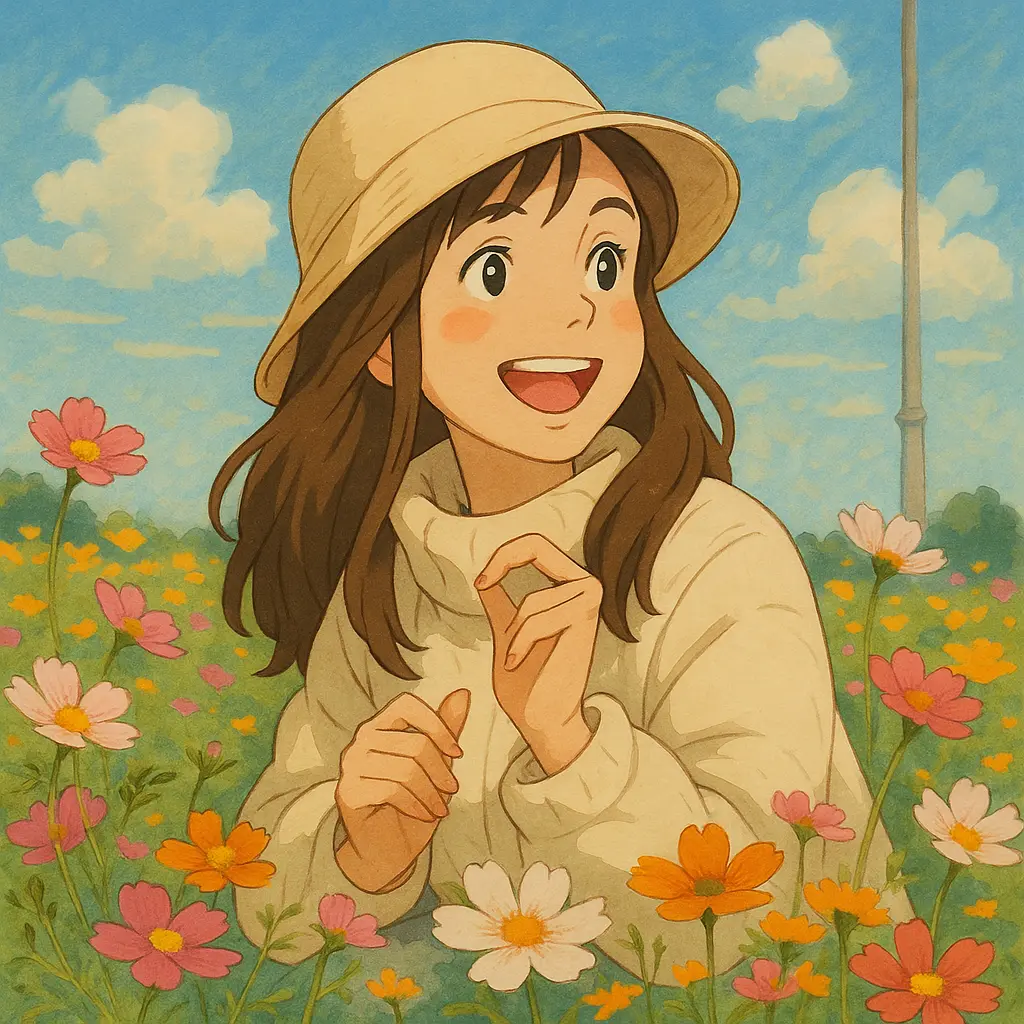
Review AI anime generator construction and continuity
A strong palette can hide structural problems. Compare the AI anime generator result from MemeGIF with your brief, then inspect anatomy, objects, perspective, and recurring character cues separately.
Inspect anatomy and accessories
Check eyes, fingers, elbows, clothing connections, and the instrument as individual forms.
- An AI anime generator draft from MemeGIF can contain attractive texture around an implausible shape.
- Look for straps that merge into jackets or tools that lose their construction. Compare the pose without relying on scenery to make it seem convincing.
Follow the environment’s geometry
Follow balcony railings, greenhouse frames, workbench edges, and horizon lines across the picture. The AI anime generator in MemeGIF should be evaluated for a space the character could occupy. Check hand and foot contact with nearby surfaces, along with perspective. A quieter environment can serve the concept better than elaborate but conflicting geometry.
Compare recurring characters in MemeGIF
Compare hairstyle, outfit, proportions, and signature objects when developing several scenes. Reusing a description with the AI anime generator on MemeGIF does not guarantee an identical character. Keep the chosen draft as a reference for your project, and inspect each result independently before treating it as another moment within the same story.
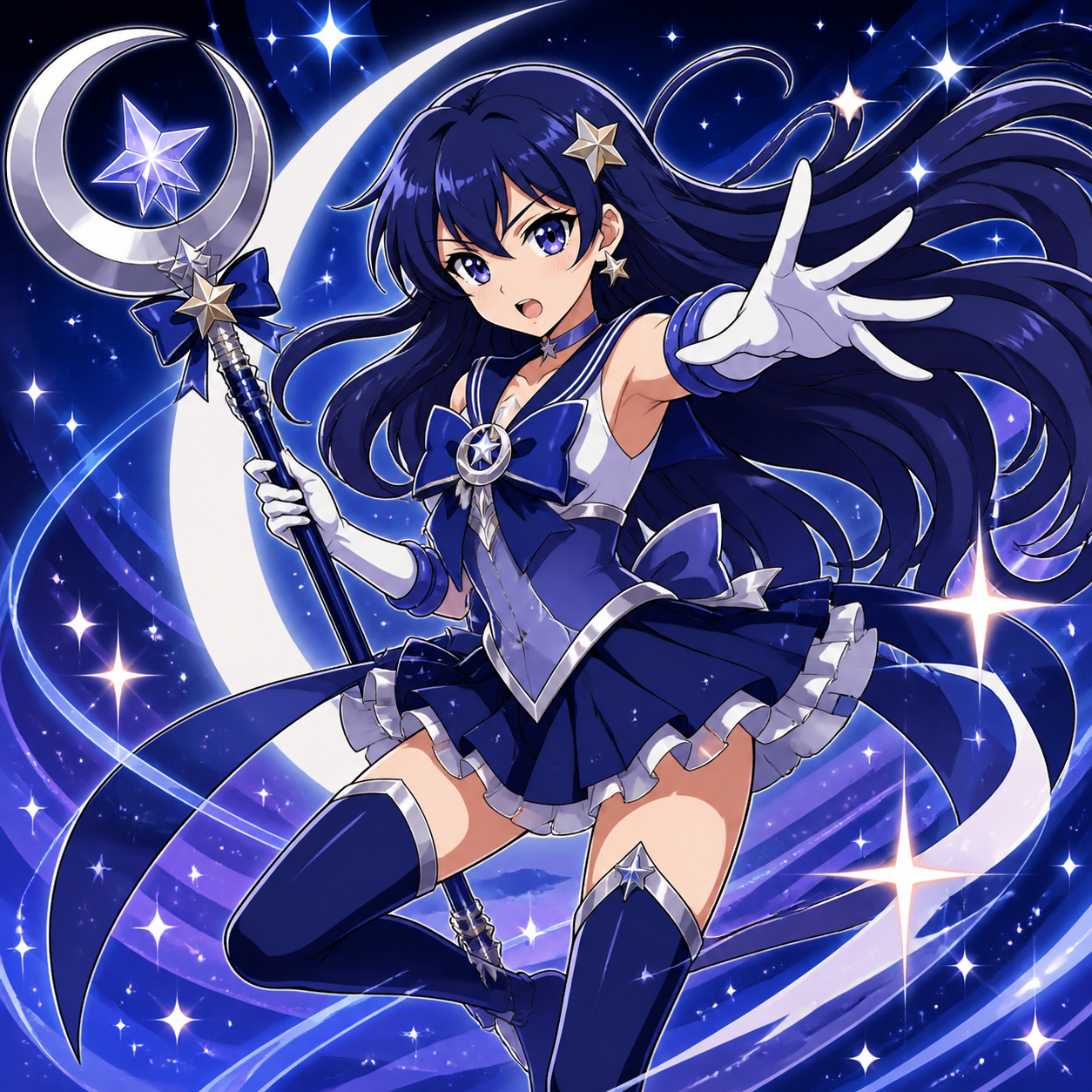
Develop the AI anime generator concept for its destination
Keep the useful decisions from exploration. The AI anime generator in MemeGIF produces still-image concepts; select the character, prepare the destination layout, and record the direction that serves your project.
Match the intended illustration layout
A profile illustration needs a readable face; a story image needs room for action and setting.
- Give the AI anime generator in MemeGIF the destination’s purpose and crop.
- Test the chosen scene in your layout. A still-image concept can communicate an animated-world idea without itself delivering animation or a finished production.
Keep final typography separately editable
For a cover or poster, request quiet space where the final title will sit. The AI anime generator on MemeGIF can receive that compositional need without embedding every caption. Add exact typography in your design workflow, checking spelling and placement. A separate title lets you change wording while retaining a useful illustration.
Save the decisions that worked
Save the brief, preferred image, palette, and defining costume details. Give the AI anime generator in MemeGIF the next task from those concrete decisions rather than memory of an appealing draft. Review the new candidate beside the previous choice.
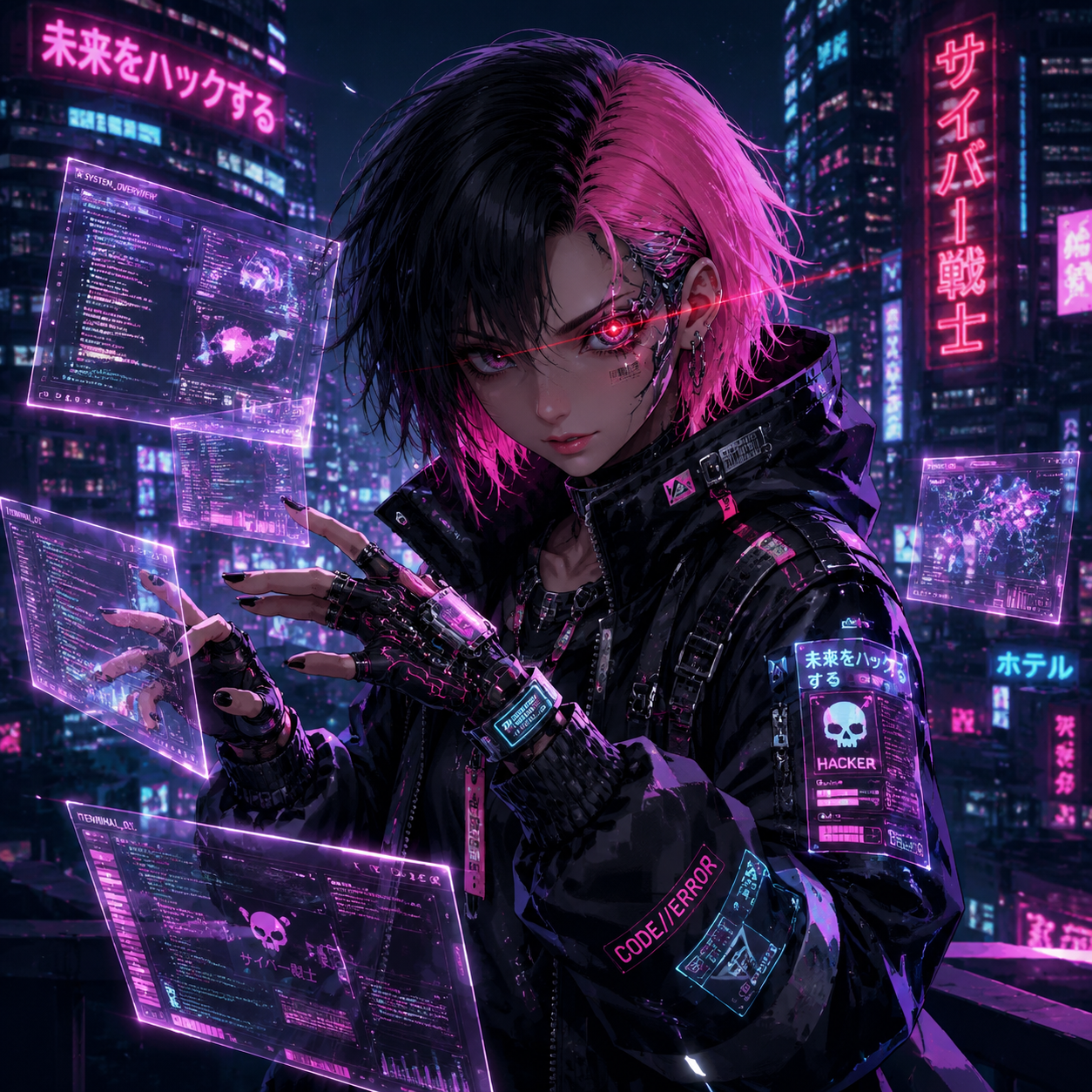
Example prompts
The rooftop weather researcher
Create an original anime illustration of an adult weather researcher on an observatory balcony above a coastal town. Short windswept dark hair, a slate field jacket, a coral scarf, and a brass handheld weather instrument. Calm, curious expression, waist-up framing, clearly drawn hands. Warm sunset rim light, a quieter cool foreground, distant clouds, and layered atmospheric depth. Clean linework with restrained cel shading and a softly painted environment. Portrait composition, no text, logos, or recognizable franchise elements.
The greenhouse instrument maker
An original adult anime character repairs a small wooden musical instrument at a greenhouse workbench. Rolled sleeves, round glasses, a simple apron, and a focused but gentle expression. Show the character from the waist up with a readable silhouette, clear hands, and only a few organized tools. Soft overcast daylight through the glass roof, muted botanical greens, warm wood, and one amber accent. Detailed but quiet environment, clean expressive linework, portrait framing, no captions or brand marks.
Workflow examples
Illustrative ways to plan, generate, and review your work.
MemeGIF workflow examples
Begin with a product photograph and a focused image-editing brief. Compare the draft with the original for shape, labels, and proportions before placing it into a listing. Add approved logos and exact copy in your design application.
Choose a video model and describe one small action, such as a careful object turn. Review the available duration, resolution, and credits. Check the completed take for object continuity and sound before using it in a larger edit.
Give the image workspace a subject, viewpoint, and visual metaphor that supports your article. Preview the result inside the intended layout. Adjust the crop or composition when it competes with the headline or obscures an important detail.
Sign in and use Compress Image when a picture has the right dimensions but a large file size. Compression runs in the browser; input and output images are saved to your account. Compare the result before downloading individual files or a ZIP.
Paste a draft into Humanize AI and select Natural, Friendly, or Professional tone. Review the rewrite for meaning, names, figures, and technical terms. Copy or download the version you have checked; detector scores and publication outcomes are not guaranteed.
Record the palette, viewpoint, lighting, and subject scale in a reusable brief. Supply relevant references where the selected image model supports them. Compare the images together, then revise specific differences instead of assuming automatic campaign-wide consistency.
MemeGIF Pricing and Credit Plans
Cancel anytime
Trending face-swap templates cost 300 Credits per video, including full-length Bad Times and every available format. Other tools keep their own quotes. Existing MV tickets remain usable until their original expiry; new tickets are no longer sold.
Pay once annually; receive 1/12 of your annual Credits each month. The first allocation arrives after payment, then monthly. Tax included. Each allocation expires at the next subscription month or paid-year end.
Lite
50% off0.025 / credit
$14.9/month equivalent · Billed $179· Save $179.8
Annual total: 7,200 credits, issued monthly
Video Models


Image Models


- Includes MiniMax H3 and all premium models
- Up to 1 batch generation task
- Standard generation speed
- Standard generation success rate
- Standard customer support
- Commercial Use License
Standard
50% off0.017 / credit
$24.9/month equivalent · Billed $299· Save $299.8
Annual total: 18,000 credits, issued monthly
Video Models
Image Models
- Includes MiniMax H3 and all premium models
- Up to 4 batch generation tasks
- Priority processing speed
- High generation success rate
- Priority customer support
- Commercial Use License
Pro
50% off0.014 / credit
$49.9/month equivalent · Billed $599· Save $599.8
Annual total: 43,200 credits, issued monthly
Video Models
Image Models
- Includes MiniMax H3 and all premium models
- Up to 10 batch generation tasks
- Fastest generation speed
- High generation success rate
- Dedicated account manager
- Commercial Use License
Max
50% off0.012 / credit
$99.9/month equivalent · Billed $1,199· Save $1,199.8
Annual total: 96,000 credits, issued monthly
Video Models
Image Models
- Includes MiniMax H3 and all premium models
- Up to 10 batch generation tasks
- Fastest generation speed
- High generation success rate
- Dedicated account manager
- Commercial Use License
Pay safely and securely with























FAQ
Frequently asked questions
Does the AI anime generator on MemeGIF need an upload?
No image is required in the starting GPT Image 2 text workflow. Describe an original subject, action, setting, framing, and light to the AI anime generator in MemeGIF. If an existing draft should guide a revision, switch to reference editing and upload it instead of expecting text mode to use a picture.
Which model powers the AI anime generator?
The AI anime generator in MemeGIF starts with GPT Image 2. Anime-inspired illustration is the task you describe, with linework, shading, proportions, and texture in the prompt. It is not a separately identified anime model. Other model selections have their own controls, so review the configuration after switching.
Will the AI anime generator on MemeGIF keep my character identical?
Character continuity is not guaranteed. The AI anime generator in MemeGIF can change proportions, costumes, or accessories across requests, including reference-based revisions. Keep a short character brief and the chosen draft, then compare each candidate’s silhouette, expression, and defining details before including it in the same visual story.
Can I choose landscape framing in the AI anime generator?
The AI anime generator in MemeGIF starts at 3:4, but GPT Image 2 supports other ratios. Choose a frame suited to the scene and adjust camera-distance instructions so the character remains prominent. Review 1K/2K/4K, output count, and the displayed quote before submitting the revised configuration.
Does the AI anime generator create animation on MemeGIF?
This AI anime generator workflow in MemeGIF creates still images. Use the result to explore a character, scene, or illustrative direction, then evaluate it for that purpose. A coherent illustration does not establish motion or continuity across shots. Plan any subsequent video task separately with its own available controls.
CTA
Give the AI anime generator an original scene with MemeGIF
Choose a role, action, and coherent setting. Use the AI anime generator in MemeGIF to explore the first draft, then review silhouette, expression, and construction before taking the character further.
Start an original anime concept