 MemeGIF
AI face swap on MemeGIF with a defined source and portrait target
Plan a face-replacement concept with two references that have distinct roles. AI face swap on MemeGIF opens with GPT Image 2 image editing, Auto framing, and 1K. Identify the target photograph and authorized adult face source, then describe the pose, expression, and scene details to retain. Review settings and credits before processing. Compare resemblance and scene coherence separately; this generative workflow has no dedicated identity-lock control.
Image workspace
Sample Image
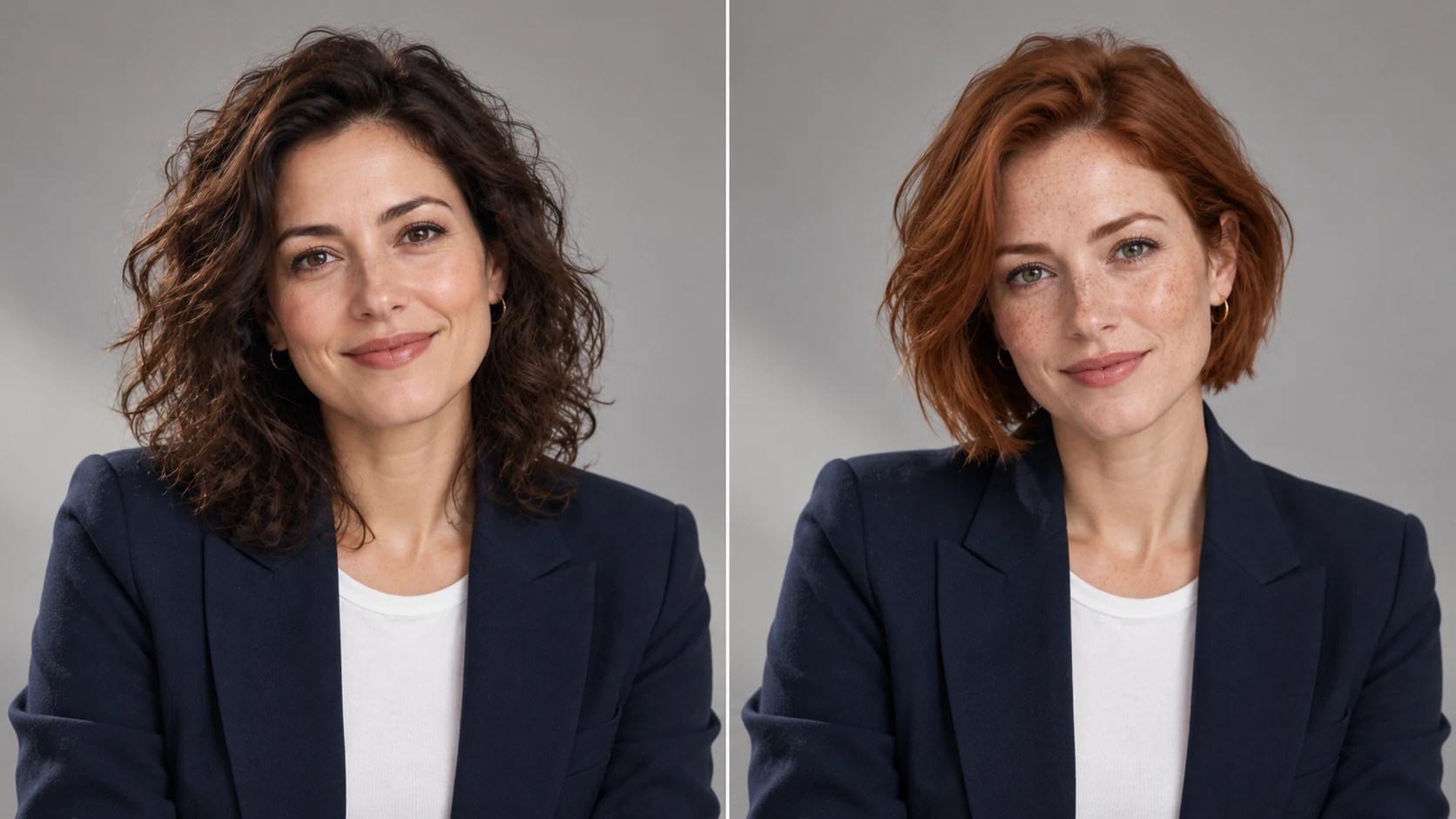 8 / 17
AI face-swap concept illustration; not an MemeGIF test.
Introduction
Assign AI face swap reference roles in MemeGIF
The target defines the composition, while the face source guides appearance. Tell AI face swap on MemeGIF those roles rather than asking both photographs to supply the complete scene.
Identify the photograph being revised in MemeGIF
Name the target through a clear feature, such as the adult beside a blue wall or wearing a navy jacket.
- Give the AI face swap request in MemeGIF the pose, clothing, framing, and surroundings to retain.
- Check the chosen photograph before submitting so the assignment concerns the image you intended to revise.
Name the face reference separately
Identify the separate authorized adult close-up as the face source. Direct AI face swap on MemeGIF toward its visible facial appearance, rather than importing that photograph’s clothing or setting. Explain the role through a clear description or upload order, then inspect whether the result followed it instead of assuming automatic source-target assignment.
Avoid competing MemeGIF reference roles
Start with a target and one clear face source before adding other material. Several unrelated face references can make AI face swap in MemeGIF ambiguous. If another photograph shows the same adult from a useful angle, describe that contribution explicitly; more uploads are useful only when they clarify the requested appearance or scene.
How to use
How to use AI face swap in MemeGIF
- Input
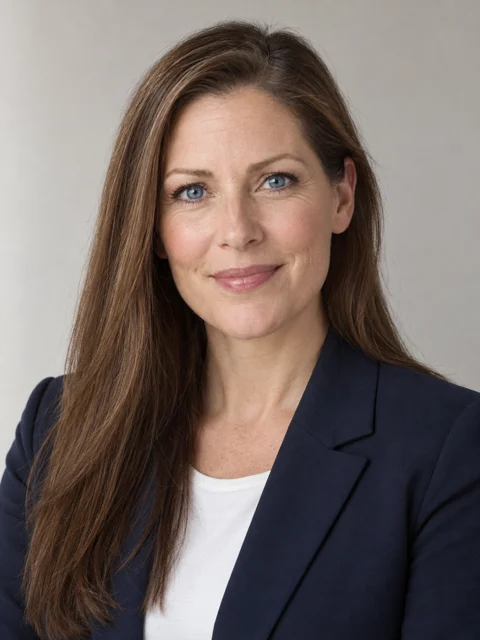 Target composition 1
 Face reference 2STEP 1
Choose the two reference roles
Open AI face swap in MemeGIF with GPT Image 2 editing. Provide an authorized adult face source and the target portrait whose composition should guide the revision.
- ModelGPT Image 21KPromptOutputSTEP 2
Describe appearance and retained context
Give AI face swap clear source and target roles in MemeGIF. Specify expression, hairstyle, pose, lighting, and scene details that you will compare after processing.
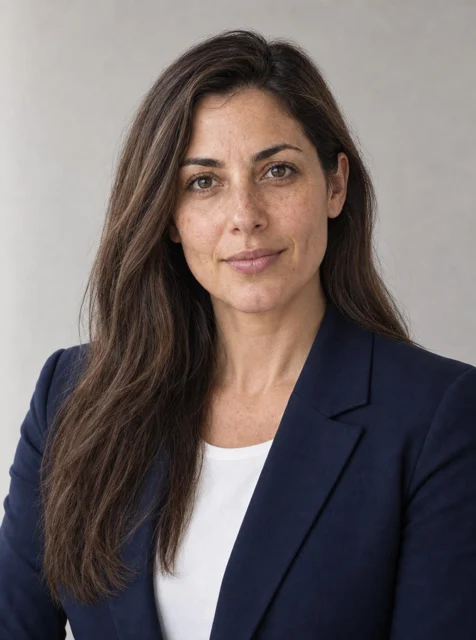 BeforeAfterSTEP 3
Check the request and credits
Review AI face swap frame, size, count, and references in MemeGIF. Sign in with enough credits and confirm the current quote before sending the editing assignment.
- STEP 4
Compare resemblance and scene coherence
Review AI face swap output from MemeGIF against both photographs. Inspect facial proportions and body transitions, then check the target’s surroundings before selecting the edited concept.
Features
Choose compatible AI face swap photographs
Choose references with readable features and a compatible angle for AI face swap. MemeGIF receives the visible material you supply, without verifying facial structure hidden from those views.
Choose a compatible head angle
A front-facing source gives limited evidence for a target turned sharply sideways.
- Choose an AI face swap source with a compatible angle for MemeGIF when available.
- Compare how much of each cheek is visible and whether the ears are shown.
Keep defining features visible
Deep shadow, motion blur, or a hand crossing the face can hide the features that matter. Give AI face swap on MemeGIF a readable source showing the eyes, nose, mouth, and outline.
Consider perspective as well as crop size
A close phone selfie can have different proportions from a portrait taken at a greater distance. Consider those views before planning AI face swap in MemeGIF. A larger crop is not necessarily a more compatible reference. Review the apparent nose, cheek, and jaw relationships alongside the target instead of judging source usefulness by size alone.
Ground AI face swap in the target pose
The AI face swap face should relate coherently to the existing body pose. Explain the desired expression and retained silhouette in MemeGIF before asking for broader scene changes.
Specify the expression you will evaluate
Decide whether to keep the target smile or request a calmer expression.
- Tell AI face swap in MemeGIF the intended choice rather than leaving conflicting expressions unresolved.
- Inspect eyes and mouth together, including gaze, eyelids, and teeth; a convincing central face can still convey an expression inconsistent with the target’s body language.
Clarify the hair and accessory boundary
State whether the target hairstyle and glasses should remain or the source should guide them. AI face swap on MemeGIF receives those decisions as written instructions, without a dedicated boundary selection. Inspect frames, ears, and hairline afterward for merged or missing details. Treat preservation as a goal to compare, not a locked silhouette.
Keep the body and scene secondary
Ask to retain shoulders, outfit, camera position, and surroundings when the assignment concerns facial appearance. For a first AI face swap attempt in MemeGIF, avoid adding an unrelated location or clothing change.
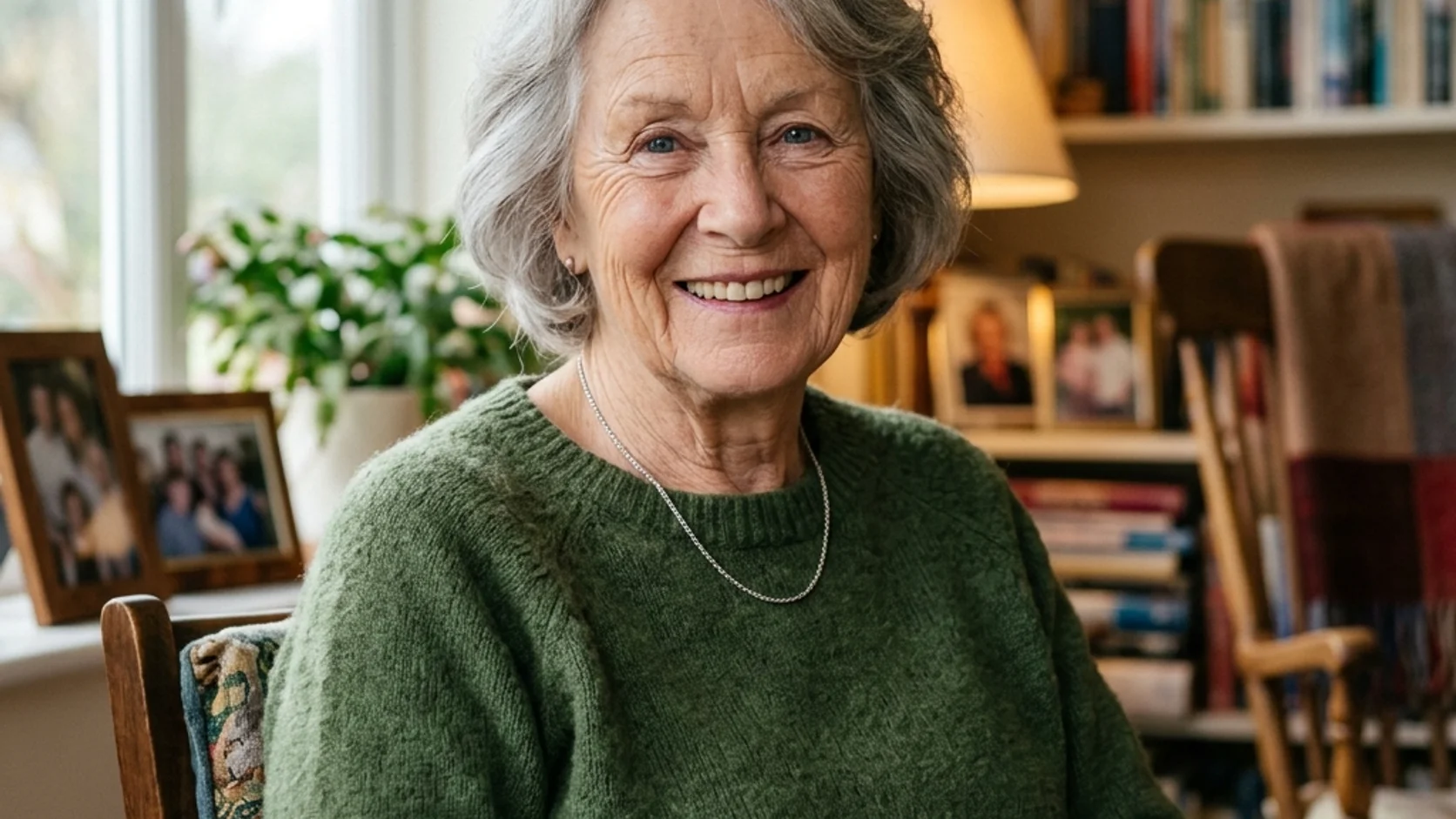
Review AI face swap light and transition areas
AI face swap resemblance can still look disconnected from the target. Direct the MemeGIF request toward compatible light, then inspect the jaw, ears, hairline, and neck together.
Follow the target light direction
If the target uses soft window light from the left, request facial highlights and shadows compatible with that direction.
- AI face swap from MemeGIF should be reviewed beside the scene, rather than simply copying a source’s different studio light.
- Look across both cheeks and beneath the nose, then compare the illumination on the clothing.
Check how the head meets the body
Follow the jaw into the neck and inspect where ears meet hair. An AI face swap result from MemeGIF may show plausible central features with an awkward transition into the target body. Check these larger relationships before judging subtle skin texture; they determine whether the head belongs naturally within the selected pose.
Retain natural tonal variation
Describe natural skin variation instead of a uniformly polished complexion. With AI face swap in MemeGIF, compare the face, neck, and visible hands within the same lighting environment. They need coherent illumination rather than identical brightness. Reject smoothing that hides a shape or transition problem instead of resolving the actual mismatch.
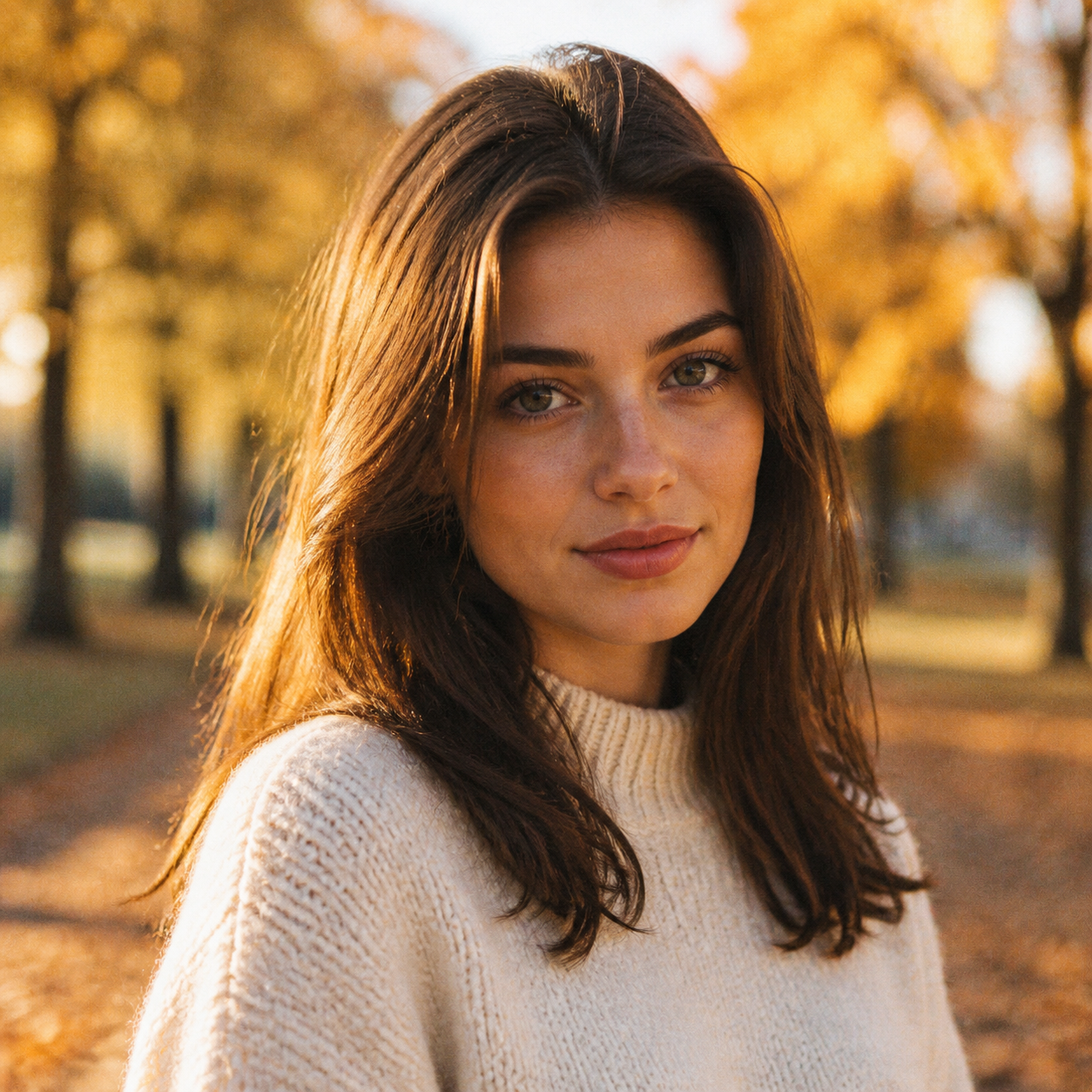
Run an AI face swap request in MemeGIF
MemeGIF starts AI face swap in GPT Image 2 reference-editing mode. Define the intended appearance change, supply useful photographs, and read the current quote before submitting.
Upload and explain the roles
Upload the target and authorized adult face source, then explain their separate roles in the AI face swap prompt on MemeGIF. This brief begins with two clearly assigned photographs. Check the material and roles before describing the intended facial revision.
Review MemeGIF settings and account processing
Default GPT Image 2 supports up to sixteen references, prompts from three to 20,000 characters, and one to four outputs. Review AI face swap in MemeGIF at 1K, 2K, or 4K with suitable framing. Requests specify JPEG and high quality. Sign-in, sufficient credits, network provider processing, and account-saved inputs and results apply to this workflow.
Address the largest remaining mismatch
Identify the largest mismatch before requesting another AI face swap candidate in MemeGIF: source resemblance, target expression, or the head’s connection to the body. Change one useful instruction and compare again with both photographs. Recheck displayed credits after settings changes, rather than treating a previous quote as the price of every revision.

Compare AI face swap with source and target
Review AI face swap against two separate criteria: the source’s appearance and the target’s scene. MemeGIF provides generated artwork, so one successful comparison does not establish the other.
Compare resemblance without an exact-identity promise
Compare eyes, mouth, facial proportions, and distinctive visible features with the authorized source. AI face swap on MemeGIF has no dedicated identity-lock setting or exact-exchange guarantee. A plausible new face can differ from the reference adult. Decide whether the actual resemblance suits your concept without treating apparent realism as evidence of identity accuracy.
Check whether the target scene still works
Review pose, clothing, background objects, and other people in the target photograph. AI face swap in MemeGIF is generative editing, so differences can extend beyond the face you named. Reject a candidate that improves source resemblance by changing the person’s body position or replacing the setting; those changes may defeat the target’s purpose.
Keep the MemeGIF concept in its edited context
Keep the source photographs with the selected AI face swap concept from MemeGIF. Present it within its edited context rather than as evidence of attendance or endorsement by the reference adult. Follow the permission agreed for the intended use, and give collaborators the originals when they need to understand what was altered.
Example prompts
An authorized studio portrait variation
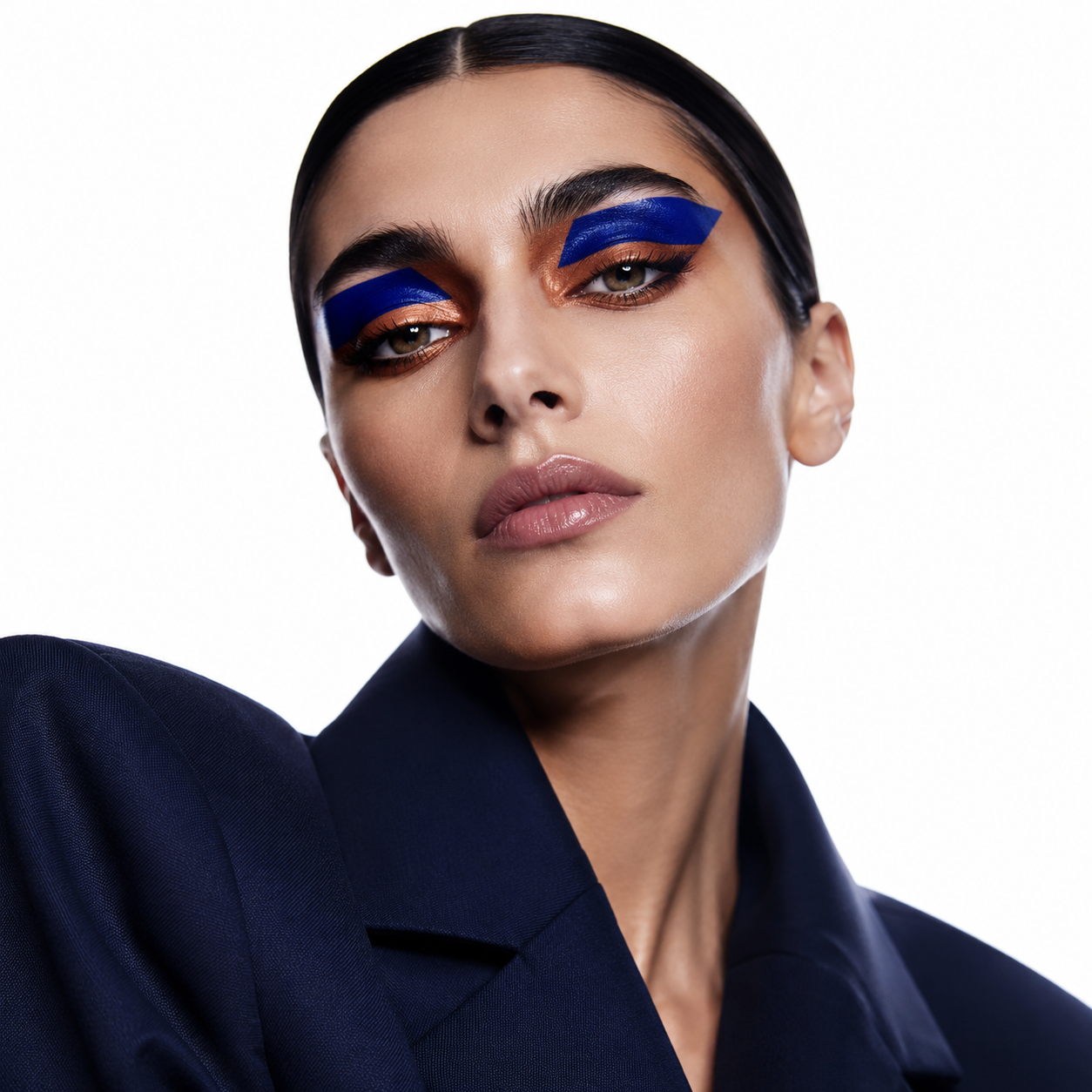
Use the photograph with the navy jacket as the target composition and the separate authorized adult close-up as the face reference. Create a face-replacement concept guided by the adult reference's recognizable facial features. Retain the target jacket, pose, framing, neutral background, and soft light from the left as closely as possible. Use a relaxed expression and natural skin texture. Keep the target hairstyle. Pay attention to the jaw, ears, neck, and hairline transitions. Do not add people, text, or logos.
A consistent face in a creative portrait target
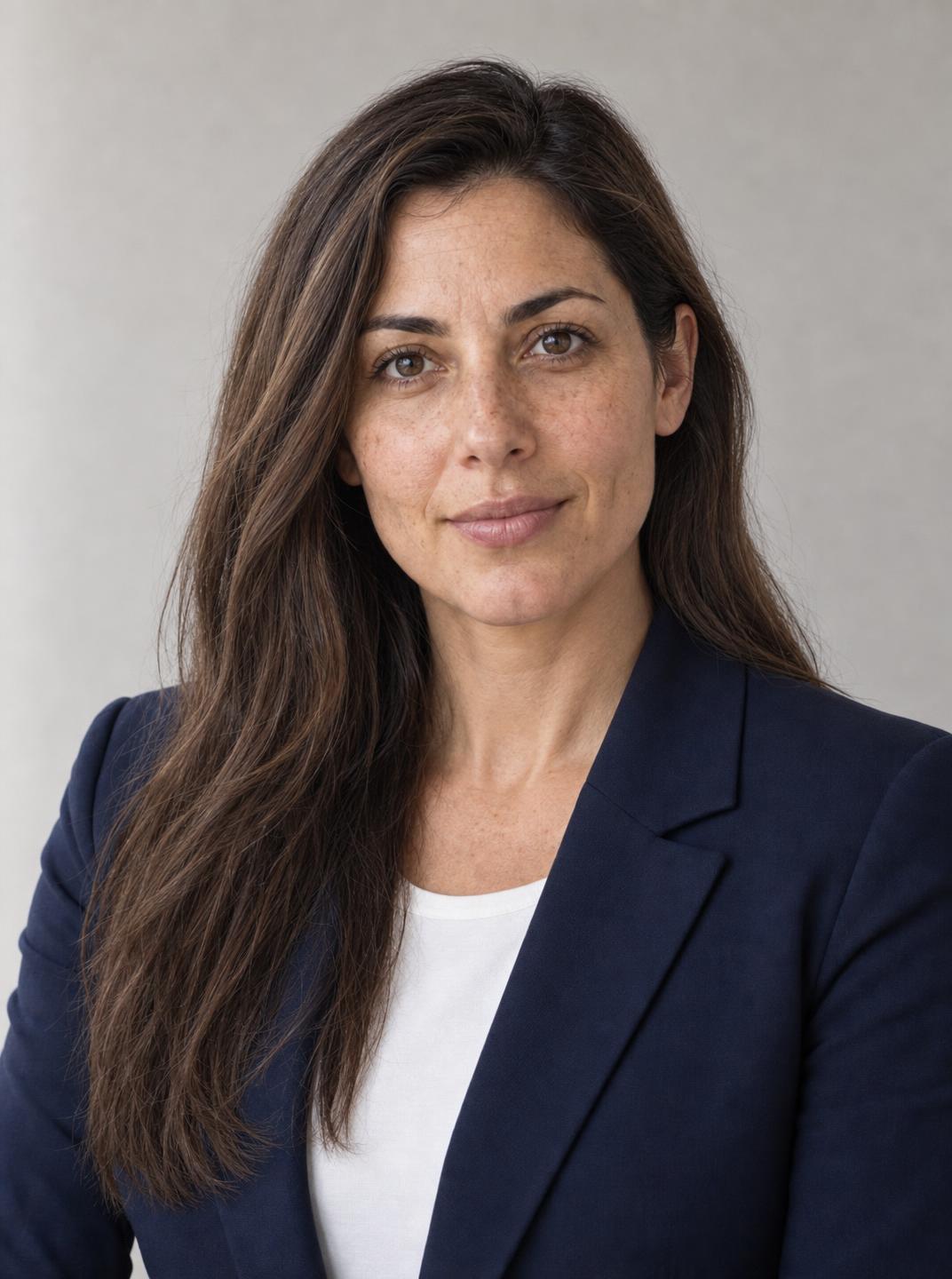
Use the adult portrait beside the blue wall as the target, and the other uploaded adult portrait as the authorized face source. Guide facial appearance from the source while retaining the target's three-quarter pose, calm expression, clothing, background, and camera viewpoint. Match the target's existing window light and retain its hairstyle and glasses. Keep the face naturally integrated with the neck and ears, without excessive smoothing or new accessories. Do not change other people or objects in the frame.
Workflow examples
Illustrative ways to plan, generate, and review your work.
MemeGIF workflow examples
Begin with a product photograph and a focused image-editing brief. Compare the draft with the original for shape, labels, and proportions before placing it into a listing. Add approved logos and exact copy in your design application.
Choose a video model and describe one small action, such as a careful object turn. Review the available duration, resolution, and credits. Check the completed take for object continuity and sound before using it in a larger edit.
Give the image workspace a subject, viewpoint, and visual metaphor that supports your article. Preview the result inside the intended layout. Adjust the crop or composition when it competes with the headline or obscures an important detail.
Sign in and use Compress Image when a picture has the right dimensions but a large file size. Compression runs in the browser; input and output images are saved to your account. Compare the result before downloading individual files or a ZIP.
Paste a draft into Humanize AI and select Natural, Friendly, or Professional tone. Review the rewrite for meaning, names, figures, and technical terms. Copy or download the version you have checked; detector scores and publication outcomes are not guaranteed.
Record the palette, viewpoint, lighting, and subject scale in a reusable brief. Supply relevant references where the selected image model supports them. Compare the images together, then revise specific differences instead of assuming automatic campaign-wide consistency.
MemeGIF Pricing and Credit Plans
Cancel anytime
Trending face-swap templates cost 300 Credits per video, including full-length Bad Times and every available format. Other tools keep their own quotes. Existing MV tickets remain usable until their original expiry; new tickets are no longer sold.
Pay once annually; receive 1/12 of your annual Credits each month. The first allocation arrives after payment, then monthly. Tax included. Each allocation expires at the next subscription month or paid-year end.
Lite
50% off0.025 / credit
$14.9/month equivalent · Billed $179· Save $179.8
Annual total: 7,200 credits, issued monthly
Video Models


Image Models


- Includes MiniMax H3 and all premium models
- Up to 1 batch generation task
- Standard generation speed
- Standard generation success rate
- Standard customer support
- Commercial Use License
Standard
50% off0.017 / credit
$24.9/month equivalent · Billed $299· Save $299.8
Annual total: 18,000 credits, issued monthly
Video Models
Image Models
- Includes MiniMax H3 and all premium models
- Up to 4 batch generation tasks
- Priority processing speed
- High generation success rate
- Priority customer support
- Commercial Use License
Pro
50% off0.014 / credit
$49.9/month equivalent · Billed $599· Save $599.8
Annual total: 43,200 credits, issued monthly
Video Models
Image Models
- Includes MiniMax H3 and all premium models
- Up to 10 batch generation tasks
- Fastest generation speed
- High generation success rate
- Dedicated account manager
- Commercial Use License
Max
50% off0.012 / credit
$99.9/month equivalent · Billed $1,199· Save $1,199.8
Annual total: 96,000 credits, issued monthly
Video Models
Image Models
- Includes MiniMax H3 and all premium models
- Up to 10 batch generation tasks
- Fastest generation speed
- High generation success rate
- Dedicated account manager
- Commercial Use License
Pay safely and securely with























FAQ
Frequently asked questions
Is AI face swap on MemeGIF an identity-lock system?
No. AI face swap uses GPT Image 2 reference editing in MemeGIF, without a dedicated identity-lock control or exact-exchange guarantee. Identify the target and authorized adult face source clearly, then review the generated resemblance and its fit within the target scene as separate decisions.
How many references should I provide for AI face swap?
Begin AI face swap in MemeGIF with a target portrait and one clear authorized adult face source. Default GPT Image 2 accepts up to sixteen references, but additional material needs an explained role. Explain the roles in the prompt.
Can AI face swap use a sideways target portrait?
You can request that AI face swap composition on MemeGIF. A source with a compatible angle gives more useful visible material than a front-facing portrait alone. Compare the nose profile, ear placement, and jawline afterward; unseen facial information can be interpreted rather than verified from the reference.
Does this AI face swap page process video?
The default AI face swap selection on MemeGIF is still-image reference editing. It does not provide video face replacement, motion tracking, or continuity across footage. Review the actual photograph concept; controls or results from a separate video tool do not establish those capabilities for this image request.
What should I change when AI face swap looks unnatural?
Inspect AI face swap reference angle, expression, target light, and jaw transitions in MemeGIF first. Choose a more compatible source or revise one specific mismatch. Compare again with both originals rather than hiding a poor shape with strong smoothing; a new request still requires full review.
CTA
Define an AI face swap portrait task with MemeGIF
Choose compatible references and assign their roles in MemeGIF. Review AI face swap settings and credits, then inspect source resemblance and target coherence before deciding how the edited concept will be used.
Start a reference-based face edit