 MemeGIF
 book cover generator for a story readers can recognize
A cover suggests the reading experience before the opening sentence. Use the AI book cover generator in MemeGIF around your manuscript's mood and one meaningful motif. GPT Image 2 starts in text mode at 3:4 and 1K. Plan title and author space before preparing the finished layout.
Image workspace
Sample Image
 23 / 30
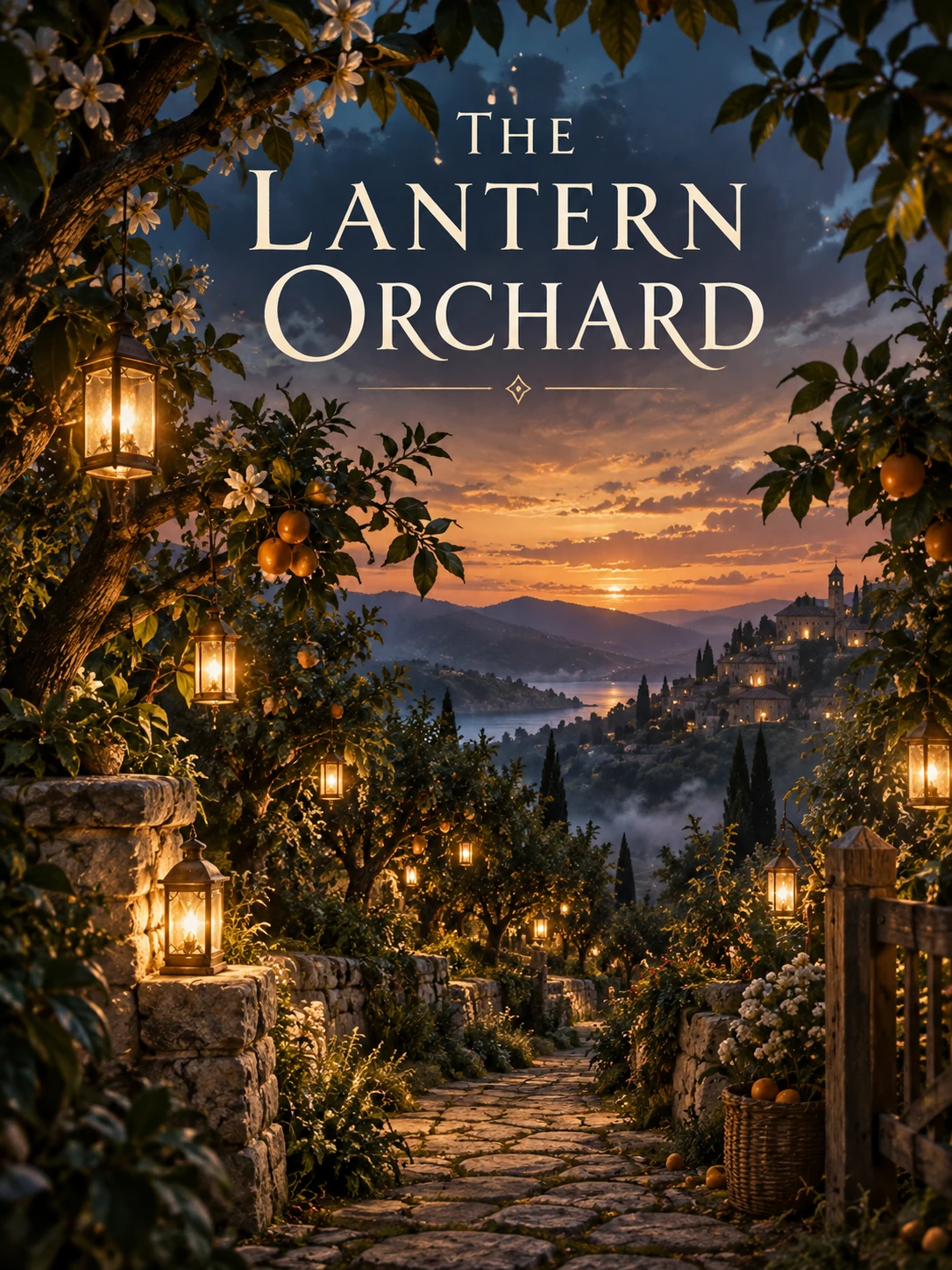
AI-generated fantasy book cover concept with lantern-lit orchard scenery.
Introduction
Give the AI book cover generator a story direction
Describe the experience, not the whole plot. An AI book cover generator brief in MemeGIF should connect the mood to what readers will actually encounter.
Choose the emotional promise
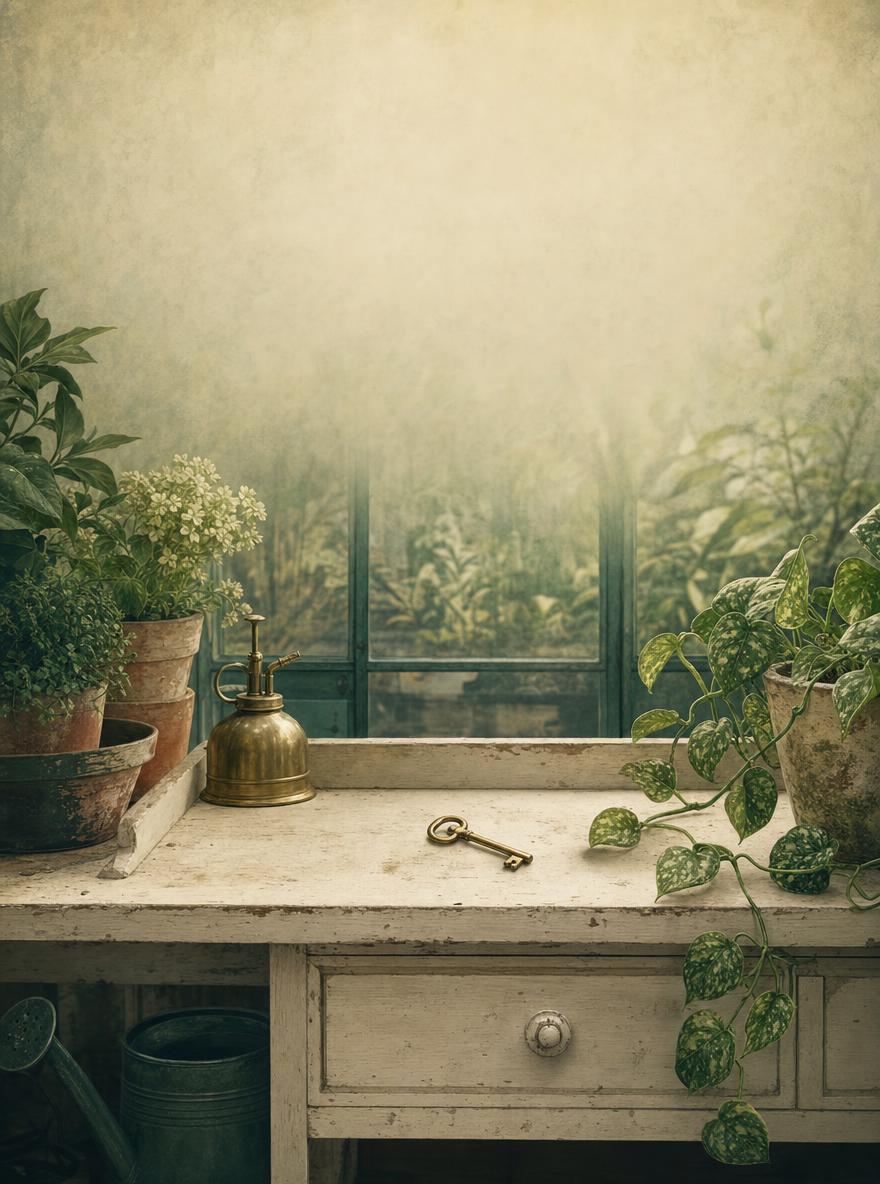
For the greenhouse mystery, choose curiosity and warmth rather than horror. Give the AI book cover generator that distinction in MemeGIF before describing scenery. The brass key should invite a question, not promise a frightening story absent from the manuscript.
- Name the intended reader and mood before prompting in MemeGIF.
- Keep the AI book cover generator concept connected to the manuscript.
Use genre signals without copying a cover
Restrained atmosphere can suggest literary fiction; an unexplained object can suggest playful suspense. Give the AI book cover generator those qualities in MemeGIF rather than another book's composition. Choose a direction belonging to your story without closely imitating a published cover.
Decide what the artwork should not reveal
A key can raise a question without revealing which door it opens. Identify spoilers before using the AI book cover generator in MemeGIF. Exclude dramatic events absent from the manuscript; an arresting image should not promise an unrelated plot.
How to use
How to use the AI book cover generator in MemeGIF
- PromptSTEP 1
Describe the story signal
Sign in to MemeGIF and open GPT Image 2 text mode in the AI book cover generator. Name the genre, mood, and one motif without requiring an uploaded image.
- ModelGPT Image 21K3:4PromptSTEP 2
Plan the hierarchy
Give the AI book cover generator a clear focal point and quiet title and author regions in MemeGIF. Keep spoilers and unwanted embedded lettering outside the brief.
- Layout preview
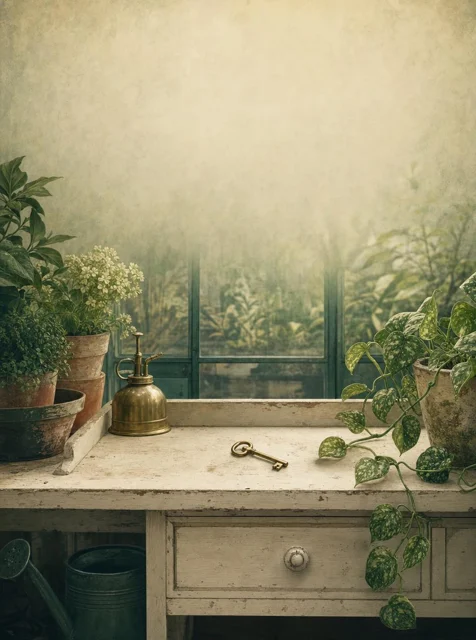 A Clue in the GreenhouseLayout preview onlySTEP 3
Generate the cover concept
Start the AI book cover generator at 3:4 and 1K in MemeGIF. Choose the output count, review displayed credits, and submit the front-cover concept for provider processing.
- Create a 3:4 front-cover illustration for an original lighthearted mystery set in a neighborhood greenhouse. One small brass key rests on a cream potting bench, with a single trailing vine and softly suggested glass panes behind it. Curious, inviting atmosphere rather than horror; muted deep green, warm cream, and a restrained brass accent. Keep the upper third quiet for a title added separately and leave a calm lower edge for the author name. No embedded text, people, skulls, weapons, logos, border, or back-cover panel.DownloadSTEP 4
Review at thumbnail size
Compare AI book cover generator artwork from MemeGIF at small size and in a rough layout. Check story relevance, then prepare exact typography and publication specifications separately.
Features
Build the AI book cover generator concept around one motif
Choose an image that carries the story. In MemeGIF, give the AI book cover generator one central motif rather than every character, setting, and important object.
Let an object carry the unanswered question
The coastal family novel places a weathered envelope on a pale windowsill. Ask the AI book cover generator to emphasize it in MemeGIF, not the distant house. Its importance should come from the manuscript rather than mystery supplied by decoration.
- Test the central object's silhouette in your MemeGIF candidate.
- Keep secondary AI book cover generator details subordinate to the motif.
Use the setting as atmosphere
Suggest greenhouse panes behind the key with one vine, or a coastal house through misted glass. Tell the AI book cover generator where to simplify in MemeGIF. Elaborate plants and architecture can become clutter in a catalog thumbnail.
Decide whether showing a character helps
A face fixes an interpretation of a protagonist; an object-led cover leaves more open. Consider a figure from behind when appropriate. Give the AI book cover generator a deliberate choice in MemeGIF instead of assuming every cover needs a portrait.
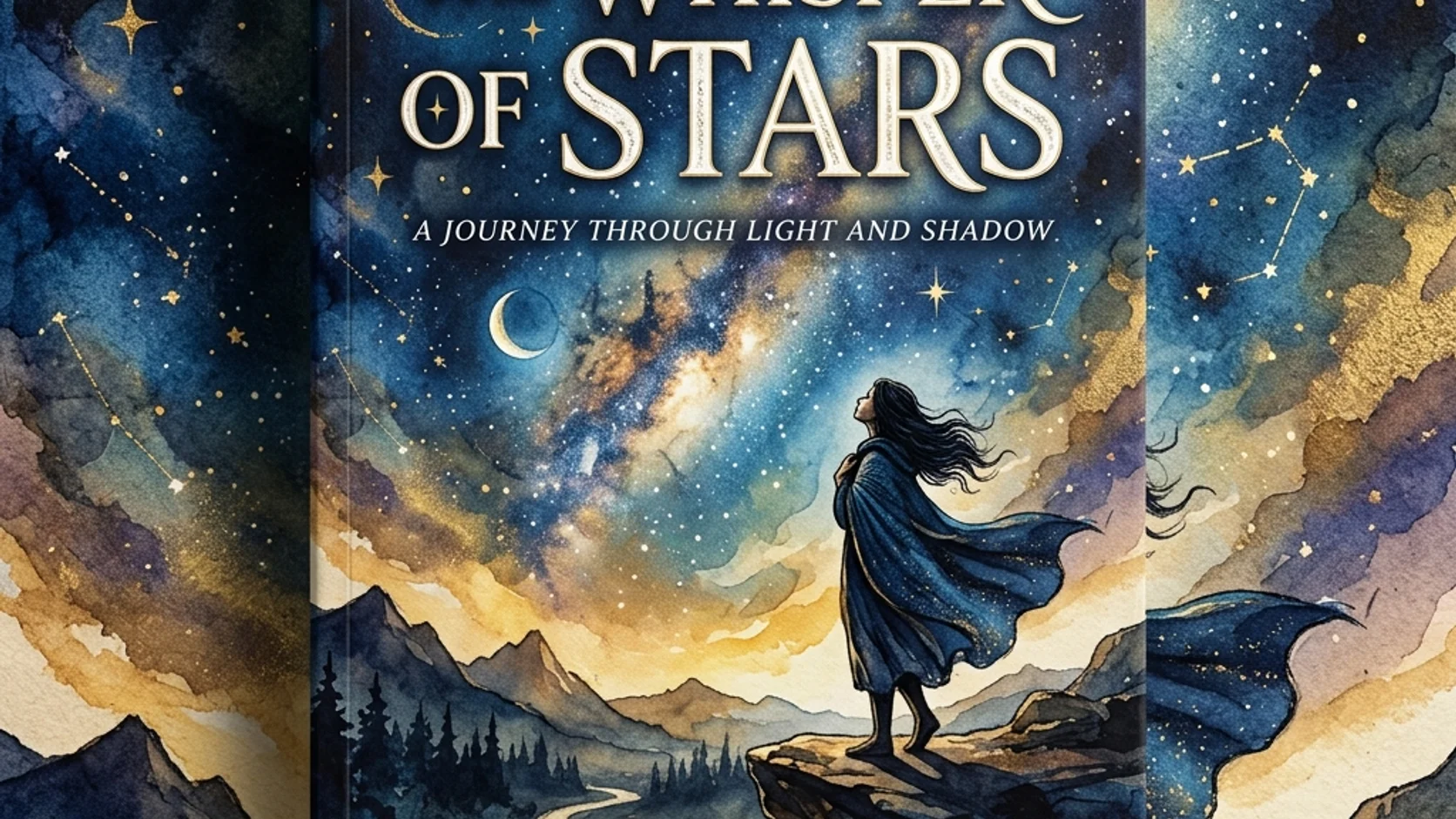
Plan AI book cover generator typography space in MemeGIF
Plan around the actual words and their hierarchy. An AI book cover generator image from MemeGIF should leave usable space, not force a title over important artwork.
Reserve a quiet area for the real title
The greenhouse concept reserves the upper third for a title and a calm lower edge for the author. Give the AI book cover generator those regions in MemeGIF. Check the actual title length and line breaks before approving encroaching vines.
- Try rough title placement over the MemeGIF artwork in your own layout tool.
- Keep AI book cover generator detail away from important letter shapes.
Keep precise lettering separately editable
Request text-free artwork when exact spelling and later revisions matter. The AI book cover generator in MemeGIF specifies JPEG output, not editable title layers or a PSD. Add title, subtitle, and author name in your own application for independent wording and spacing adjustments.
Balance the image with title and author
A large title may suit a symbol, while an atmospheric scene needs room. Test the AI book cover generator result from MemeGIF with rough typography. When words and image compete, revise the composition rather than squeezing essential text into a busy corner.
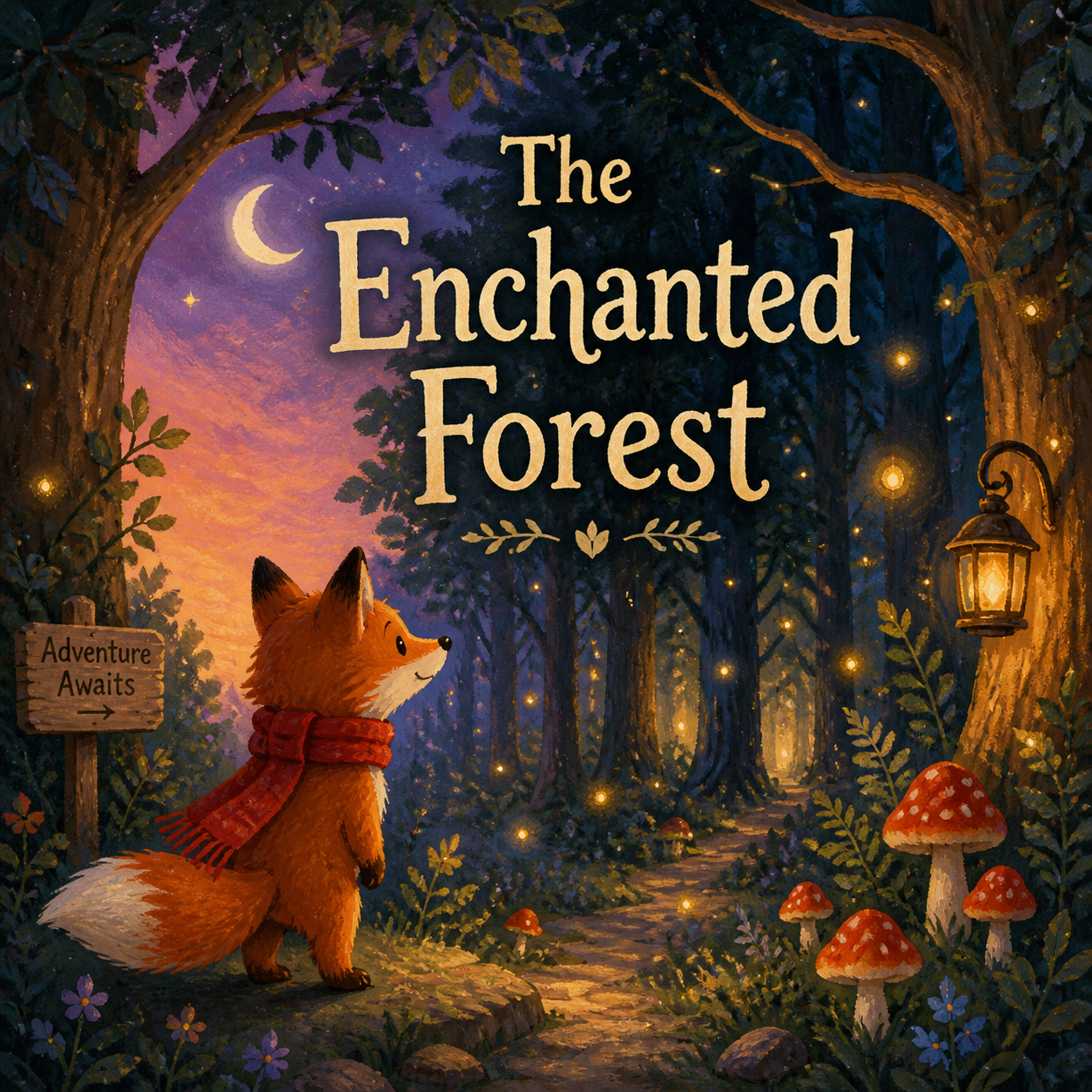
Review AI book cover generator ideas as thumbnails
Let small-size clarity guide selection. Compare AI book cover generator candidates from MemeGIF at the same reduced size before rewarding their decorative detail.
Look for a readable main shape
Reduce the artwork until fine texture fades. Can you still locate the envelope or key? Ask the AI book cover generator for a stronger silhouette in MemeGIF when the motif disappears. Extra detail will not restore lost emphasis.
- Compare MemeGIF candidates at a consistent thumbnail size.
- Choose AI book cover generator clarity before decorative complexity.
Separate dark and light regions
Deep green and warm cream separate the greenhouse motif from its surroundings. Balance cool sea-gray with warm paper for the coastal novel. Give the AI book cover generator tonal priorities in MemeGIF, then test actual lettering instead of judging the art alone.
Compare related editions as a group
Keep title position, palette family, and motif scale related across a series while changing the symbol. Review AI book cover generator results from MemeGIF together. Similar prompts do not guarantee continuity; matching colors cannot compensate for conflicting visual hierarchies.
Explore AI book cover generator options with a focused brief
Sign in with enough credits for the AI book cover generator. MemeGIF sends requests for provider processing and saves task inputs and results to your account.
Start with a single front-cover concept
Open the AI book cover generator in MemeGIF with GPT Image 2 text mode at 3:4, 1K, and one output. No starting photograph is required. Describe mood, motif, title space, and light within 3-20000 characters; the maximum is not a target. Check displayed credits before submitting.
- Keep your MemeGIF brief centered on one front-cover scene.
- Give the AI book cover generator exclusions for spoilers and unwanted lettering.
Use references for a defined purpose
Switch to GPT Image 2 image mode for an authorized sketch or study. The AI book cover generator in MemeGIF then needs one to sixteen references. Identify composition sources separately from palette or texture examples. Preservation goals do not lock pixels or guarantee an unchanged layout.
Choose candidates and resolution deliberately
GPT Image 2 offers 1K, 2K, or 4K, one to four outputs, and Auto plus fifteen fixed ratios. Review AI book cover generator settings in MemeGIF after changes. Requests specify JPEG and high quality without a quality-level selector or transparent PNG choice. More pixels do not establish print DPI or resolve poor hierarchy.
Carry AI book cover generator artwork into final design
Keep concept approval separate from publication preparation. An AI book cover generator result from MemeGIF is artwork to inspect, not a complete publisher-ready file.
Check the image against the manuscript
Inspect objects, clothing, architecture, and historical cues before accepting the concept. A symbolic AI book cover generator result should still fit the story. Compare MemeGIF artwork with the manuscript and remove invented details suggesting an unrelated setting, event, or genre.
- Read the title beside the MemeGIF artwork before approval.
- Keep the selected AI book cover generator prompt with the manuscript brief.
Assemble the publication layout elsewhere
Take the AI book cover generator image from MemeGIF into your own layout workflow. Set trim, spine, back cover, and bleed using destination requirements. This workspace does not calculate full-wrap templates, certify platform acceptance, or publish books automatically.
Retain room for another edition
Keep text-free artwork and concept notes before assembling the cover. A longer subtitle or different format may need new framing. Return to the AI book cover generator in MemeGIF for a focused revision instead of stretching and distorting a finished design.

Example prompts
A greenhouse mystery without spoilers
Create a 3:4 front-cover illustration for an original lighthearted mystery set in a neighborhood greenhouse. One small brass key rests on a cream potting bench, with a single trailing vine and softly suggested glass panes behind it. Curious, inviting atmosphere rather than horror; muted deep green, warm cream, and a restrained brass accent. Keep the upper third quiet for a title added separately and leave a calm lower edge for the author name. No embedded text, people, skulls, weapons, logos, border, or back-cover panel.
A coastal family novel
A vertical 3:4 literary front-cover concept: one weathered envelope on a pale windowsill, with a distant empty coastal house barely visible through a softly misted window. Quiet reflective mood, cool sea-gray tones balanced with warm paper, broad simple shapes, subtle painted texture. The envelope is the focal motif, not readable handwriting. Reserve generous quiet space above and below for separate typography. No title text, author name, recognizable branding, faces, dramatic storm, spine, or full-wrap publishing layout.
Workflow examples
Illustrative ways to plan, generate, and review your work.
MemeGIF workflow examples
Begin with a product photograph and a focused image-editing brief. Compare the draft with the original for shape, labels, and proportions before placing it into a listing. Add approved logos and exact copy in your design application.
Choose a video model and describe one small action, such as a careful object turn. Review the available duration, resolution, and credits. Check the completed take for object continuity and sound before using it in a larger edit.
Give the image workspace a subject, viewpoint, and visual metaphor that supports your article. Preview the result inside the intended layout. Adjust the crop or composition when it competes with the headline or obscures an important detail.
Sign in and use Compress Image when a picture has the right dimensions but a large file size. Compression runs in the browser; input and output images are saved to your account. Compare the result before downloading individual files or a ZIP.
Paste a draft into Humanize AI and select Natural, Friendly, or Professional tone. Review the rewrite for meaning, names, figures, and technical terms. Copy or download the version you have checked; detector scores and publication outcomes are not guaranteed.
Record the palette, viewpoint, lighting, and subject scale in a reusable brief. Supply relevant references where the selected image model supports them. Compare the images together, then revise specific differences instead of assuming automatic campaign-wide consistency.
MemeGIF Pricing and Credit Plans
Cancel anytime
Trending face-swap templates cost 300 Credits per video, including full-length Bad Times and every available format. Other tools keep their own quotes. Existing MV tickets remain usable until their original expiry; new tickets are no longer sold.
Pay once annually; receive 1/12 of your annual Credits each month. The first allocation arrives after payment, then monthly. Tax included. Each allocation expires at the next subscription month or paid-year end.
Lite
50% off0.025 / credit
$14.9/month equivalent · Billed $179· Save $179.8
Annual total: 7,200 credits, issued monthly
Video Models


Image Models


- Includes MiniMax H3 and all premium models
- Up to 1 batch generation task
- Standard generation speed
- Standard generation success rate
- Standard customer support
- Commercial Use License
Standard
50% off0.017 / credit
$24.9/month equivalent · Billed $299· Save $299.8
Annual total: 18,000 credits, issued monthly
Video Models
Image Models
- Includes MiniMax H3 and all premium models
- Up to 4 batch generation tasks
- Priority processing speed
- High generation success rate
- Priority customer support
- Commercial Use License
Pro
50% off0.014 / credit
$49.9/month equivalent · Billed $599· Save $599.8
Annual total: 43,200 credits, issued monthly
Video Models
Image Models
- Includes MiniMax H3 and all premium models
- Up to 10 batch generation tasks
- Fastest generation speed
- High generation success rate
- Dedicated account manager
- Commercial Use License
Max
50% off0.012 / credit
$99.9/month equivalent · Billed $1,199· Save $1,199.8
Annual total: 96,000 credits, issued monthly
Video Models
Image Models
- Includes MiniMax H3 and all premium models
- Up to 10 batch generation tasks
- Fastest generation speed
- High generation success rate
- Dedicated account manager
- Commercial Use License
Pay safely and securely with























FAQ
Frequently asked questions
Does the AI book cover generator create a print-ready full cover?
No. The AI book cover generator in MemeGIF requests front-cover artwork as JPEG, not a full publishing package. Prepare precise trim dimensions, spine, back cover, bleed, and final typography separately. Check the actual downloaded pixels and supplier requirements; a 4K choice does not establish print DPI or platform acceptance.
Should I ask it to include the title?
You can request lettering, but check every character and its placement. For exact wording, use the AI book cover generator in MemeGIF for text-free artwork and add approved typography elsewhere. The result has no editable title layers; keeping text separate also makes author-name and subtitle revisions easier.
Can I develop a cover from my own sketch?
Yes. Switch the AI book cover generator to GPT Image 2 image mode in MemeGIF. Supply one to sixteen authorized references and explain which defines the composition, palette, or finish. Compare the result with your sketch afterward, since reference guidance does not guarantee unchanged lines, spacing, or proportions.
How do I make several covers feel related?
Reuse a concise recipe for title placement, tonal relationships, and motif scale. Give each AI book cover generator request in MemeGIF a story-specific subject, then compare the images together in your layout. One to four outputs are candidates, not an automatically coordinated series or set of publication files.
What resolution and ratio should I use?
Start the AI book cover generator in MemeGIF at 3:4 and 1K, not a printer-specific trim size. GPT Image 2 also offers 2K, 4K, and other ratios. Review the current quote before submitting. Login, enough credits, and network access are required; this is not free offline image processing.
CTA
Give the AI book cover generator a story mood in MemeGIF
Bring a greenhouse mystery, coastal family story, or your own manuscript direction to MemeGIF. Give the AI book cover generator one motif and usable title space, review settings and credits, then compare concepts as thumbnails before preparing the finished cover.
Explore a book cover concept