 MemeGIF
AI Dance Video Generator in MemeGIF for reference-led character movement
Bring a clear performer image and a movement phrase viewers can follow. The AI Dance Video Generator in MemeGIF uses MiniMax H3 Multi Reference mode, initially 2K, five seconds and adaptive framing. Assign appearance and movement separately, keep the feet visible, then compare each completed performance for weight, contact and a balanced finish.
Video workspace
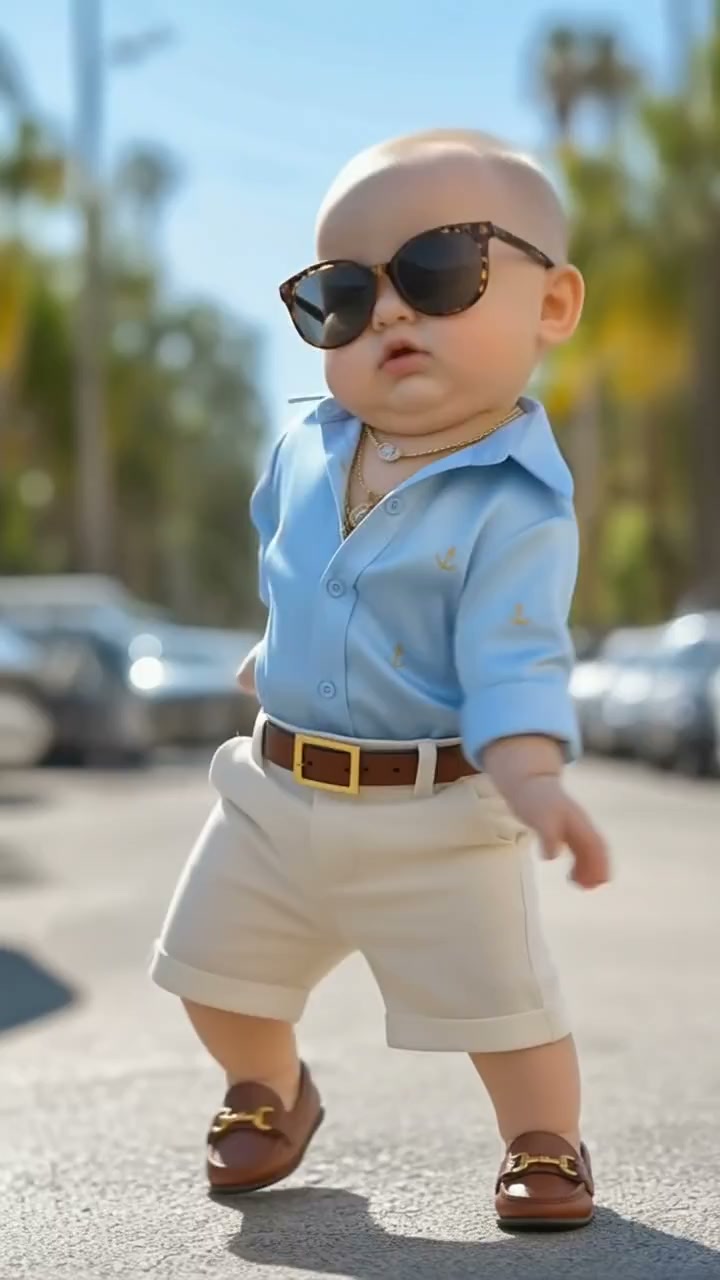
A playful reference-led dance
16/22View prompt
Use @Image 1 for the cartoon baby-style character’s appearance and @Video 1 for the same character’s dance movement. Create a cheerful five-second performance with light steps, readable arm gestures, and a balanced finish. Keep the rounded cartoon proportions, outfit, framing, and setting consistent with the references. Avoid adding another character, new props, or unrelated actions.
Introduction
Give the AI Dance Video Generator one dance phrase
Build the AI Dance Video Generator in MemeGIF brief around one complete phrase, with a visible starting pose and balanced finish.
Choose the expressive moment
A side step, a relaxed arm sweep, and a final pause can communicate a playful mood. Give the AI Dance Video Generator in MemeGIF that compact phrase rather than several contrasting routines.
Start with visual material
Upload a character image, a movement video, or both. The AI Dance Video Generator in MemeGIF requires at least one image or video; audio alone is not a starting point. A clearly posed character and an unobstructed movement reference make their different roles easier to describe.
Set a short performance window
The AI Dance Video Generator in MemeGIF starts at H3 Multi Reference, 2K, five seconds and adaptive framing. Choose integer durations from five to fifteen seconds and one to four candidates. Fixed ratios are available when a chosen composition helps. Use enough room for one readable phrase rather than adding unrelated routines.
How to use
How to use the AI Dance Video Generator in MemeGIF
- Input
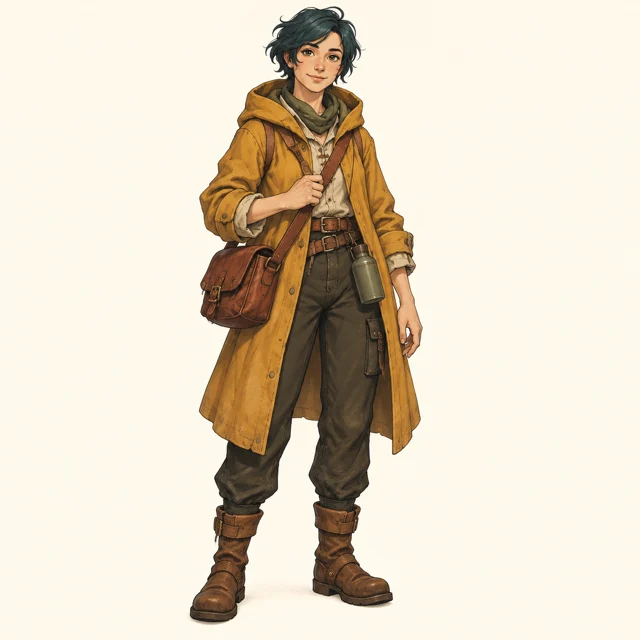 Reference image 1Reference video 2STEP 1
Choose visual references
Select MiniMax H3 reference mode in the AI Dance Video Generator in MemeGIF and upload a character image, movement video, or both.
- Example settingsMiniMax H32K5sPromptOutputSTEP 2
Assign the performance roles
Tell the AI Dance Video Generator in MemeGIF which file defines appearance and which defines movement, then describe framing and the final pose.
- Illustrative preview
Character appearance comes from the image; the dance phrase comes from the reference clip.
STEP 3Create a short phrase
Start the AI Dance Video Generator in MemeGIF at five seconds and 2K, check the displayed credits, and generate one readable performance.
- STEP 4
Watch the complete motion
Review AI Dance Video Generator in MemeGIF footwork, overlapping limbs, character details, and sound before refining the phrase or downloading your chosen clip.
Features
Organize AI Dance Video Generator references by role
Give each AI Dance Video Generator in MemeGIF reference a specific role: character appearance, dance movement, setting, or sound.
Identify the character source
Use a clear, authorized character image for appearance, clothing, and proportions. Tell the AI Dance Video Generator in MemeGIF that this image supplies the performer, while another file supplies movement. Check that the reference shows enough of the body to support the intended framing.
- Choose readable costume shapes for your MemeGIF performer reference.
- Keep AI Dance Video Generator character direction in MemeGIF separate from movement.
Select an unobstructed movement reference
Favor footage where the body, feet, and main gestures remain visible. A crowded group performance makes it harder to identify the intended dancer. Tell the AI Dance Video Generator in MemeGIF which performer and short movement phrase to use, rather than asking it to interpret every person equally.
Keep additional uploads purposeful
The AI Dance Video Generator in MemeGIF accepts nine images, three videos and three audio files at most, with twelve files combined. Include at least one image or video; music alone is insufficient. Treat these as ceilings, assigning each file a specific performer, movement, setting or sound role instead of filling every slot.
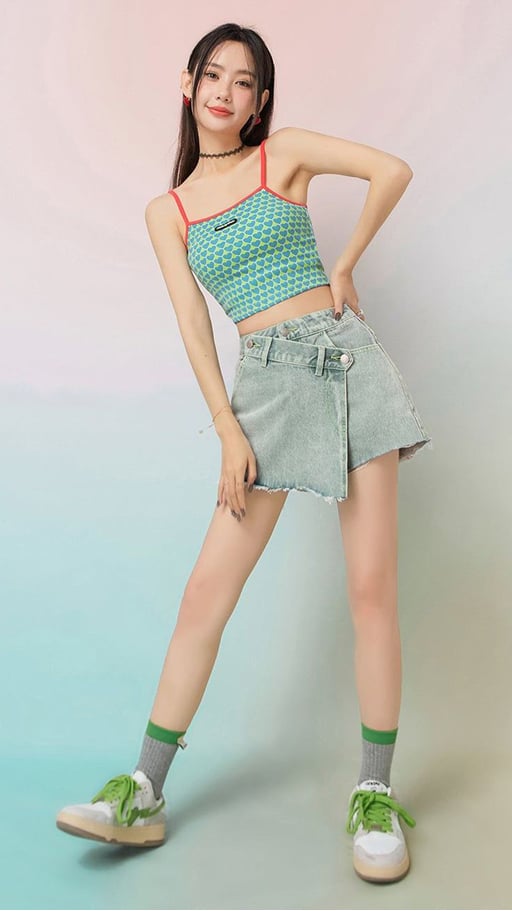
Stage AI Dance Video Generator motion for clarity
Direct the AI Dance Video Generator in MemeGIF around balance and floor contact, keeping important limbs visible throughout the chosen movement.
Keep the feet inside the frame
Leave room below the shoes and beside outstretched arms. Ask the AI Dance Video Generator in MemeGIF for full-body framing when footwork carries the phrase. Cropped ankles or hands can conceal the very details needed to judge whether the movement makes sense.
- Leave space for the largest step in your MemeGIF composition.
- Review AI Dance Video Generator foot contact from MemeGIF through the complete phrase.
Describe weight and direction
Specify a gentle shift onto one leg before the other foot moves outward. Give the AI Dance Video Generator in MemeGIF ordinary physical directions instead of relying only on an energetic mood. Review whether the hips, knees, and supporting foot appear to cooperate during that shift.
Allow clothing to follow the gesture
A loose sleeve can trail an arm sweep, while a light jacket settles after a turn. Keep these effects secondary in the AI Dance Video Generator in MemeGIF brief. Excessive fabric movement can obscure the limbs, change the costume, or distract from a simple piece of footwork.
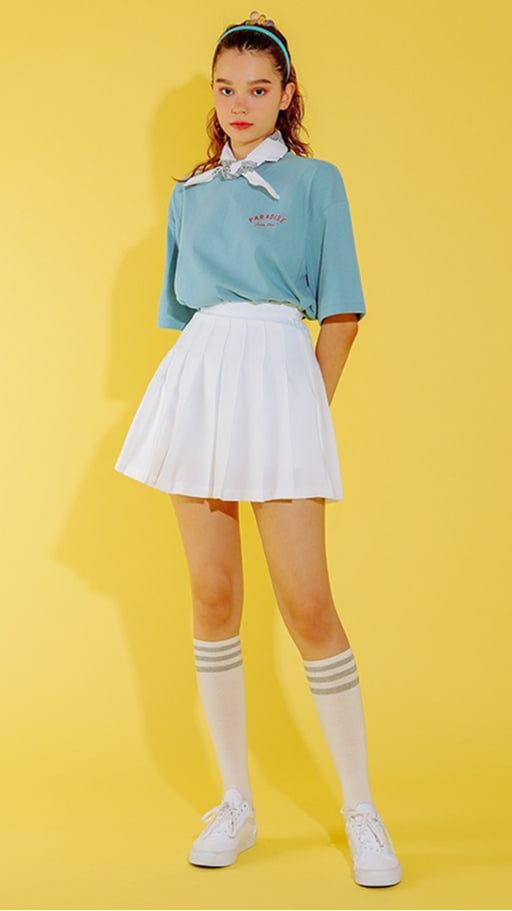
Give the AI Dance Video Generator a stable stage
Use the AI Dance Video Generator in MemeGIF camera to clarify the performance, with a visible floor and room for the largest gesture.
Start with a steady viewpoint
A fixed full-body view is a useful first direction for comparing a reference phrase. Ask the AI Dance Video Generator in MemeGIF to keep the dancer large enough to read while leaving movement margins.
- Keep the floor visible around the supporting foot in your MemeGIF scene.
- Give the AI Dance Video Generator in MemeGIF one camera instruction at a time.
Separate the performer from the background
Choose a background with quieter detail than the costume and clear contrast around the limbs. The AI Dance Video Generator in MemeGIF does not need a crowded stage to create atmosphere. Watch for furniture, shadows, and decorative objects that seem to intersect the moving body.
Plan a natural stopping position
Describe the final pose and a brief moment of stillness after the movement. This gives the AI Dance Video Generator in MemeGIF a sensible destination.
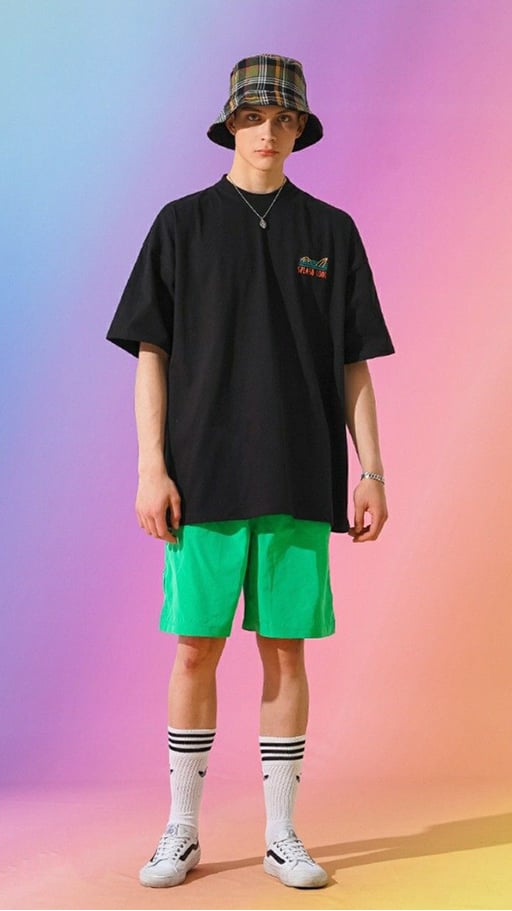
Guide AI Dance Video Generator rhythm with references
Give the AI Dance Video Generator in MemeGIF a readable rhythm while treating audio as guidance, not a guarantee of exact synchronization.
Identify the role of an audio file
An authorized audio reference can guide a relaxed pulse in the AI Dance Video Generator in MemeGIF. H3 reference mode has no native-audio toggle here; reference sound does not establish exact reproduction or synchronized footfalls. Keep a visual file in the request and inspect the returned body phrase independently of any accompanying sound.
Describe rhythm in visible language
Request a measured side step followed by a quicker arm sweep and a pause. This gives the AI Dance Video Generator in MemeGIF an observable rhythm to attempt. Avoid making the concept depend on a foot landing at an exact musical instant that you cannot guarantee beforehand.
Keep the routine coherent when muted
Watch the candidate without sound to assess the body phrase, then listen with the picture. AI Dance Video Generator review in MemeGIF should establish both an understandable movement sequence and suitable sound, rather than accepting confusing motion because the music feels energetic.
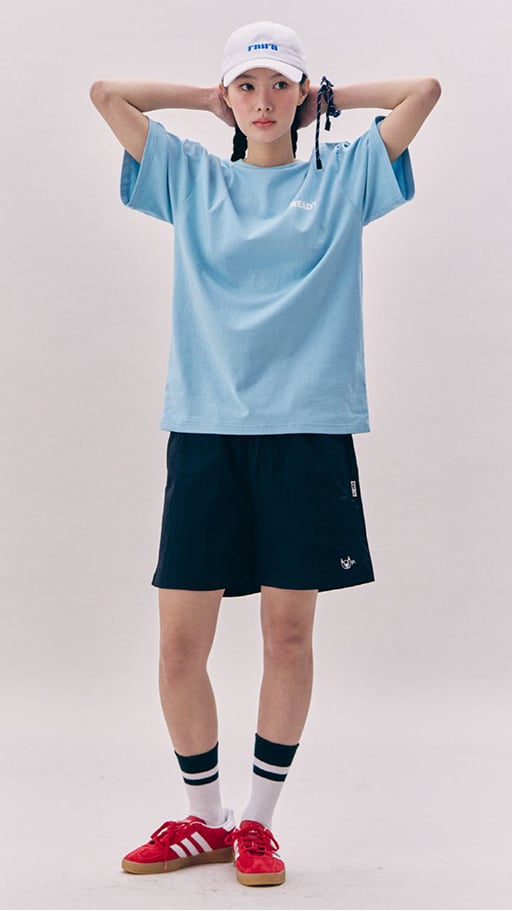
Review AI Dance Video Generator in MemeGIF continuity before sharing
Compare AI Dance Video Generator candidates in MemeGIF for completed movement, coherent character details, and a useful relationship between performance and sound.
Inspect changes during crossings
Look closely when arms cross the torso, legs overlap, or the performer turns away. The AI Dance Video Generator in MemeGIF may reinterpret hands, faces, or costume details at those moments. Check the subject again after an overlap rather than assuming the opening appearance remains unchanged.
Revise one performance problem
If the feet slide, simplify the steps or ask for a slower weight shift. If framing is tight, widen it. Give the AI Dance Video Generator in MemeGIF one targeted correction, keeping the successful character and setting decisions so the next comparison remains useful.
Keep the selected phrase with its brief
Keep the selected performer and movement roles beside the draft. Sign in with enough credits and check the current AI Dance Video Generator quote in MemeGIF before cloud processing. H3 requires a prompt of up to 7,000 characters. Inputs and results are saved to your account; compare separate candidates before arranging related phrases yourself.
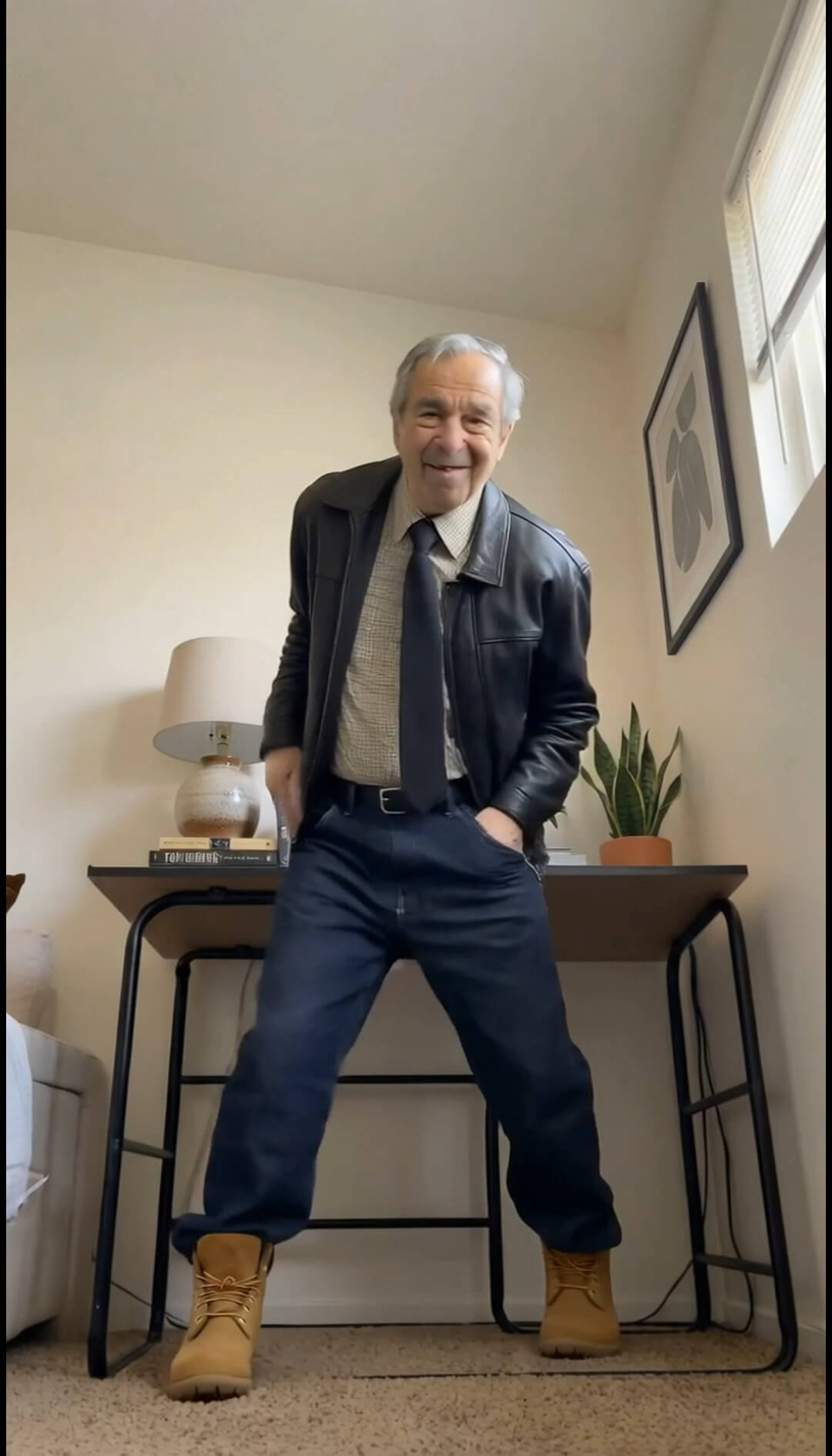
Example prompts
Character image with a dance reference
Use @Image 1 for the authorized character appearance and outfit. Use @Video 1 for one short dance phrase: a side step, gentle arm sweep, and balanced pause. Generate a five-second interpretation with full-body framing, visible feet, a steady camera, and clear floor contact. Keep the background secondary and aim to retain recognizable character details. No additional dancers or text.
Simplify the supplied performance
Use @Video 1 as the movement and subject reference. Create a five-second version of one visible phrase with a slower weight shift and a short settled ending. Keep the same intended performer, outfit, and general setting, with the whole body inside the frame. Use a steady viewpoint and subdued surroundings. Prioritize readable footwork over extra gestures; no captions or new people.
Workflow examples
Illustrative ways to plan, generate, and review your work.
MemeGIF workflow examples
Begin with a product photograph and a focused image-editing brief. Compare the draft with the original for shape, labels, and proportions before placing it into a listing. Add approved logos and exact copy in your design application.
Choose a video model and describe one small action, such as a careful object turn. Review the available duration, resolution, and credits. Check the completed take for object continuity and sound before using it in a larger edit.
Give the image workspace a subject, viewpoint, and visual metaphor that supports your article. Preview the result inside the intended layout. Adjust the crop or composition when it competes with the headline or obscures an important detail.
Sign in and use Compress Image when a picture has the right dimensions but a large file size. Compression runs in the browser; input and output images are saved to your account. Compare the result before downloading individual files or a ZIP.
Paste a draft into Humanize AI and select Natural, Friendly, or Professional tone. Review the rewrite for meaning, names, figures, and technical terms. Copy or download the version you have checked; detector scores and publication outcomes are not guaranteed.
Record the palette, viewpoint, lighting, and subject scale in a reusable brief. Supply relevant references where the selected image model supports them. Compare the images together, then revise specific differences instead of assuming automatic campaign-wide consistency.
MemeGIF Pricing and Credit Plans
Cancel anytime
Trending face-swap templates cost 300 Credits per video, including full-length Bad Times and every available format. Other tools keep their own quotes. Existing MV tickets remain usable until their original expiry; new tickets are no longer sold.
Pay once annually; receive 1/12 of your annual Credits each month. The first allocation arrives after payment, then monthly. Tax included. Each allocation expires at the next subscription month or paid-year end.
Lite
50% off0.025 / credit
$14.9/month equivalent · Billed $179· Save $179.8
Annual total: 7,200 credits, issued monthly
Video Models


Image Models


- Includes MiniMax H3 and all premium models
- Up to 1 batch generation task
- Standard generation speed
- Standard generation success rate
- Standard customer support
- Commercial Use License
Standard
50% off0.017 / credit
$24.9/month equivalent · Billed $299· Save $299.8
Annual total: 18,000 credits, issued monthly
Video Models
Image Models
- Includes MiniMax H3 and all premium models
- Up to 4 batch generation tasks
- Priority processing speed
- High generation success rate
- Priority customer support
- Commercial Use License
Pro
50% off0.014 / credit
$49.9/month equivalent · Billed $599· Save $599.8
Annual total: 43,200 credits, issued monthly
Video Models
Image Models
- Includes MiniMax H3 and all premium models
- Up to 10 batch generation tasks
- Fastest generation speed
- High generation success rate
- Dedicated account manager
- Commercial Use License
Max
50% off0.012 / credit
$99.9/month equivalent · Billed $1,199· Save $1,199.8
Annual total: 96,000 credits, issued monthly
Video Models
Image Models
- Includes MiniMax H3 and all premium models
- Up to 10 batch generation tasks
- Fastest generation speed
- High generation success rate
- Dedicated account manager
- Commercial Use License
Pay safely and securely with























FAQ
Frequently asked questions
Can the AI Dance Video Generator use a character photo?
Upload an authorized character or adult portrait for the AI Dance Video Generator in MemeGIF, then describe the movement. A separate unobstructed video can guide choreography. Show enough of the body for the intended performance; a face crop does not verify full-body details, and references do not guarantee identical identity through motion.
Does the AI Dance Video Generator accept music alone?
Include at least one image or video in the AI Dance Video Generator in MemeGIF. Audio can guide rhythm but cannot supply the required visual source. H3 permits nine images, three videos and three audio files within a twelve-file total, so choose a small set with explicitly assigned roles.
Will every step match the movement reference exactly?
The AI Dance Video Generator in MemeGIF interprets movement references without exact choreography transfer or beat synchronization guarantees. Compare weight shifts, foot contact, limb direction and timing throughout the phrase. A visible side step and settled ending give you clearer review criteria than a complicated routine with frequent obstructions.
Can I make a complete dance routine in one request?
The AI Dance Video Generator in MemeGIF makes short performances from five to fifteen seconds in integer steps. Choose one to four candidates at 2K, check the current quote, then review each result separately. There is no song-length choreography timeline or automatic routine assembly; arrange approved phrases in your own editing workflow.
How should I use several reference files?
Give AI Dance Video Generator references in MemeGIF distinct roles: performer, movement, setting and sound. Start with the fewest files that explain the phrase and review any audio returned. The selected H3 reference mode has no native-audio toggle, and a music reference does not establish an untouched soundtrack or exact dance timing.
CTA
Give the AI Dance Video Generator in MemeGIF a clear phrase
Choose an authorized performer reference and one clear movement phrase. Review AI Dance Video Generator settings and credits in MemeGIF, then compare floor contact, overlapping limbs and the ending pose before downloading selected performances for your own sequence.
Create a dance concept