 MemeGIF
 product photos for Amazon with distinct main and supporting roles
Keep the real product photograph as your factual starting point, then decide what a supporting scene should explain. Prepare AI product photos for Amazon in MemeGIF with GPT Image 2 reference editing at 1:1, 1K, and one output. Compare each candidate with the actual item before reviewing its intended listing role.
Image workspace
Sample Image
 14 / 17
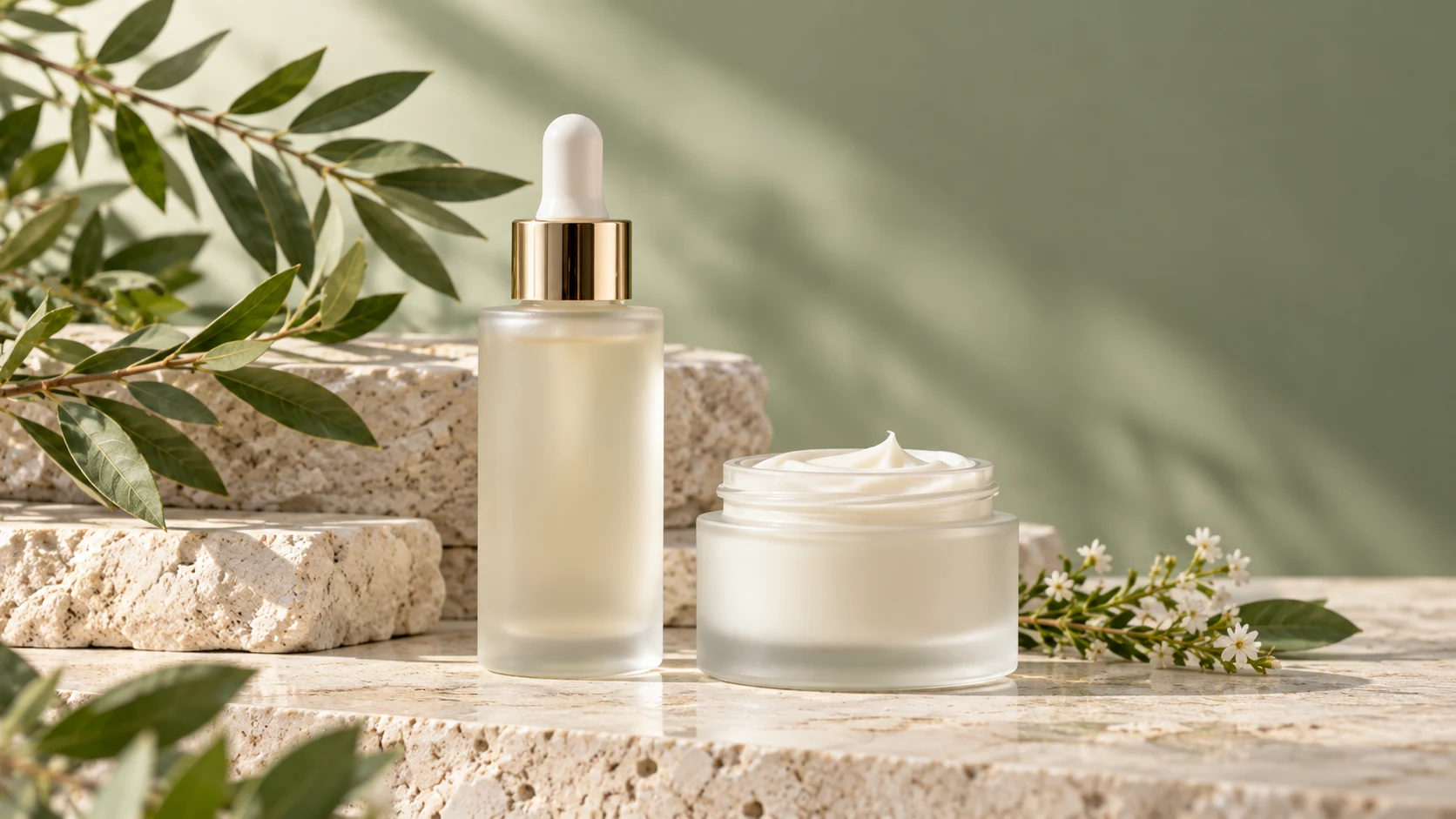
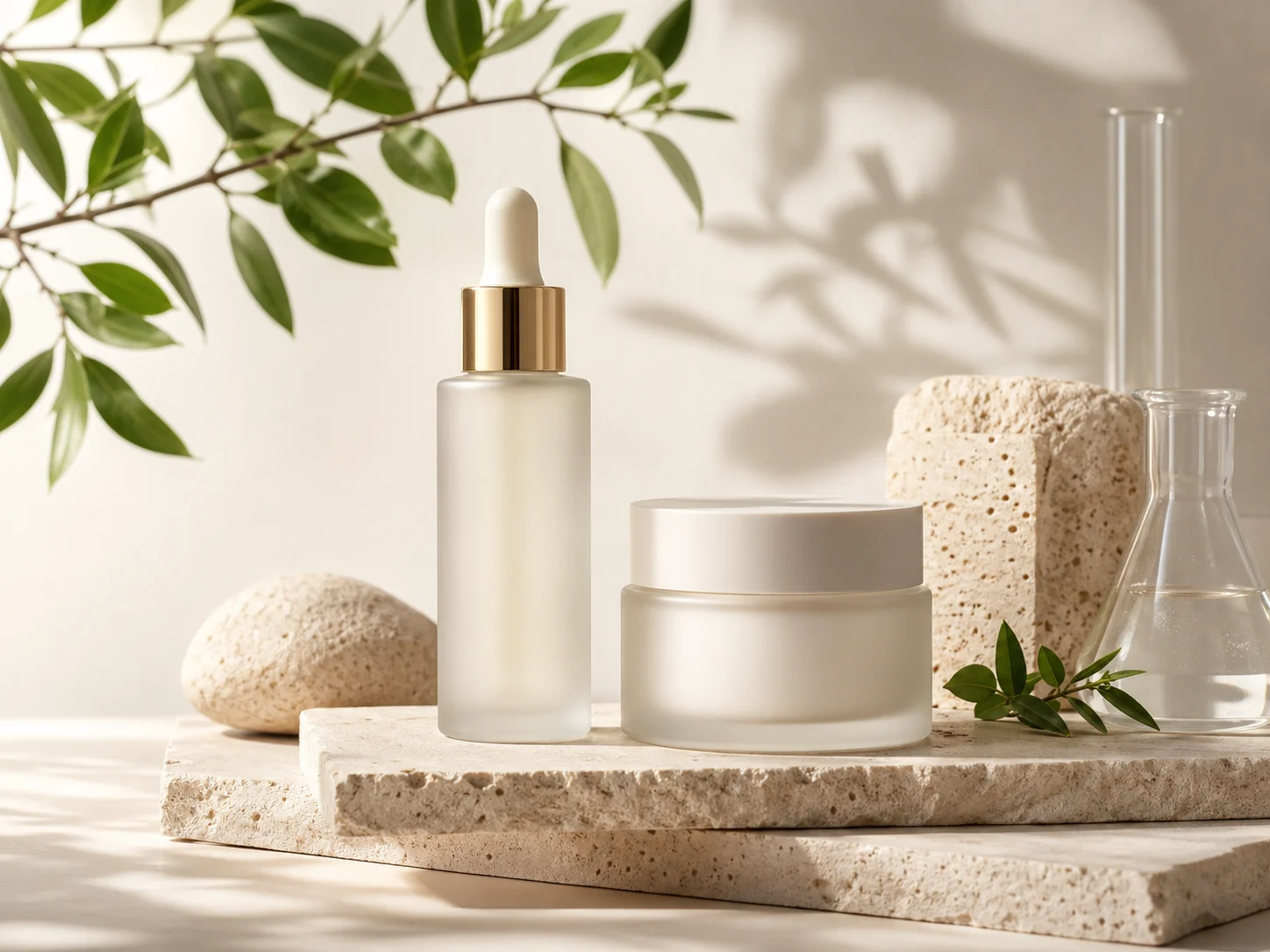
AI-generated illustration of an unbranded skincare studio scene.
Introduction
Give AI product photos for Amazon a defined image role
Separate identification from context. Plan AI product photos for Amazon in MemeGIF around what each picture should explain, not just an appealing setting.
Anchor the main view in a real photograph
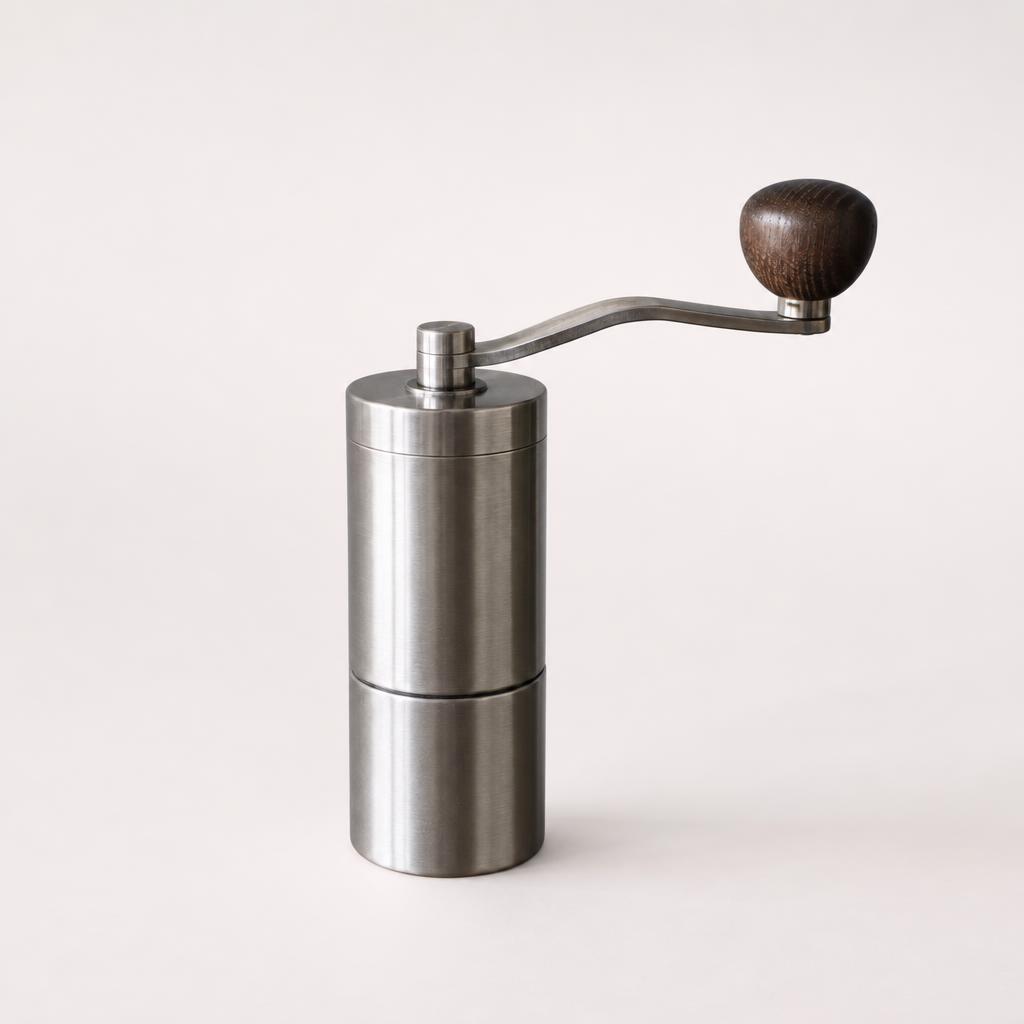
Keep a verified grinder photograph as the factual main-view starting point. Plan AI product photos for Amazon in MemeGIF separately from that evidence. A generated scene cannot establish the item's construction merely by looking convincing.
- Identify the exact variant and quantity before submitting to MemeGIF.
- Give AI product photos for Amazon supporting scenes their own role in your plan.
Use context to answer a practical question
A manual coffee grinder on a counter can illustrate placement while keeping its handle and body visible. Prepare AI product photos for Amazon in MemeGIF around that purpose. Extra atmosphere should not hide the recognizable parts that make the scene useful.
Support details with a relevant source
Use a real close photograph for a grip, closure, or handle connection. Supply that evidence when preparing AI product photos for Amazon in MemeGIF. An invented underside or internal mechanism is not recovered 3D geometry or a verified explanation of how the item works.
How to use
How to create AI product photos for Amazon in MemeGIF
- Input
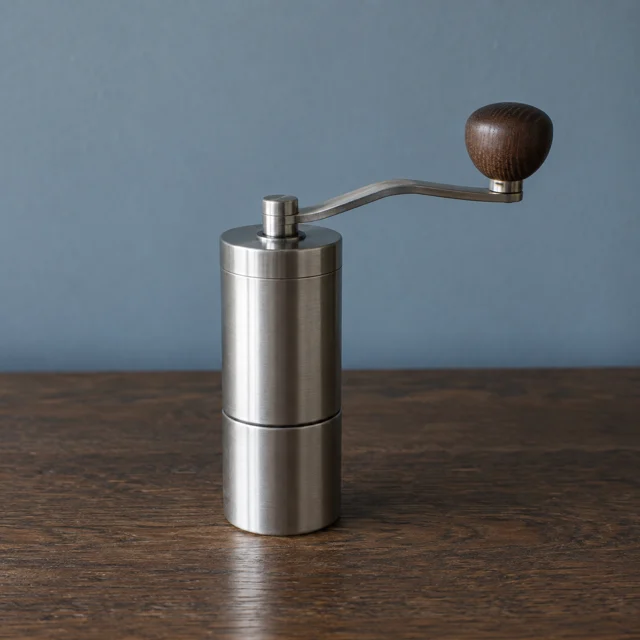 Reference image 1STEP 1
Choose the supporting role
Sign in to MemeGIF and prepare AI product photos for Amazon in GPT Image 2 image mode. Keep the verified main photograph separate and assign each reference a purpose.
- ModelGPT Image 21K1:1PromptOutputSTEP 2
Describe grounded context
Give AI product photos for Amazon a simple placement brief in MemeGIF. Retain the actual product features without inventing accessories, hidden construction, or performance demonstrations.
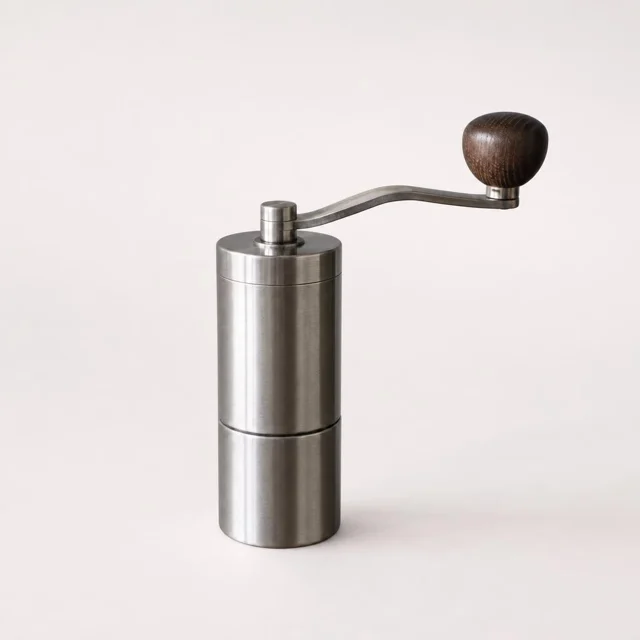 BeforeAfterSTEP 3
Review and generate
Start AI product photos for Amazon at 1:1 and 1K in MemeGIF. Check references, output count, and displayed credits before submitting the supporting scene for provider processing.
- STEP 4
Verify before submitting
Compare AI product photos for Amazon from MemeGIF with real sources and current destination requirements. Keep main and supporting roles distinct, then submit selected files yourself.
Features
Keep AI product photos for Amazon tied to the actual offer
Check the goods before the styling. AI product photos for Amazon from MemeGIF should not introduce uncertainty about the variant or included parts.
Compare color, quantity, and attached parts
Check the reference against the actual offer. A spare pouch, another grinder, or a changed handle alters what the scene implies. Check AI product photos for Amazon from MemeGIF for additions before admiring the background.
- Count the visible goods in each MemeGIF candidate.
- Check AI product photos for Amazon against the current packaging reference.
Keep defining features easy to inspect
Strong glare can hide an altered lid or missing connection. Review AI product photos for Amazon from MemeGIF for visible silhouettes and attachments. A dramatic viewpoint is less useful than the supplied angle when it conceals the very feature you need to verify.
Preserve originals as the comparison source
Keep verified originals separate from generated studies. When AI product photos for Amazon from MemeGIF change a marking or proportion, return to the actual photograph. Similar generated candidates cannot validate each other; they may repeat the same invented feature.
Make AI product photos for Amazon useful supporting scenes
Choose ordinary context rather than a demonstration. Give AI product photos for Amazon a clear placement purpose in MemeGIF without inventing performance evidence.
Ground the grinder in its surroundings
For the kitchen example, request a clean counter, simplified background, and natural-looking side light. Keep the grinder complete in AI product photos for Amazon from MemeGIF. Inspect its contact shadow and handle clearance rather than accepting floating bases or impossible balancing.
- Choose an ordinary setting for your MemeGIF study.
- Keep AI product photos for Amazon focused on placement rather than spectacle.
Keep context distinct from package contents
A background cup should not look included with the grinder. Review AI product photos for Amazon from MemeGIF for that ambiguity. The supplied kitchen example instead keeps the product as the only prominent object and excludes extra accessories.
Do not turn an illustration into a test
A generated scene does not measure capacity, strength, or waterproofing. Keep AI product photos for Amazon from MemeGIF separate from factual demonstrations. Keep the counter study free of ingredient displays, dramatic effects, or implied test results.
Fact-check AI product photos for Amazon before choosing a slot
Read the implications as well as the details. Inspect AI product photos for Amazon in MemeGIF against product evidence before deciding where a file belongs.
Read markings and inspect construction
Compare model numbers, symbols, labels, and handle joints with the source. Enlarge AI product photos for Amazon from MemeGIF to check small markings. Reject changed facts even when they look plausible; add exact approved lettering separately in your own design workflow when needed.
- Review MemeGIF details against the source rather than memory.
- Separate factual review from styling approval for AI product photos for Amazon.
Take measurements from actual records
Take sizes from actual measurements, not the relationship between the grinder and a generated prop. AI product photos for Amazon from MemeGIF cannot verify scale. Prepare any factual explanatory layout separately, after checking whether it suits the intended image position.
Inspect each variant independently
Black and silver versions may differ in hardware or finish as well as color. Supply the exact variant when preparing AI product photos for Amazon in MemeGIF. A convincing recolor cannot verify its attachments, dimensions, markings, or packaging; compare with current product evidence.
Prepare AI product photos for Amazon in MemeGIF
Sign in with enough credits for AI product photos for Amazon. MemeGIF uses network-dependent provider processing and uploads and saves inputs and results to your account.
Upload the actual item and assign reference roles
GPT Image 2 image mode accepts one to sixteen references and prompts of 3-20000 characters. Prepare AI product photos for Amazon in MemeGIF from the actual product, identifying supporting references separately. Start at square 1K with one output, keeping scene directions distinct from product features to retain.
- Use the actual visible angle in MemeGIF when construction matters.
- Ask for one continuous photograph rather than a collage.
Check configuration and the displayed quote
For AI product photos for Amazon, GPT Image 2 offers 1K, 2K, or 4K, one to four outputs, and Auto plus fifteen fixed ratios in MemeGIF. Requests specify JPEG and high quality without a quality-level selector. Check current credits; candidates are not automatic angles or a completed gallery.
Correct the specific mismatch
If the grinder is correct but the background distracts, simplify that setting. If construction changed, revisit the source and instruction. AI product photos for Amazon in MemeGIF have no pixel-lock guarantee. The default JPEG request does not provide transparency or editable layers.
Assign AI product photos for Amazon after your own review
Keep the factual main photograph distinct from experiments. Review AI product photos for Amazon from MemeGIF by role before submitting anything through your seller workflow.
Check current requirements at the destination
Consult current Seller Central image guidance for your marketplace, category, and intended slot. Review main and supporting roles separately before using AI product photos for Amazon from MemeGIF. This workflow does not certify compliance; a plain background or square crop is not platform approval.
- Inspect the actual MemeGIF download, not only generation settings.
- Assign reviewed AI product photos for Amazon to their intended image roles.
Compare the sequence for contradictions
Compare the main photograph, details, and supporting scenes in your own layout. AI product photos for Amazon from MemeGIF should not contradict verified labels, quantity, or construction. Remove a conflicting candidate instead of allowing attractive styling to redefine the item.
Keep submission and decisions in your control
Keep source, selected result, intended slot, and notes together. Add checked AI product photos for Amazon through your own seller workflow. MemeGIF has no Amazon connection, authorization, catalog sync, or direct publishing; you review and submit the files.

Example prompts
A factual supporting view of a coffee grinder
Edit the supplied photograph of my actual manual coffee grinder into one neutral supporting product image. Use the same visible angle. Retain the handle, body shape, finish, markings, and proportions as closely as possible. Keep the complete item visible against a simple light studio background with gentle side light and a subtle contact shadow. Show only the supplied product. No added accessories, captions, measurements, certificates, multiple views, or invented construction.
A restrained kitchen-context scene
Use my uploaded real manual coffee grinder as the reference. Create one continuous square lifestyle photograph on a clean kitchen counter with a softly simplified background and natural-looking side light. Keep the grinder fully visible, with its handle, body, finish, and markings retained as closely as possible. The actual product is the only prominent object. No ingredient displays, performance demonstrations, extra accessories, added labels, claims, people, or split panels.
Workflow examples
Illustrative ways to plan, generate, and review your work.
MemeGIF workflow examples
Begin with a product photograph and a focused image-editing brief. Compare the draft with the original for shape, labels, and proportions before placing it into a listing. Add approved logos and exact copy in your design application.
Choose a video model and describe one small action, such as a careful object turn. Review the available duration, resolution, and credits. Check the completed take for object continuity and sound before using it in a larger edit.
Give the image workspace a subject, viewpoint, and visual metaphor that supports your article. Preview the result inside the intended layout. Adjust the crop or composition when it competes with the headline or obscures an important detail.
Sign in and use Compress Image when a picture has the right dimensions but a large file size. Compression runs in the browser; input and output images are saved to your account. Compare the result before downloading individual files or a ZIP.
Paste a draft into Humanize AI and select Natural, Friendly, or Professional tone. Review the rewrite for meaning, names, figures, and technical terms. Copy or download the version you have checked; detector scores and publication outcomes are not guaranteed.
Record the palette, viewpoint, lighting, and subject scale in a reusable brief. Supply relevant references where the selected image model supports them. Compare the images together, then revise specific differences instead of assuming automatic campaign-wide consistency.
MemeGIF Pricing and Credit Plans
Cancel anytime
Trending face-swap templates cost 300 Credits per video, including full-length Bad Times and every available format. Other tools keep their own quotes. Existing MV tickets remain usable until their original expiry; new tickets are no longer sold.
Pay once annually; receive 1/12 of your annual Credits each month. The first allocation arrives after payment, then monthly. Tax included. Each allocation expires at the next subscription month or paid-year end.
Lite
50% off0.025 / credit
$14.9/month equivalent · Billed $179· Save $179.8
Annual total: 7,200 credits, issued monthly
Video Models


Image Models


- Includes MiniMax H3 and all premium models
- Up to 1 batch generation task
- Standard generation speed
- Standard generation success rate
- Standard customer support
- Commercial Use License
Standard
50% off0.017 / credit
$24.9/month equivalent · Billed $299· Save $299.8
Annual total: 18,000 credits, issued monthly
Video Models
Image Models
- Includes MiniMax H3 and all premium models
- Up to 4 batch generation tasks
- Priority processing speed
- High generation success rate
- Priority customer support
- Commercial Use License
Pro
50% off0.014 / credit
$49.9/month equivalent · Billed $599· Save $599.8
Annual total: 43,200 credits, issued monthly
Video Models
Image Models
- Includes MiniMax H3 and all premium models
- Up to 10 batch generation tasks
- Fastest generation speed
- High generation success rate
- Dedicated account manager
- Commercial Use License
Max
50% off0.012 / credit
$99.9/month equivalent · Billed $1,199· Save $1,199.8
Annual total: 96,000 credits, issued monthly
Video Models
Image Models
- Includes MiniMax H3 and all premium models
- Up to 10 batch generation tasks
- Fastest generation speed
- High generation success rate
- Dedicated account manager
- Commercial Use License
Pay safely and securely with























FAQ
Frequently asked questions
Can AI product photos for Amazon replace my real main photograph?
Keep a real product photograph as the factual starting point for the main view. Treat AI product photos for Amazon from MemeGIF as creative candidates, not independent evidence of construction. Before assigning any image, check the actual item and the current requirements for its intended slot, marketplace, and category.
What should AI product photos for Amazon supporting scenes explain?
Use ordinary context, such as the grinder on a kitchen counter, without changing the offer. Prepare AI product photos for Amazon in MemeGIF from the actual reference. Keep the item recognizable, separate background props from included goods, and avoid imagined performance demonstrations or information inferred from hidden surfaces.
Is acceptance of AI product photos for Amazon guaranteed?
No. AI product photos for Amazon from MemeGIF are creative outputs, not platform certificates. Check current destination guidance and the downloaded file yourself before submission. A white-looking background, square frame, or higher resolution does not establish acceptance, and Auto does not guarantee original framing or pixel dimensions.
Can AI product photos for Amazon prove dimensions or performance?
No. Use measured dimensions and verified product information, not details inferred from generated scenes. AI product photos for Amazon in MemeGIF do not measure the item or test performance. Prepare any explanatory copy separately using checked facts and review the requirements for the position where it would appear.
Does this workflow publish to my listing?
No. Create AI product photos for Amazon in MemeGIF after signing in with enough credits, then download and review candidates. Upload selected files through your own seller workflow. There is no Amazon account connection, catalog synchronization, automatic image assignment, or direct listing publication in this workspace.
CTA
Plan AI product photos for Amazon around evidence in MemeGIF
Keep the real main photograph and bring a supporting-view source to MemeGIF. Review the settings and credits for AI product photos for Amazon, compare the candidate with the actual item, then decide on submission in your own seller workflow.
Create a supporting product scene