 MemeGIF
 product photography with a deliberate lighting brief
Begin with the detail that matters: a frosted bottle, curved mug handle, or speckled glaze. Use AI product photography in MemeGIF to explore the light and setting around your actual item. GPT Image 2 reference editing starts at 1:1, 1K, and one output. Treat AI product photography as a visual study, then inspect the product.
Image workspace
Sample Image
 14 / 17
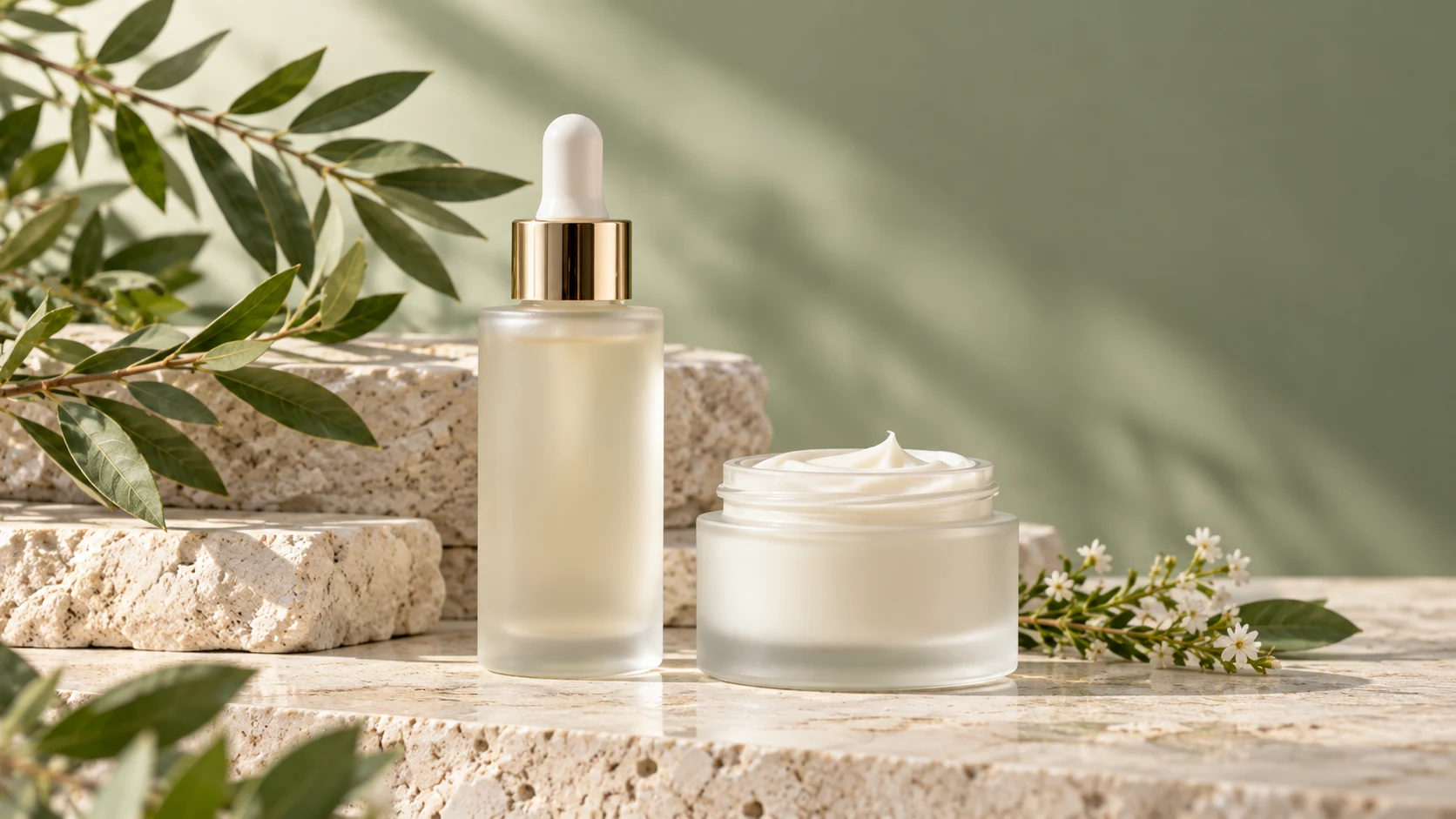
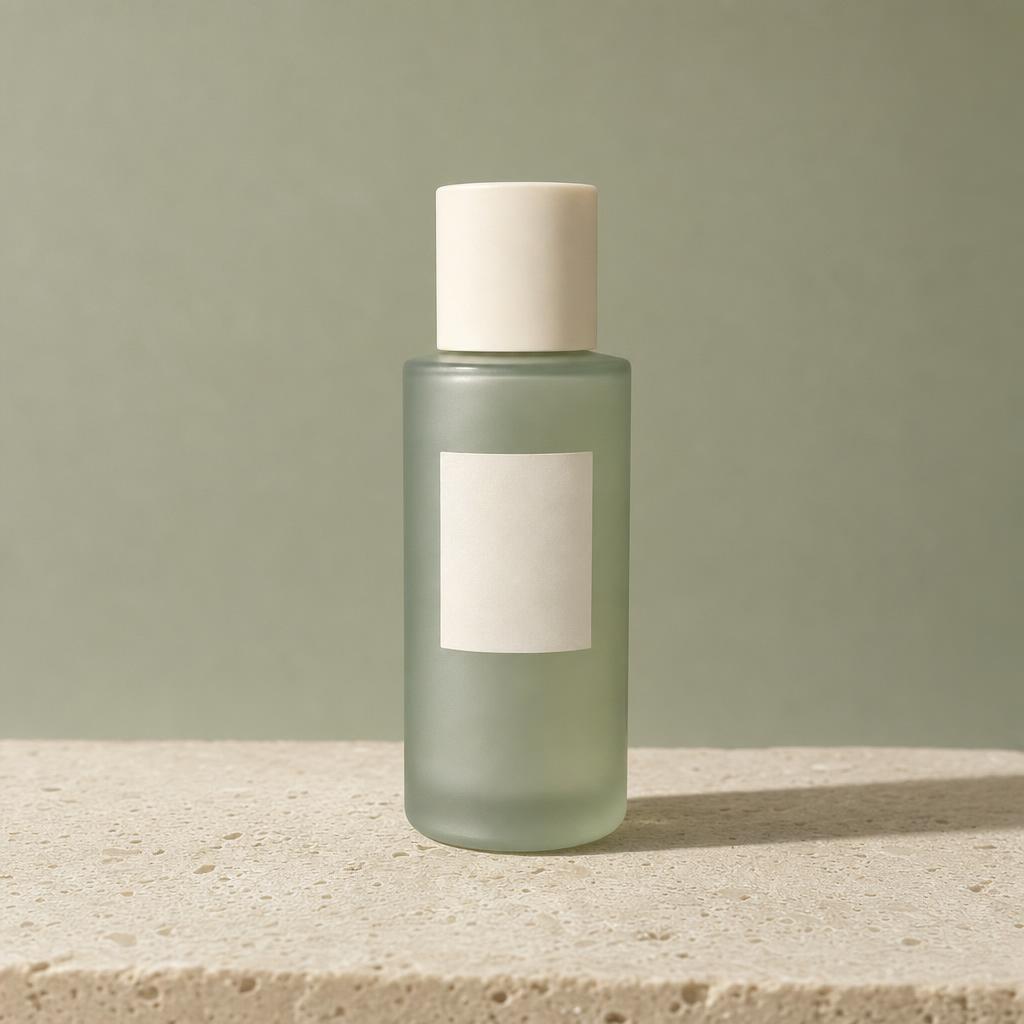
AI-generated illustration of an unbranded skincare studio scene.
Introduction
Give AI product photography a specific assignment
Decide what this view needs to communicate. An AI product photography brief in MemeGIF separates the item's fixed features from its proposed surroundings.
Name the detail that should lead
For the ceramic mug, prioritize the curved handle and speckled glaze; for skincare, the frosted bottle and front label. Give AI product photography that priority in MemeGIF. The surface and background should make the defining feature easier to inspect, not conceal it.
- Name the first detail a viewer should notice in MemeGIF.
- Keep that priority beside your AI product photography instructions.
Separate product facts from art direction
Record the actual shape, color, finish, closure, and packaging before choosing a setting. Use MemeGIF for AI product photography around those facts. A request for warmer atmosphere should not casually ask for a different material or redesigned bottle.
Decide what should stay out of frame
Specify no loose ingredients, extra packaging, or ribbons when they do not belong. A short exclusion list gives AI product photography a clearer boundary than more adjectives. Check the MemeGIF result; exclusions are instructions, not guarantees.
How to use
How to create AI product photography in MemeGIF
- Input
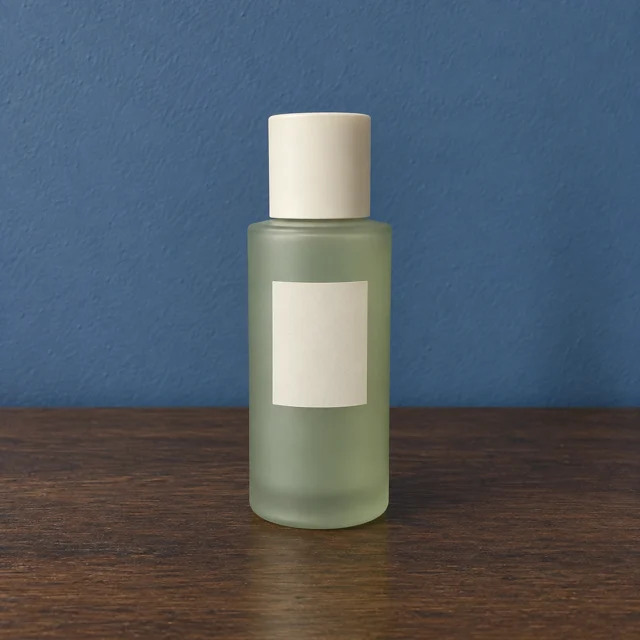 Reference image 1STEP 1
Choose a reference
Sign in to MemeGIF and select GPT Image 2 reference mode for AI product photography. Upload the actual item and explain any supporting reference roles.
- ModelGPT Image 21K1:1PromptOutputSTEP 2
Write the brief
Direct AI product photography with a camera distance, light direction, shadow character, and surface in MemeGIF. Name the product features to retain before adding decorative choices.
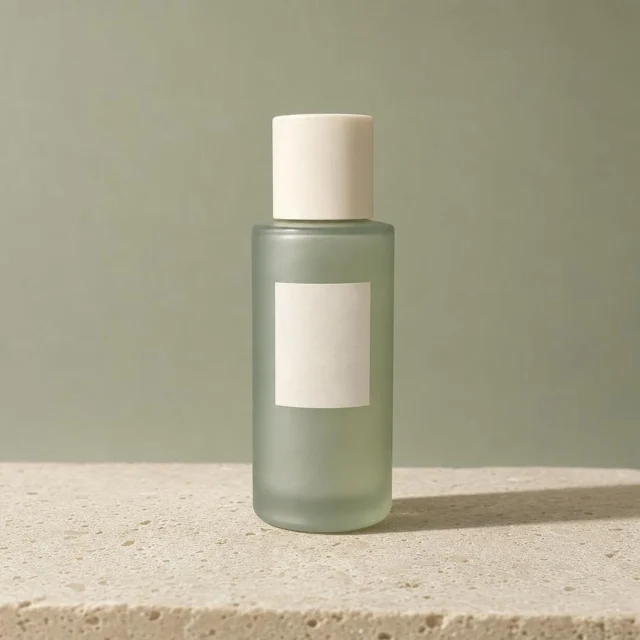 BeforeAfterSTEP 3
Test the setup
Start AI product photography at 1:1 and 1K in MemeGIF. Choose the output count, review the displayed credits, and submit a focused study for provider processing.
- STEP 4
Review the series
Compare AI product photography results from MemeGIF for material accuracy and coherent light. Keep the source and approved brief, then revise differences.
Features
Direct AI product photography light in MemeGIF
Choose a source direction and shadow character together. AI product photography in MemeGIF needs visible effects that agree, not elaborate lighting terminology.
Connect the source with the shadow
For the frosted skincare study, describe a large soft source above camera left and a gentle shadow falling right. That AI product photography direction gives MemeGIF a defined setup. Inspect whether the cap, label, and limestone surface follow that same direction.
- Look for broad highlights and gradual shadow transitions in MemeGIF.
- Use directional AI product photography light when texture needs clearer emphasis.
Keep reflective highlights controlled
A glossy lid needs a highlight that describes its curve without obscuring its shape. Ask for controlled reflections in your MemeGIF brief. Review AI product photography output for duplicated labels, glowing edges, or reflections suggesting objects absent from the source.
Decide whether a color cast belongs
A sage background can tint glass, while warm illumination may make ivory packaging look yellow. Decide whether that effect serves the AI product photography assignment. For color-sensitive work in MemeGIF, request neutral light and compare against the actual reference rather than approving a pleasant tint.
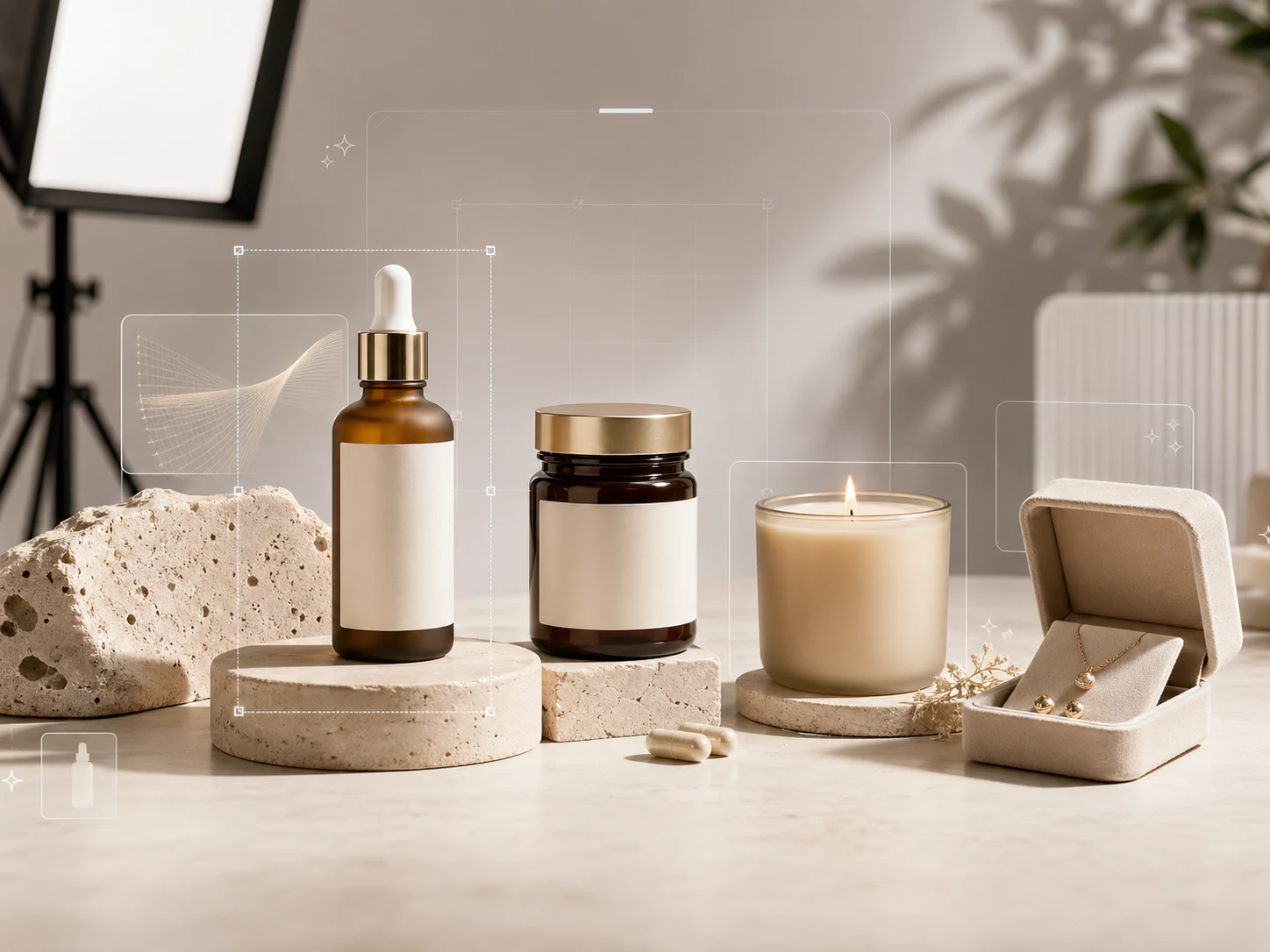
Make finishes readable in AI product photography
Describe the product and its support as different materials. In MemeGIF, direct AI product photography around each surface's response to light.
Retain the finish that identifies the item
Brushed steel should not become chrome, or matte paper glossy plastic. In MemeGIF, name the finish before exploring AI product photography lighting. For the mug, compare the glaze speckles and rim thickness with the source; an attractive substitute texture still describes a different object.
- Check glass thickness and visible translucency in MemeGIF.
- Use AI product photography references that show real fabric weave.
Create contrast without competing texture
The mug study pairs a matte warm-gray surface with a slightly darker background. That AI product photography setup aims to reveal the silhouette without dramatic reflections. Judge the MemeGIF draft for separation around the handle, and avoid a busy surface that competes with the glaze.
Keep props subordinate to the product
A low plinth can raise a short item, while folded cloth can balance a taller one. Keep AI product photography props secondary when planning in MemeGIF. Fruit or herbs near skincare can imply ingredients, so leave them out unless the actual product information supports that association.
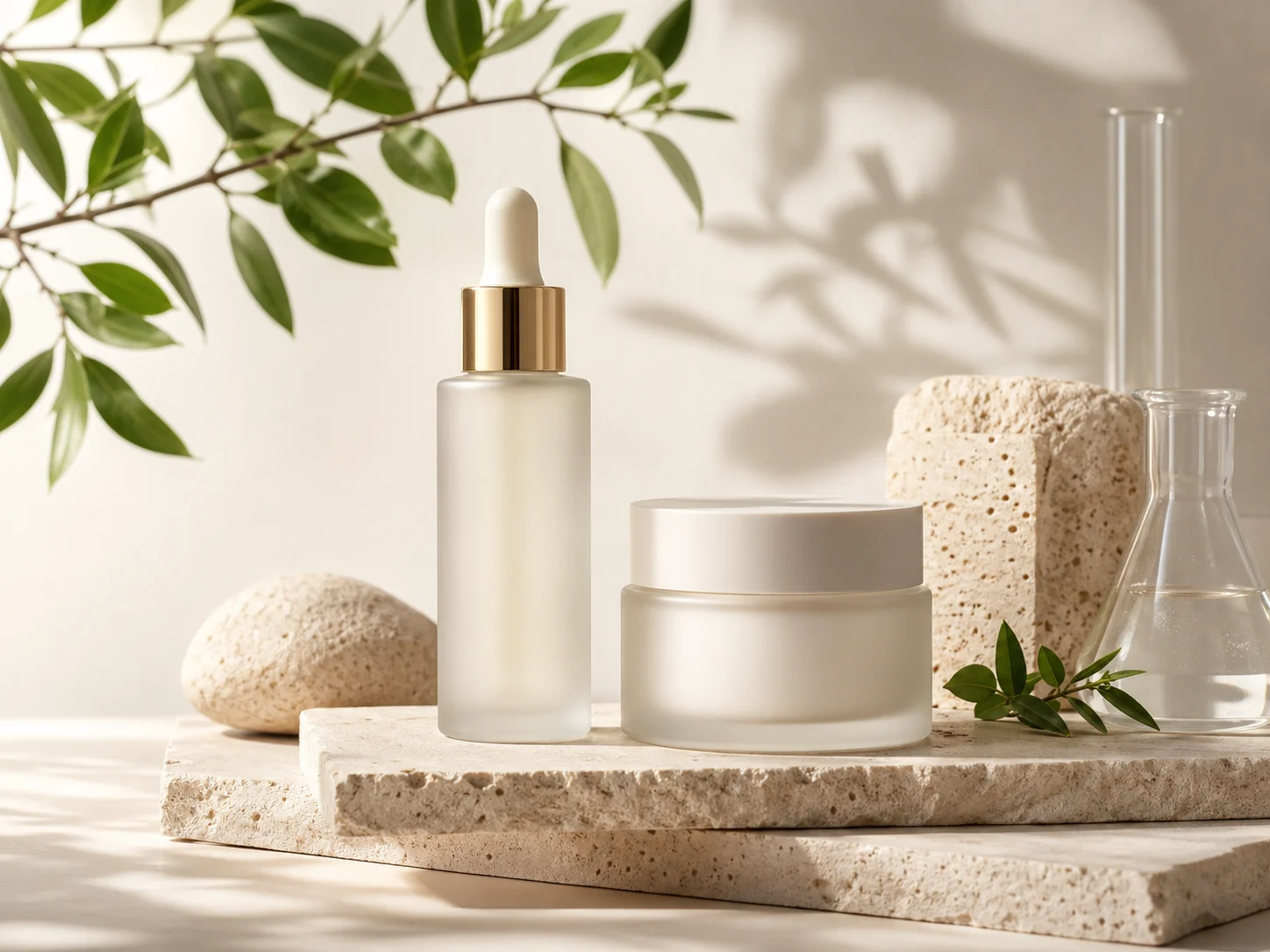
Set AI product photography distance before detail
A full object and a close material study serve different purposes. Define that viewing distance for AI product photography before expanding your MemeGIF scene.
Begin with the complete product
Keep the bottle or mug inside the square frame with modest surrounding space. Start AI product photography in MemeGIF near the item's middle or label height for a straightforward view. Check the complete outline before a crop hides missing parts.
- Use an MemeGIF close study to examine texture, not hide errors.
- Choose wider AI product photography framing when the setting adds useful context.
Choose an angle supported by a real source
An overhead photograph of a closed box does not establish its underside. Supply the actual view when construction matters to AI product photography. MemeGIF may generate plausible unseen surfaces, but that is not recovered 3D geometry or proof of how the real item was photographed.
Reserve space for a defined placement
Name the side where a designer will add a heading while keeping the product complete. Give AI product photography that framing purpose in MemeGIF rather than asking for vague negative space. Add exact offer text or approved marks afterward in your own design tools.
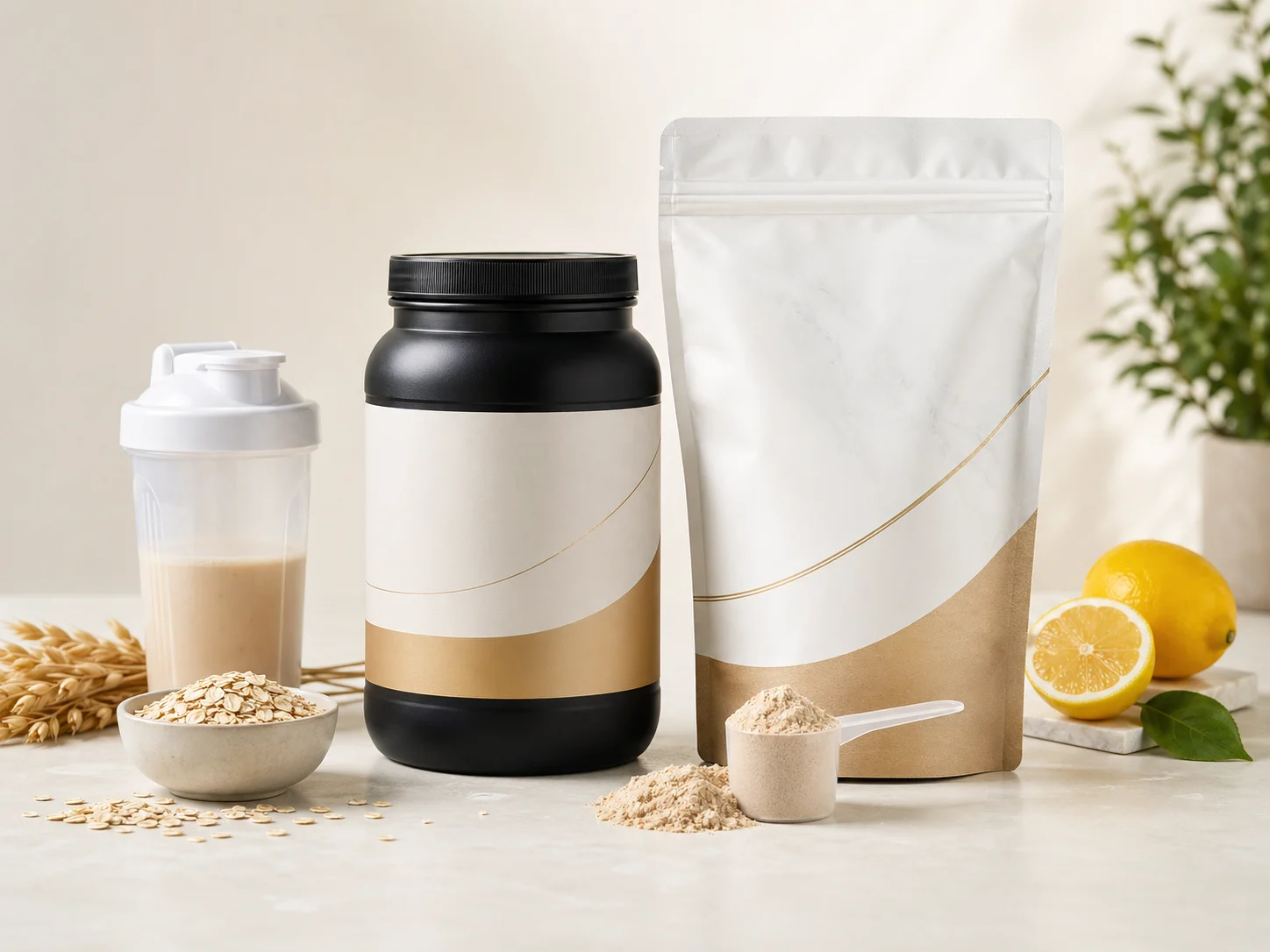
Carry AI product photography decisions through MemeGIF
A series needs shared visual decisions, not identical pictures. Bring a lighting and surface recipe to AI product photography in MemeGIF, then inspect each result.
Write a small lighting and styling recipe
Record the background tone, light direction, shadow softness, camera height, and spacing. Reuse those choices in AI product photography briefs for a cleanser, serum, and cream. Change the item description in MemeGIF while keeping the scene directions clear enough to compare across separate requests.
- Compare label brightness, shadow weight, and horizon height in MemeGIF.
- Keep an approved AI product photography example beside the written recipe.
Change one creative variable
Try another surface before changing lighting and camera position too. A focused AI product photography revision reveals which choice helped. When pale stone works but the shadow feels heavy, adjust that shadow in your MemeGIF brief instead of replacing an otherwise useful visual direction.
Review the collection together
Arrange the candidates side by side in your own review layout. AI product photography requests can vary in color, scale, and contrast despite similar wording. Compare MemeGIF studies with their actual item references and the shared recipe; the most dramatic frame may be the wrong fit.
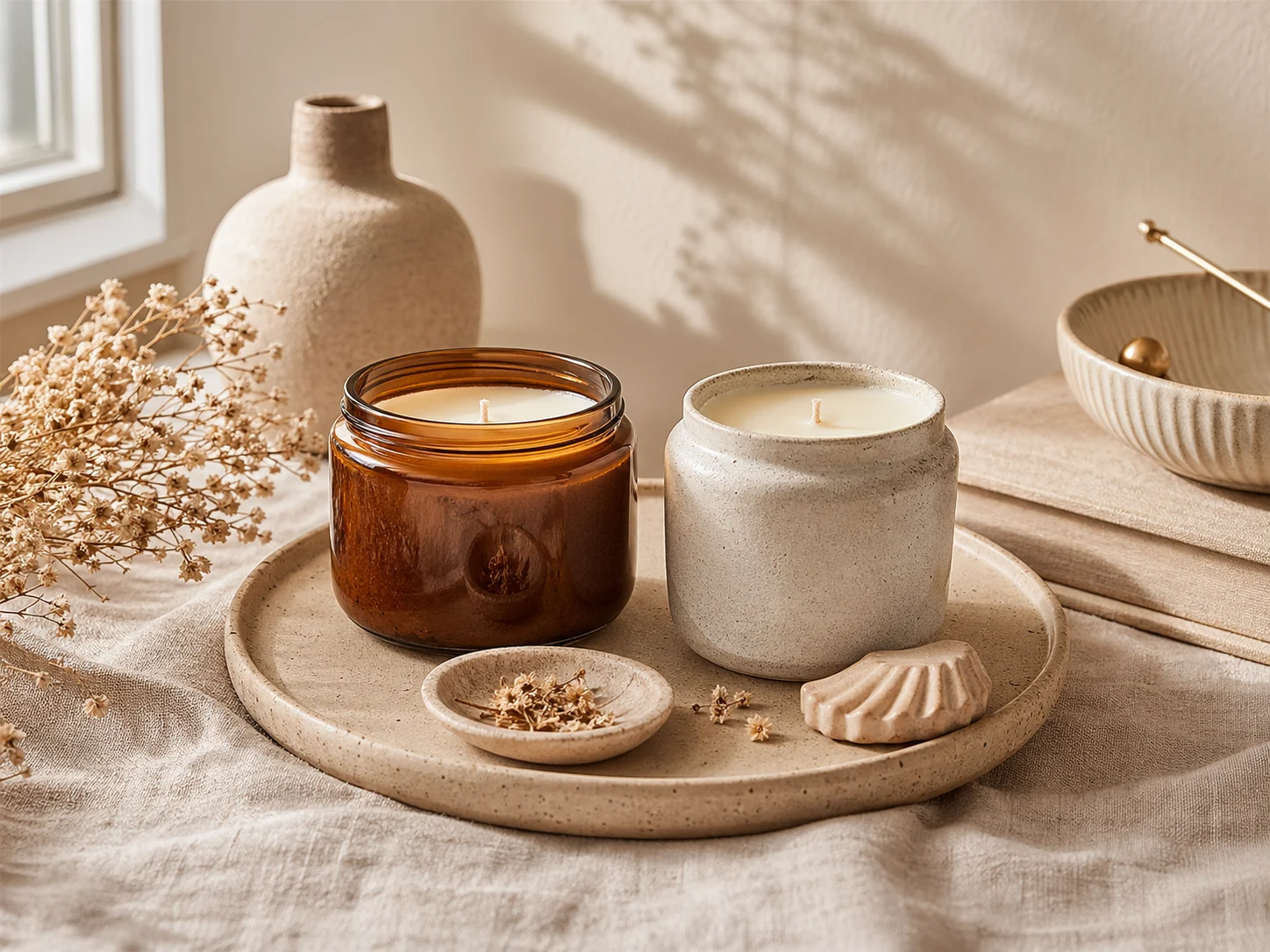
Test your AI product photography brief
Use the first AI product photography study to assess light and framing. MemeGIF requires login, enough credits, and network-dependent provider processing rather than offline editing.
Upload the actual item and assign reference roles
GPT Image 2 image mode needs one to sixteen references. Start AI product photography in MemeGIF with the actual item, identifying any supporting lighting or material examples separately. Prompts accept 3-20000 characters. Inputs and results are uploaded and saved to your account; this is not local-only image processing.
Check model settings and the current quote
Select 1K, 2K, or 4K and one to four outputs for AI product photography in MemeGIF. GPT Image 2 offers Auto plus fifteen fixed ratios; this page starts at 1:1. Requests specify JPEG and high quality without a quality-level selector or transparent PNG choice. Review displayed credits before submission.
Compare the object before the atmosphere
Check shape, finish, closure, label, and shadows against the source before approving AI product photography styling. MemeGIF preservation instructions do not lock pixels or guarantee accurate packaging. Reject a candidate that changes the item, and make the next request address the specific mismatch rather than simply requesting more polish.
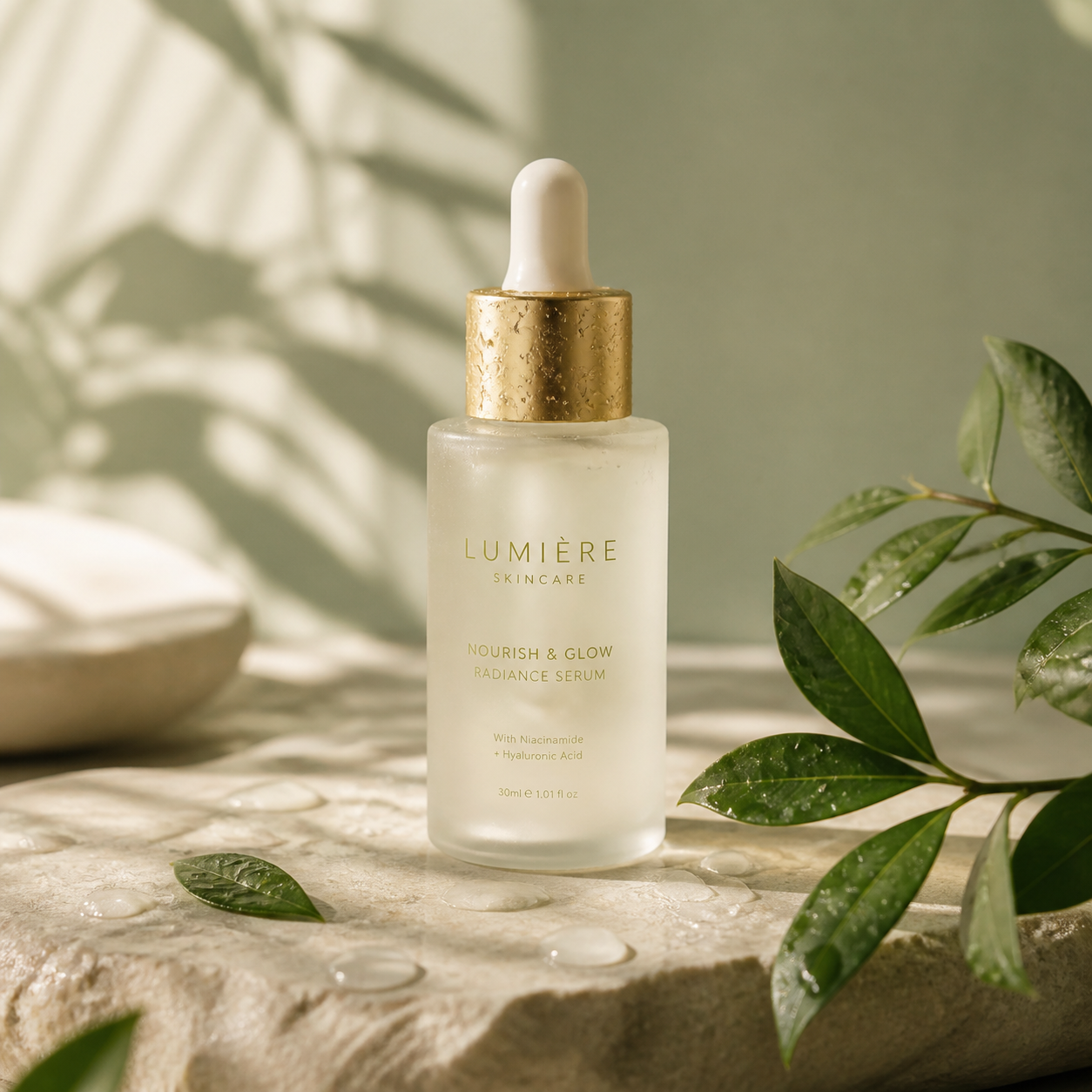
Example prompts
Soft studio brief for frosted skincare
Edit the uploaded photograph of my actual skincare product. Retain its visible silhouette, packaging color, closure, label placement, and frosted finish as closely as possible. Place it on pale limestone against a muted sage background. Use a large soft source above camera left, a gentle shadow falling right, and controlled glass highlights. Square composition, complete product visible, camera near label height. No additional products, ingredients, text, or decorative props.
Material study for a ceramic mug
Use the supplied photo of my actual ceramic mug. Keep the handle shape, rim thickness, proportions, color, and visible glaze texture as closely as possible. Create a quiet square studio composition on a matte warm-gray surface, with a slightly darker background and soft side lighting that reveals the speckled glaze. Show the entire mug, with modest space around it. No invented patterns, steam, utensils, logos, or dramatic reflections.
Workflow examples
Illustrative ways to plan, generate, and review your work.
MemeGIF workflow examples
Begin with a product photograph and a focused image-editing brief. Compare the draft with the original for shape, labels, and proportions before placing it into a listing. Add approved logos and exact copy in your design application.
Choose a video model and describe one small action, such as a careful object turn. Review the available duration, resolution, and credits. Check the completed take for object continuity and sound before using it in a larger edit.
Give the image workspace a subject, viewpoint, and visual metaphor that supports your article. Preview the result inside the intended layout. Adjust the crop or composition when it competes with the headline or obscures an important detail.
Sign in and use Compress Image when a picture has the right dimensions but a large file size. Compression runs in the browser; input and output images are saved to your account. Compare the result before downloading individual files or a ZIP.
Paste a draft into Humanize AI and select Natural, Friendly, or Professional tone. Review the rewrite for meaning, names, figures, and technical terms. Copy or download the version you have checked; detector scores and publication outcomes are not guaranteed.
Record the palette, viewpoint, lighting, and subject scale in a reusable brief. Supply relevant references where the selected image model supports them. Compare the images together, then revise specific differences instead of assuming automatic campaign-wide consistency.
MemeGIF Pricing and Credit Plans
Cancel anytime
Trending face-swap templates cost 300 Credits per video, including full-length Bad Times and every available format. Other tools keep their own quotes. Existing MV tickets remain usable until their original expiry; new tickets are no longer sold.
Pay once annually; receive 1/12 of your annual Credits each month. The first allocation arrives after payment, then monthly. Tax included. Each allocation expires at the next subscription month or paid-year end.
Lite
50% off0.025 / credit
$14.9/month equivalent · Billed $179· Save $179.8
Annual total: 7,200 credits, issued monthly
Video Models


Image Models


- Includes MiniMax H3 and all premium models
- Up to 1 batch generation task
- Standard generation speed
- Standard generation success rate
- Standard customer support
- Commercial Use License
Standard
50% off0.017 / credit
$24.9/month equivalent · Billed $299· Save $299.8
Annual total: 18,000 credits, issued monthly
Video Models
Image Models
- Includes MiniMax H3 and all premium models
- Up to 4 batch generation tasks
- Priority processing speed
- High generation success rate
- Priority customer support
- Commercial Use License
Pro
50% off0.014 / credit
$49.9/month equivalent · Billed $599· Save $599.8
Annual total: 43,200 credits, issued monthly
Video Models
Image Models
- Includes MiniMax H3 and all premium models
- Up to 10 batch generation tasks
- Fastest generation speed
- High generation success rate
- Dedicated account manager
- Commercial Use License
Max
50% off0.012 / credit
$99.9/month equivalent · Billed $1,199· Save $1,199.8
Annual total: 96,000 credits, issued monthly
Video Models
Image Models
- Includes MiniMax H3 and all premium models
- Up to 10 batch generation tasks
- Fastest generation speed
- High generation success rate
- Dedicated account manager
- Commercial Use License
Pay safely and securely with























FAQ
Frequently asked questions
What should an AI product photography brief include?
Include the actual item, details to retain, a light direction, shadow character, surface, background, and framing. Give AI product photography one coherent setup in MemeGIF rather than competing style instructions. The default prompt accepts 3-20000 characters, but a concise brief leaves fewer contradictions to diagnose.
Do I need studio equipment for AI product photography?
Start with a clear, authorized photograph of the real item, not necessarily an elaborate shoot. AI product photography in MemeGIF needs readable packaging and an unobstructed silhouette. Soft everyday light can help you inspect the source. The generated study is a visual interpretation, not evidence that another physical shoot occurred.
How do I keep AI product photography consistent across a collection?
Reuse lighting, surface, camera, and spacing notes, then compare each product separately and the studies together. AI product photography on MemeGIF does not guarantee matching color, construction, or styling across requests. One to four outputs provide candidates, not an automatically consistent series or batch publication workflow.
Can I explore both close details and wider scenes?
Yes. Supply the right reference for each AI product photography view in MemeGIF. A real close photograph should guide an important seam, closure, or glaze detail. Auto leaves framing to the model and does not guarantee original dimensions. Review the chosen ratio and current quote before another request.
What should I check before using the photograph?
Check product accuracy first, then light, framing, and the actual placement. AI product photography from MemeGIF can alter details beyond the requested change. Review source permissions and applicable terms before commercial use, add exact lettering separately when needed, and keep the original as your factual reference.
CTA
Give AI product photography a clear lighting brief in MemeGIF
Bring your actual item to MemeGIF, name the finish that matters, and choose light that helps reveal it. Review the AI product photography configuration and credits, then compare the study with its source before extending the direction to another product.
Build a product photography study