 MemeGIF
 · AI twerk video generator for adult studio rehearsals
Explore a small dance idea before planning a larger rehearsal. This AI twerk video generator on MemeGIF turns a written description into a short fictional studio clip. Direct an adult performer, keep the whole body visible, and judge the movement rather than expecting exact choreography.
Video workspace
The wooden elevator opens
28/33View prompt
Five-second continuous frontal shot of closed wooden elevator doors opening slowly to reveal one adult woman standing inside. Keep the camera fixed at eye level and the woman relaxed, facing forward. Preserve a simple, balanced composition with warm wood grain and soft interior light. End with the doors open and the woman still standing.
Introduction
What is an AI twerk video generator for rehearsal? on MemeGIF
An AI twerk video generator on MemeGIF can visualize a brief adult dance passage. Here, the setting is a welcoming community studio, with fully clothed performers and a straightforward rehearsal viewpoint.
A movement concept, not a dance lesson
Use the AI twerk video generator on MemeGIF to explore restrained hip pulses, a grounded weight shift, or a relaxed finish. A generated body is a visual concept, not an instructor or reliable movement demonstration.
- Review the current MemeGIF credit quote before submitting the shot.
A familiar video workspace underneath
The AI twerk video generator on MemeGIF uses MiniMax H3 Max Turbo in this workspace. Its starting settings are text-to-video, five seconds, 480P, 16:9, one output, and native audio. There is no separate motion capture system behind this page. The prompt is required and accepts up to 50000 characters. Settings offer integer durations from five to fifteen seconds and 480P, 768P, or 1080P requests, with one output. Native audio is always on; text mode has no reference upload, while image mode accepts an opening image and optional ending image.
- Start with words rather than captured performance data.
An adult performer with room to move
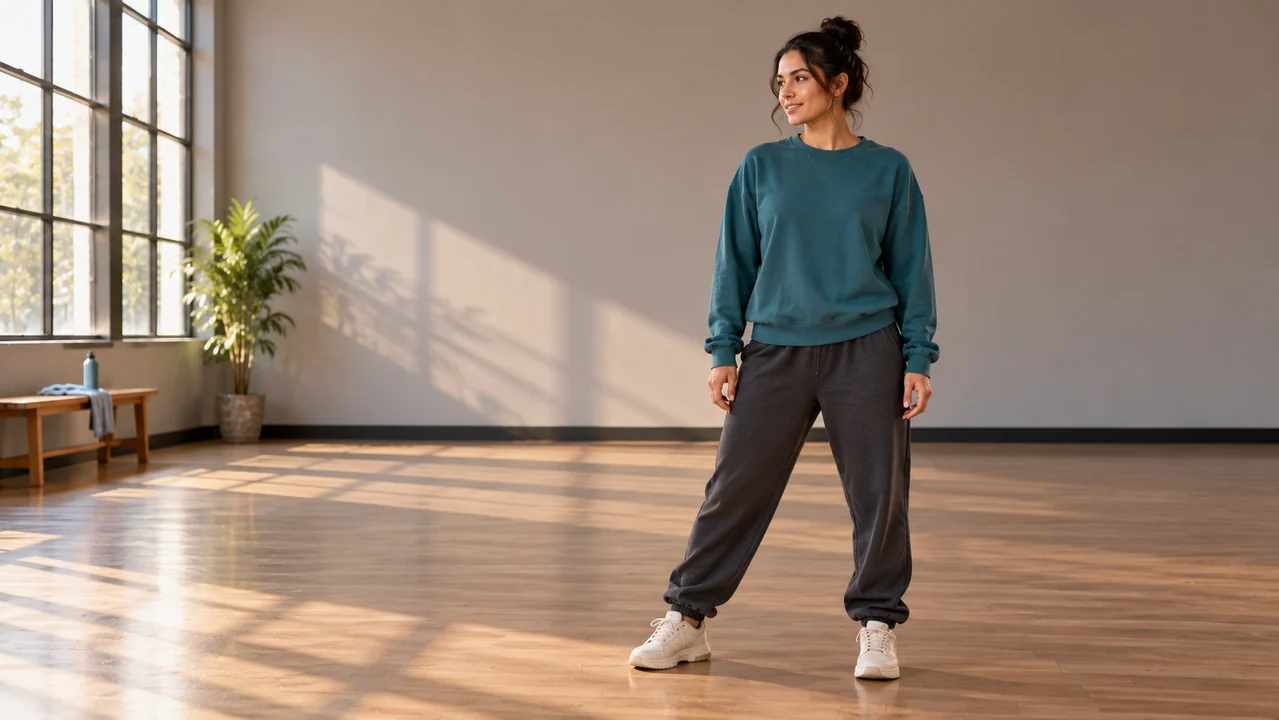
Set the AI twerk video generator on MemeGIF in a plain practice room. Describe one adult wearing an opaque long-sleeved top, full-length joggers, and trainers, with the emphasis on coordination rather than revealing clothing or body-part close-ups.
- Let the studio context establish the tone.
How to use
How to use the AI twerk video generator in MemeGIF
- STEP 1
Describe one adult rehearsal
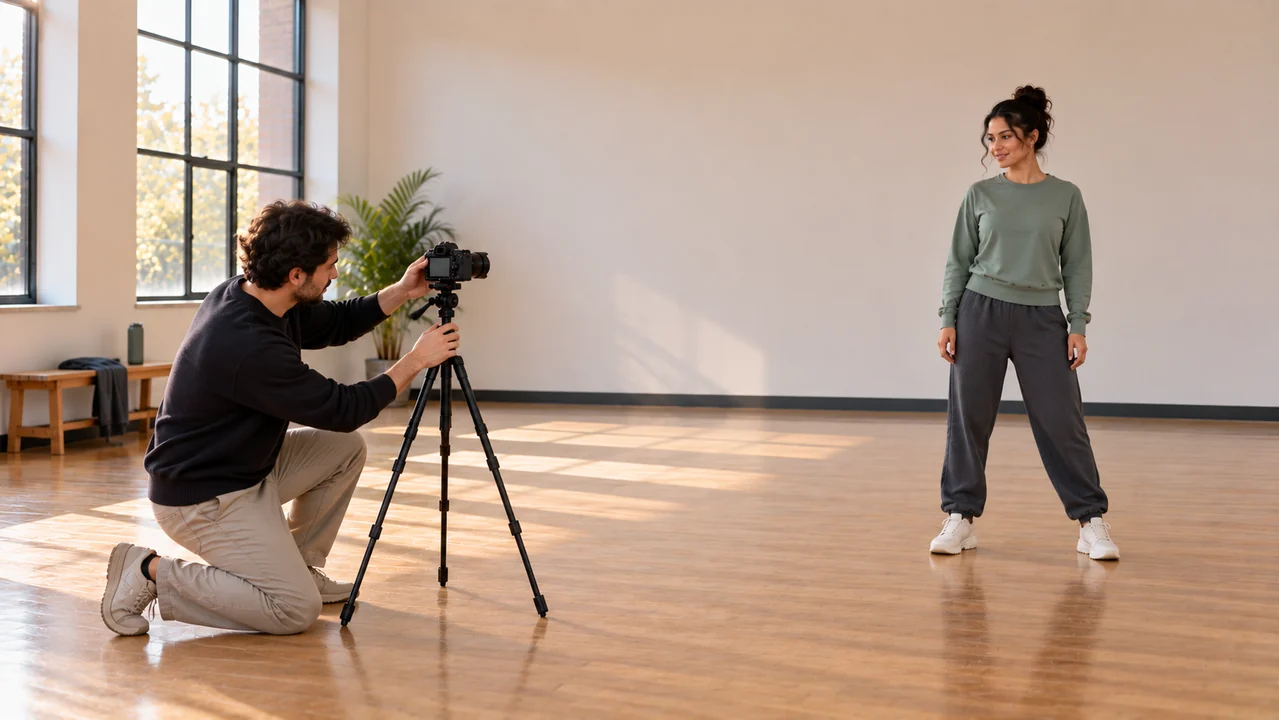
Write an AI twerk video generator on MemeGIF brief with one fully clothed adult, a simple movement, and a clear community studio setting.
- STEP 2
Check the starting setup
Review the AI twerk video generator on MemeGIF defaults, read the credit quote, and sign in before deciding whether to submit this request.
- STEP 3
Generate with deliberate consent
Choose Generate in the AI twerk video generator on MemeGIF when ready; applying a sample prompt alone neither submits a job nor spends credits.
- STEP 4
Review before keeping the clip
Watch the AI twerk video generator result from MemeGIF for full-body framing, natural limbs, and grounded movement, then download a useful concept clip.
Features
Give five seconds a manageable dance phrase
A useful AI twerk video generator on MemeGIF prompt has a beginning, one compact movement, and a clear rest. Five seconds need a readable action, not a complete routine.
Name the starting stance
Tell the AI twerk video generator on MemeGIF how the dancer begins: knees softly bent, arms relaxed, and feet visible against the floor. Give the movement a concrete starting stance rather than opening with an unexplained pose.
- Keep landmarks readable when comparing MemeGIF candidates.
Keep an AI twerk video generator request focused
Ask the AI twerk video generator on MemeGIF for two small rhythmic hip pulses and one side step. Avoid combining spins, floor transitions, jumps, and formation changes. Concentrate the brief on the action you intend to inspect.
- Leave acrobatics and complex combinations outside this brief.
Describe the release as well as the motion
Give the AI twerk video generator on MemeGIF a quiet ending: the dancer settles their weight and relaxes their arms. The result may end differently, so review the final moment before deciding where another edit could begin.
- Look for a clear pause rather than a flourish.
Frame the AI twerk video generator around full-body movement
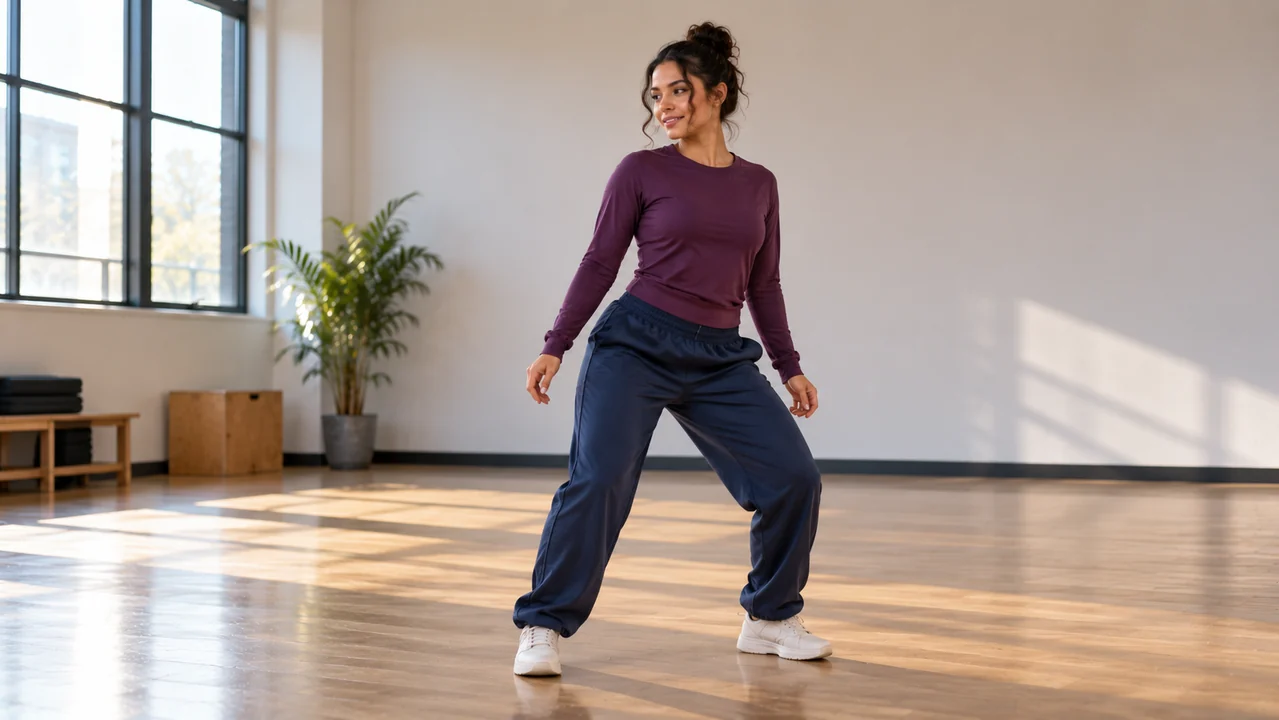
Camera direction matters in an AI twerk video generator on MemeGIF brief. Keep head, hands, and shoes visible so the audience can read balance and timing together.
Choose a respectful viewing height
Request an eye-level view from several steps away in the AI twerk video generator on MemeGIF. A slight front three-quarter angle shows the stance without isolating a body area. Favor neutral rehearsal framing rather than provocative angles.
- Inspect the full MemeGIF take for contact and changing proportions.
Use an uncluttered practice room
Give the AI twerk video generator on MemeGIF a matte wooden floor, a plain wall, and soft window light. Omit mirrors initially: reflected figures complicate the scene you need to inspect. The dancer should remain the obvious subject.
- Keep furniture away from the imagined movement area.
Keep the camera instruction modest
Begin with a steady camera request in the AI twerk video generator on MemeGIF rather than a fast orbit. Describe another viewpoint later; the first review can concentrate on the dancer without simultaneous camera changes.
- Treat requested steadiness as something to check.
Develop a welcoming rehearsal atmosphere
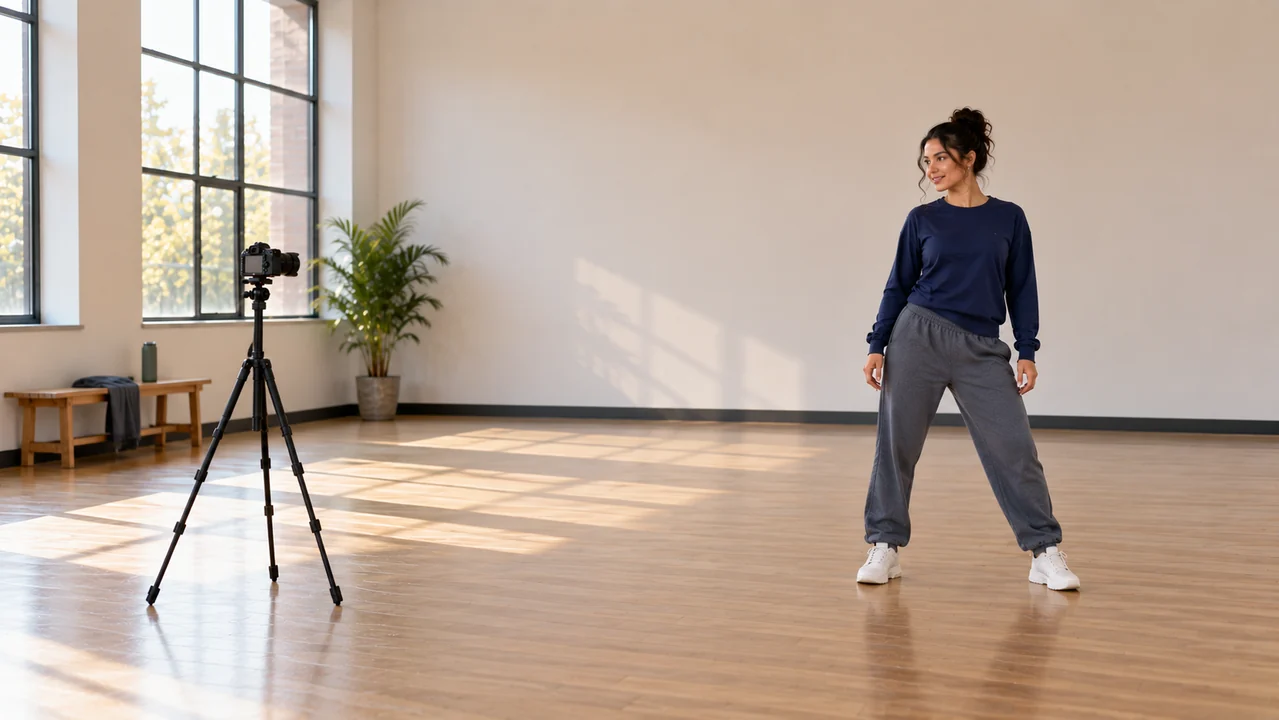
Use the AI twerk video generator on MemeGIF to suggest an ordinary creative session, not a staged spectacle. Outfit, expression, light, and sound can make the room feel approachable.
Give clothing a practical visual role
Describe comfortable, fully covering clothes in the AI twerk video generator on MemeGIF: a muted teal sweatshirt and charcoal joggers, for example. A simple outfit makes sleeves, knees, and shoe positions easier to follow than busy patterns or changing accessories.
- Listen to the MemeGIF download alongside its visual action.
Direct sound in the AI twerk video generator
Native audio is enabled in the starting setup. Tell the AI twerk video generator on MemeGIF that you want a simple original percussion pulse and quiet room ambience. Listen afterward; do not assume footsteps or movements land exactly on the beat.
- Avoid requesting a recognizable commercial recording.
Let personality remain understated
Ask the AI twerk video generator on MemeGIF for a focused adult dancer with a small relaxed smile. There is no need for an audience, cheering, or dramatic lighting. The rehearsal can feel energetic through its movement while remaining non-explicit and composed.
- Use expression to support the action, not overwhelm it.
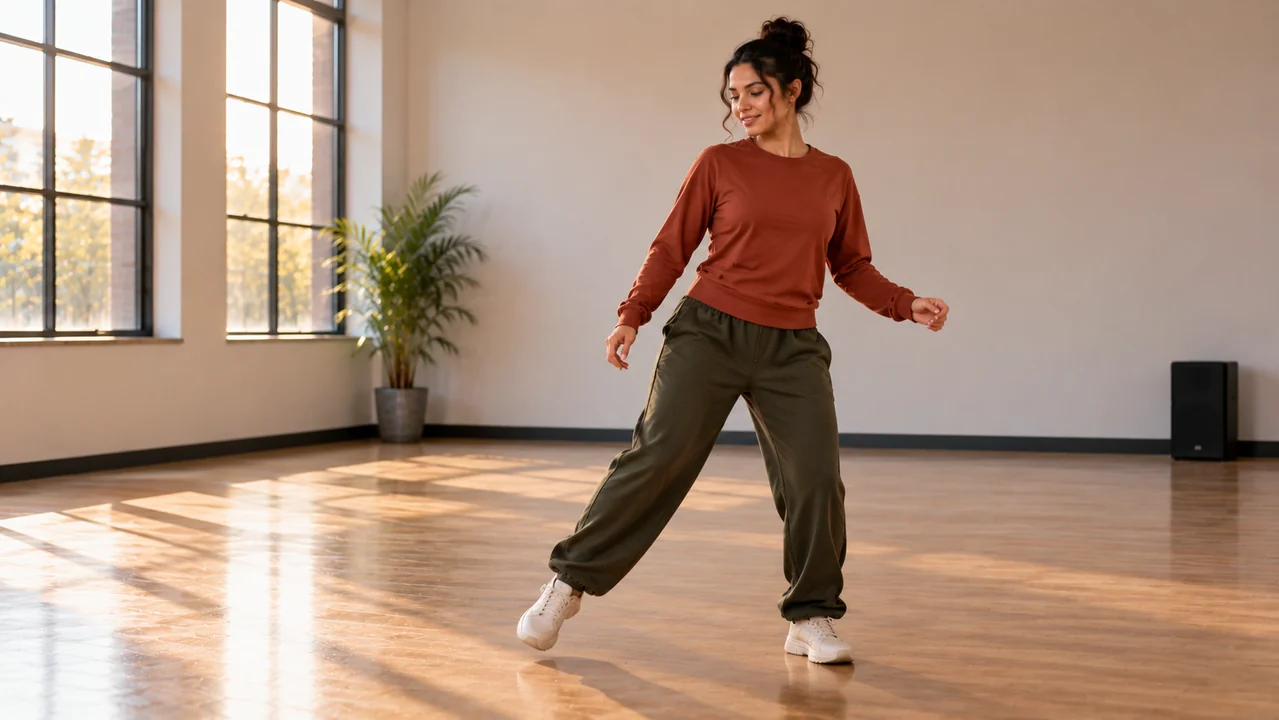
Inspect the AI twerk video generator result in motion
Review the entire AI twerk video generator clip from MemeGIF before judging a promising frame. A convincing pose alone does not establish consistent anatomy or believable movement across time.
Follow contact with the floor
Watch shoes and knees in the AI twerk video generator output from MemeGIF. Does a planted foot slide or a leg change shape during the pulse? Reject distracting movement rather than explaining it away as intentional choreography.
- Save the earlier brief when revising an MemeGIF request.
Read the whole silhouette
Inspect hands, elbows, sleeves, and the space between limbs in the AI twerk video generator clip from MemeGIF. Clothing should not merge with the wall or change unexpectedly. A full-body view helps you notice issues that a cropped preview might conceal.
- Pause playback when a transition looks unclear.
Revise one instruction deliberately
Return to the AI twerk video generator on MemeGIF prompt with one concrete revision, such as reducing the movement or increasing framing space. Another generation can still vary elsewhere. This is creative iteration, not a controlled test or a guarantee of improvement.
- Keep the earlier wording for your own comparison.
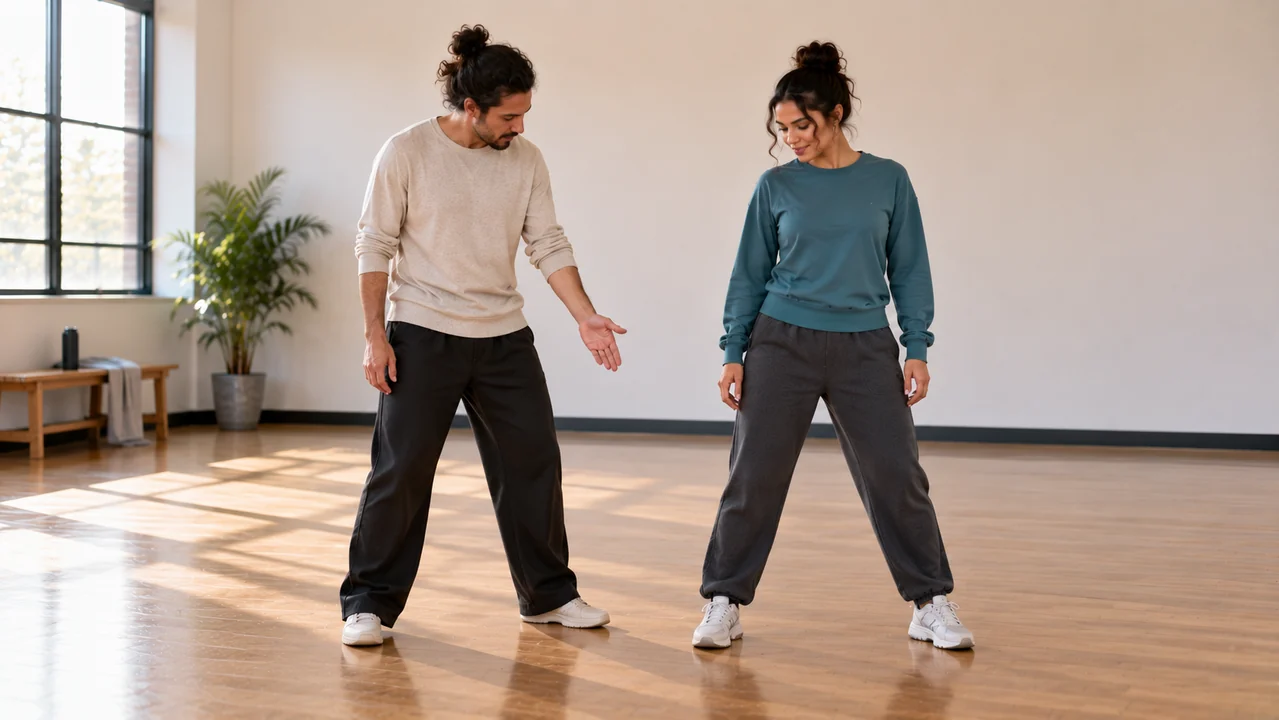
Keep decisions with the creator
The AI twerk video generator on MemeGIF supplies a short generated clip. You decide which request to submit, whether a result is useful, and how any later production should proceed.
Separate prompt preparation from generation
Use prompt fills the AI twerk video generator on MemeGIF editor without submitting a job. Read the wording, sign in when required, and check the displayed credit quote. Only explicitly choosing Generate starts the request using the existing credits system.
- Keep the downloaded MemeGIF file with your own production notes.
Save an AI twerk video generator selection
Choose an AI twerk video generator on MemeGIF take that communicates your rehearsal idea, not simply the most dramatic pose. Revisit available results in history and download your selection. Retain its prompt locally so a collaborator understands the intended movement. Sign in with sufficient credits to submit. Processing depends on the network and cloud provider; inputs and results are saved to your account. Select the frame shape in text mode before generation. Image mode follows its supplied starting material without a separate ratio selector.
- Use existing history to revisit available dance takes.
Finish a larger piece elsewhere
An AI twerk video generator on MemeGIF does not assemble films or provide precise choreography. Use your own editor for titles, trimming, or several shots. When discussing the concept with dancers, distinguish generated movement from a recording of somebody performing it.
- Describe the finished material honestly when sharing it.
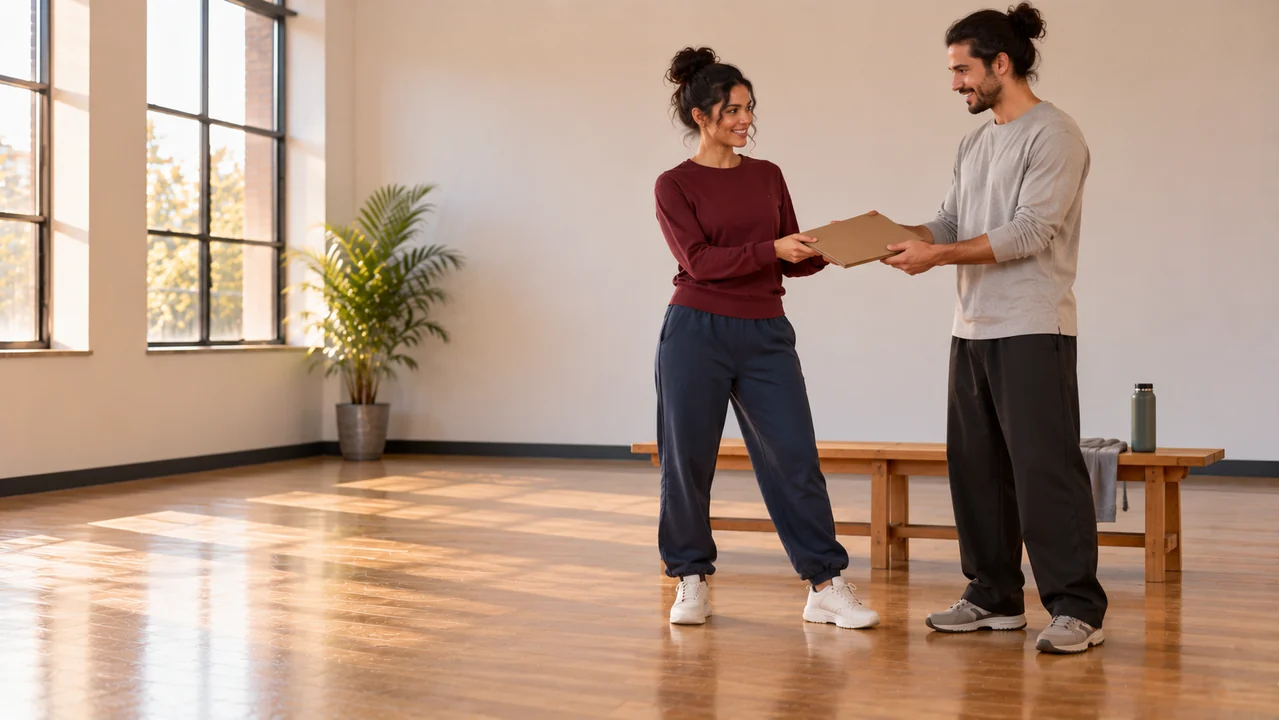
Example prompts
AI twerk video generator example: grounded studio pulse
Create a five-second, 16:9 fictional community dance studio rehearsal. Show one clearly adult dancer, about thirty years old, fully dressed in an opaque muted teal long-sleeved sweatshirt, loose charcoal full-length joggers, and plain trainers. From a steady eye-level front three-quarter view, show the complete figure with space around the head, hands, and shoes. The dancer begins with softly bent knees, performs two small rhythmic hip pulses in a non-explicit dance practice context, shifts weight gently to one side, and settles into a relaxed stance. Use a clean matte wooden floor, a plain warm-gray wall without mirrors, and diffuse window light. Keep anatomy and foot contact natural. Request a simple original percussion pulse with quiet studio ambience, no lyrics. No suggestive camera angle, close-up of body parts, revealing clothing, other people, text, logos, or watermark.
A quiet side step after rehearsal
Generate one five-second landscape 16:9 dance concept in a modest community studio. One fictional adult dancer in their thirties wears a plain opaque burgundy long-sleeved athletic top, full-length loose navy track trousers, and unbranded cream trainers. Use a steady eye-level wide side three-quarter composition that keeps the complete head, both hands, and both shoes visible throughout. The dancer makes a brief restrained twerk-inspired hip isolation with softly bent knees, follows it with one small lateral step, and relaxes their arms with a focused expression. Present this as ordinary non-explicit adult dance practice. Soft evening light falls across a pale wall and a clear wooden floor, with no mirrors or audience. Ask for quiet shoe contact and room ambience without music or speech. Keep limbs, clothing, and floor contact coherent. No sexualized framing, body-part close-ups, labels, logos, or visible writing.
Workflow examples
Illustrative ways to plan, generate, and review your work.
MemeGIF workflow examples
Begin with a product photograph and a focused image-editing brief. Compare the draft with the original for shape, labels, and proportions before placing it into a listing. Add approved logos and exact copy in your design application.
Choose a video model and describe one small action, such as a careful object turn. Review the available duration, resolution, and credits. Check the completed take for object continuity and sound before using it in a larger edit.
Give the image workspace a subject, viewpoint, and visual metaphor that supports your article. Preview the result inside the intended layout. Adjust the crop or composition when it competes with the headline or obscures an important detail.
Sign in and use Compress Image when a picture has the right dimensions but a large file size. Compression runs in the browser; input and output images are saved to your account. Compare the result before downloading individual files or a ZIP.
Paste a draft into Humanize AI and select Natural, Friendly, or Professional tone. Review the rewrite for meaning, names, figures, and technical terms. Copy or download the version you have checked; detector scores and publication outcomes are not guaranteed.
Record the palette, viewpoint, lighting, and subject scale in a reusable brief. Supply relevant references where the selected image model supports them. Compare the images together, then revise specific differences instead of assuming automatic campaign-wide consistency.
MemeGIF Pricing and Credit Plans
Cancel anytime
Trending face-swap templates cost 300 Credits per video, including full-length Bad Times and every available format. Other tools keep their own quotes. Existing MV tickets remain usable until their original expiry; new tickets are no longer sold.
Pay once annually; receive 1/12 of your annual Credits each month. The first allocation arrives after payment, then monthly. Tax included. Each allocation expires at the next subscription month or paid-year end.
Lite
50% off0.025 / credit
$14.9/month equivalent · Billed $179· Save $179.8
Annual total: 7,200 credits, issued monthly
Video Models


Image Models


- Includes MiniMax H3 and all premium models
- Up to 1 batch generation task
- Standard generation speed
- Standard generation success rate
- Standard customer support
- Commercial Use License
Standard
50% off0.017 / credit
$24.9/month equivalent · Billed $299· Save $299.8
Annual total: 18,000 credits, issued monthly
Video Models
Image Models
- Includes MiniMax H3 and all premium models
- Up to 4 batch generation tasks
- Priority processing speed
- High generation success rate
- Priority customer support
- Commercial Use License
Pro
50% off0.014 / credit
$49.9/month equivalent · Billed $599· Save $599.8
Annual total: 43,200 credits, issued monthly
Video Models
Image Models
- Includes MiniMax H3 and all premium models
- Up to 10 batch generation tasks
- Fastest generation speed
- High generation success rate
- Dedicated account manager
- Commercial Use License
Max
50% off0.012 / credit
$99.9/month equivalent · Billed $1,199· Save $1,199.8
Annual total: 96,000 credits, issued monthly
Video Models
Image Models
- Includes MiniMax H3 and all premium models
- Up to 10 batch generation tasks
- Fastest generation speed
- High generation success rate
- Dedicated account manager
- Commercial Use License
Pay safely and securely with























FAQ
Frequently asked questions
Does the AI twerk video generator reproduce exact choreography?
No. The AI twerk video generator on MemeGIF interprets a written movement description rather than capturing or reproducing a performance precisely. Keep the request compact and judge the actual sequence, including transitions and the final pose.
Which adults can an AI twerk video generator portray?
Use the AI twerk video generator on MemeGIF for clearly adult, fully clothed dancers in a non-explicit studio or rehearsal context. Choose a neutral full-body view, practical clothing, and a comfortable amount of movement rather than sexualized framing.
Does the AI twerk video generator start from a performance recording?
This page starts in text-to-video mode. The AI twerk video generator on MemeGIF does not provide motion capture or a choreography transfer workflow. Describe the performer, room, action, and camera position directly in the text prompt.
Will the soundtrack match every movement?
Native audio is part of the initial AI twerk video generator on MemeGIF setup, but exact beat synchronization is not promised. Specify a simple sound direction and listen to the result before using it in a wider edit.
When are credits used?
Check the displayed quote before submitting an AI twerk video generator on MemeGIF request. Generate uses the existing credit flow; Use prompt only fills the editor. No fixed cost or free allowance is promised here.
CTA
Shape one AI twerk video generator on MemeGIF rehearsal idea
Bring a clear adult dance brief to the AI twerk video generator on MemeGIF. Review the settings and credits, generate deliberately, and keep only footage that serves your creative plan.
Prepare a dance prompt