 MemeGIF
AI portrait generator on MemeGIF for expressive reference-based studies
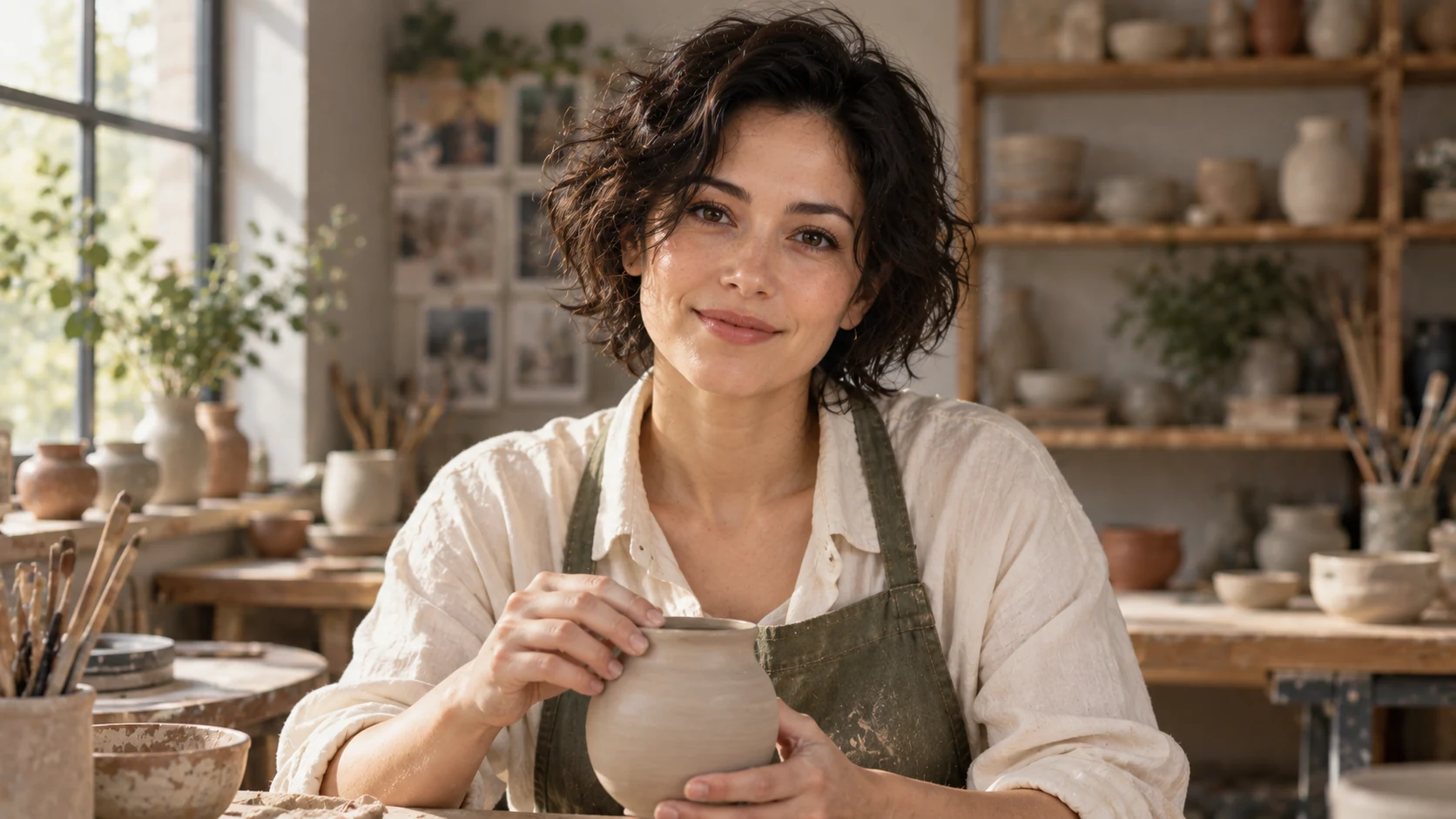
Give a portrait one visible moment: a ceramicist pausing with a bowl or a gardener examining a leaf. The AI portrait generator in MemeGIF opens with GPT Image 2 reference editing, 3:4 framing, and 1K. Describe gesture, clothing, setting, and light, then compare the result with your photograph. Creative treatment and recognizable features need separate review before you choose a study.
Image workspace
Sample Image
 6 / 17
AI-generated fictional portrait.
Introduction
Give the AI portrait generator a moment in MemeGIF
A story needs visible choices. Tell the AI portrait generator in MemeGIF what the person is doing, then identify the expression and setting that make that small action understandable.
Start with an observable action
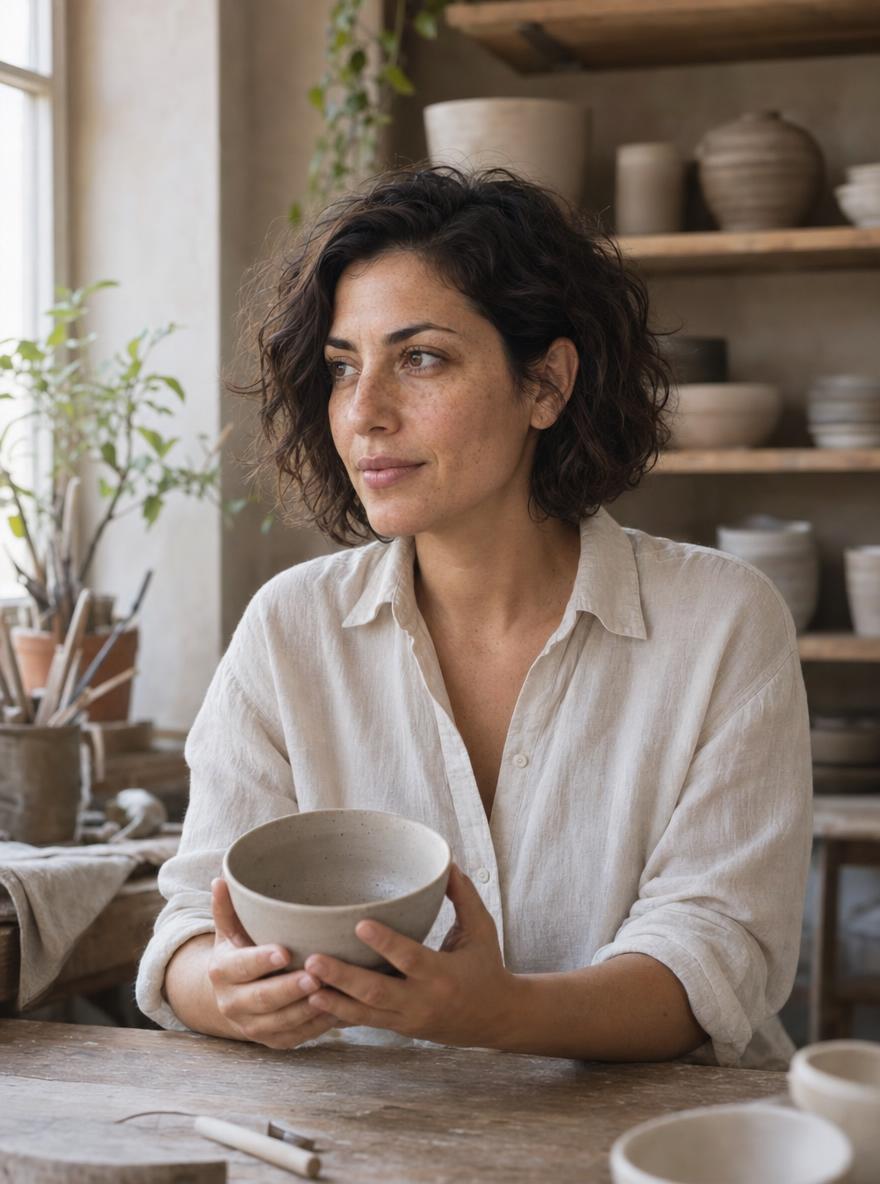
Begin with the ceramicist holding one plain clay bowl near the worktable.
- Give the AI portrait generator on MemeGIF that action before specifying the room’s decoration.
- A supported hand, relaxed shoulders, and a reflective expression provide details to inspect.
Translate the mood into posture
For a quiet mood, describe a sideways gaze, lowered shoulders, and a slight turn toward the window. The AI portrait generator in MemeGIF receives an observable interpretation of the feeling. Avoid a dramatic body pose paired with an unrelated expression. Compare the head angle and gaze with the posture before adding atmosphere through color or texture.
Keep the person as the visual priority
A workshop can supply context while the face and gesture remain prominent. Tell the AI portrait generator in MemeGIF which area should attract attention first. Ask for quieter shelving and restrained background contrast.
How to use
How to use the AI portrait generator in MemeGIF
- Input
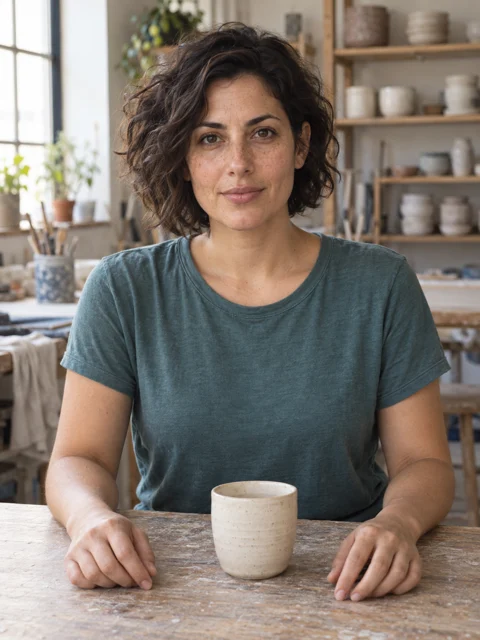 Reference image 1STEP 1
Choose the person reference
Upload an authorized photograph to the AI portrait generator in MemeGIF for GPT Image 2 reference editing. Keep the original close for comparison with the creative study.
- ModelGPT Image 21K3:4PromptOutputSTEP 2
Describe one visible moment
Give the AI portrait generator in MemeGIF a gesture, clothing, setting, and light direction. Name the important personal features and allow enough space for the meaningful object.
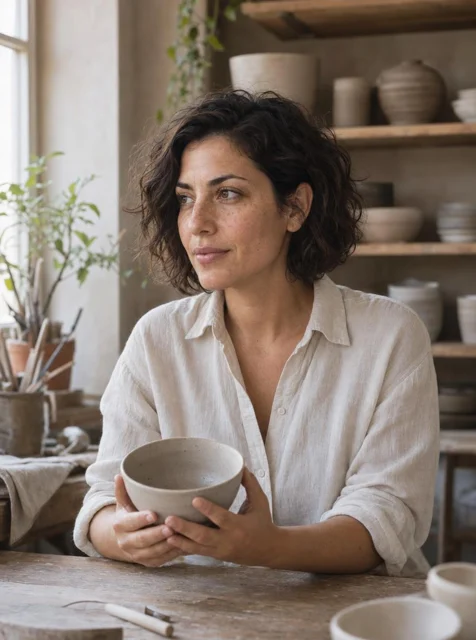 BeforeAfterSTEP 3
Check the request settings
Begin the AI portrait generator at 3:4/1K in MemeGIF. Review references, size, outputs, and the displayed quote, then sign in with sufficient credits before cloud generation.
- STEP 4
Compare expression and detail
Review the AI portrait generator result from MemeGIF beside the reference. Inspect resemblance, hands, object contact, and setting before selecting a study or requesting a focused revision.
Features
Direct AI portrait generator pose and camera distance
Choose the framing before adding elaborate scenery. The AI portrait generator in MemeGIF needs room for the gesture and a clear relationship between the person, camera, and nearby objects.
Match the crop to the idea
A close study emphasizes expression; a waist-up view leaves space for the bowl and hands.
- The AI portrait generator in MemeGIF starts at 3:4 for a vertical composition.
- Name the desired crop and leave comfortable headroom. Check that the gesture remains visible instead of letting the frame cut through the object that explains the portrait.
Give the gesture support points
Describe a seated turn, one hand supported near the worktable, and the bowl held at a comfortable height. Give the AI portrait generator on MemeGIF clear physical relationships. Inspect elbows, wrists, fingers, and the torso beneath the clothing.
Use breathing room in MemeGIF
Leave breathing room in the direction the subject looks. The AI portrait generator in MemeGIF can receive that relationship more clearly than a request for an artistic crop. A quieter area beside the face can support attention without another prop. Review the arrangement with the actual destination layout if text or another image will sit nearby.
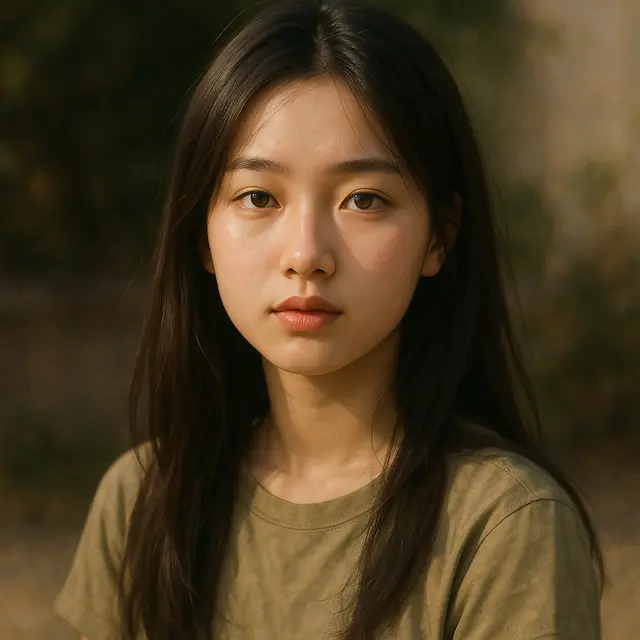
Shape AI portrait generator expression with light
Pick one primary light direction for the AI portrait generator. MemeGIF can receive a creative lighting brief, while the result still needs readable eyes, mouth, and coherent shadows.
Choose softness and direction together
Soft light from the left window suits the ceramicist’s pause, while a narrower side light would create a more graphic study.
- Tell the AI portrait generator in MemeGIF the source’s direction and softness.
- Compare the cheek, nose, shirt, and bowl shadows.
Keep facial expression readable
A dark studio may support the mood, but the eyes and mouth should still carry the expression. Give the AI portrait generator on MemeGIF a defined need for facial readability. Check the result at its intended size before enlarging it. A face that becomes understandable only after zooming may not communicate the moment in your chosen layout.
Limit competing color directions
For the greenhouse study, use warmer light against quieter cool greens. The AI portrait generator in MemeGIF can receive that contrast without a different colored light on every surface. Inspect complexion, jacket, and leaf separately.
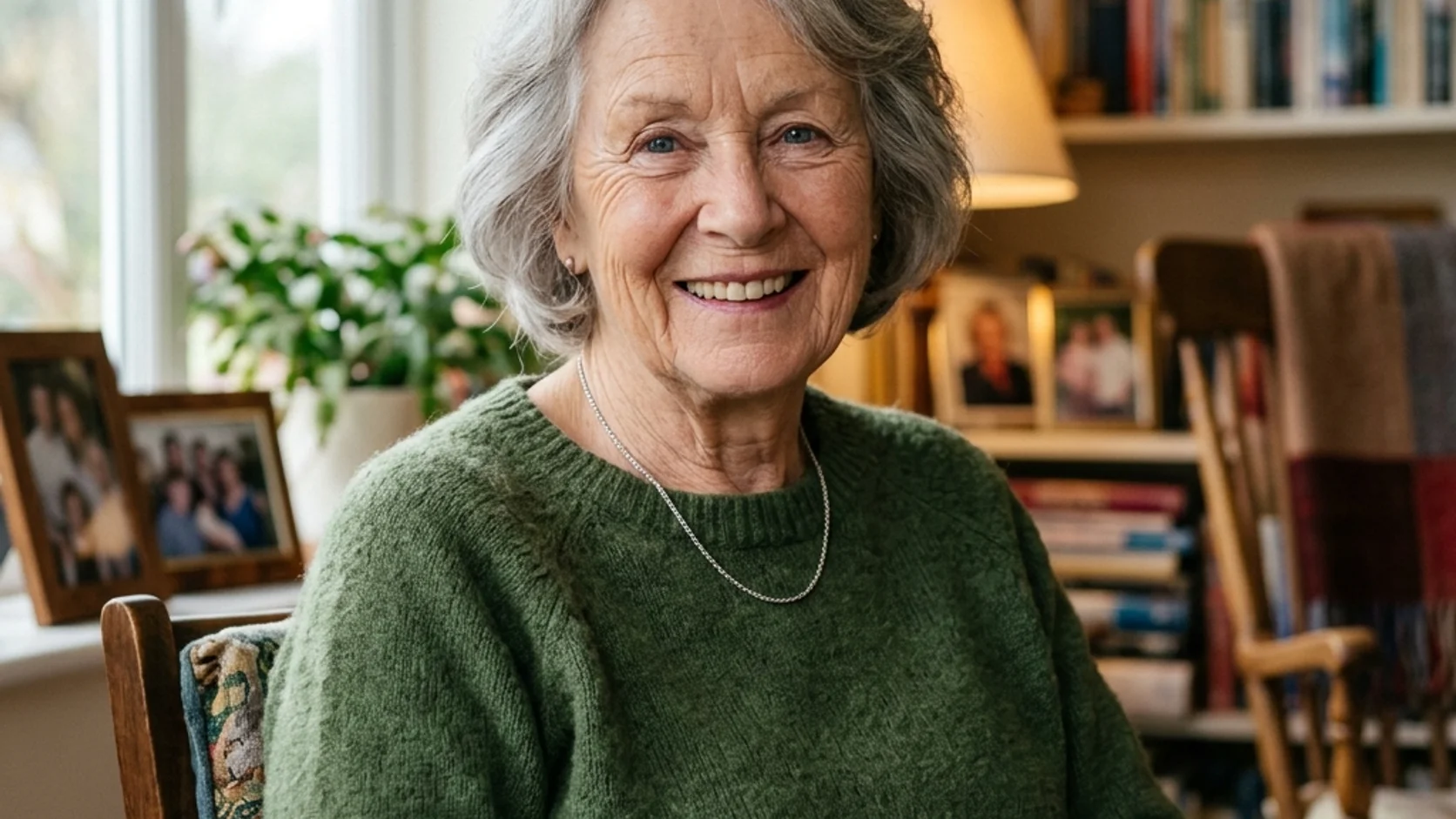
Style the AI portrait generator subject deliberately
Clothing and props should belong with the gesture. Give the AI portrait generator in MemeGIF a few material and shape choices, rather than a crowded list of accessories.
Describe shape and material
Request loose ivory linen or a dark canvas jacket rather than an expensive-looking outfit.
- Give the AI portrait generator in MemeGIF visible cues for silhouette, folds, and texture.
- Inspect the collar and seams, especially where the garment meets the neck or arms.
Let one prop carry meaning
One bowl can connect the ceramicist to a studio without filling the image with tools. Tell the AI portrait generator on MemeGIF its size, position, and relationship to the hands. In the greenhouse scene, the leaf should be visible without covering the face. Compare object contact and scale before accepting the result’s attractive surface treatment.
Simplify an overloaded silhouette
If jewelry, headwear, and props compete with the gesture, remove some from the brief. Use the AI portrait generator in MemeGIF to settle the pose and expression first. Add a distinctive detail only when it serves the concept.
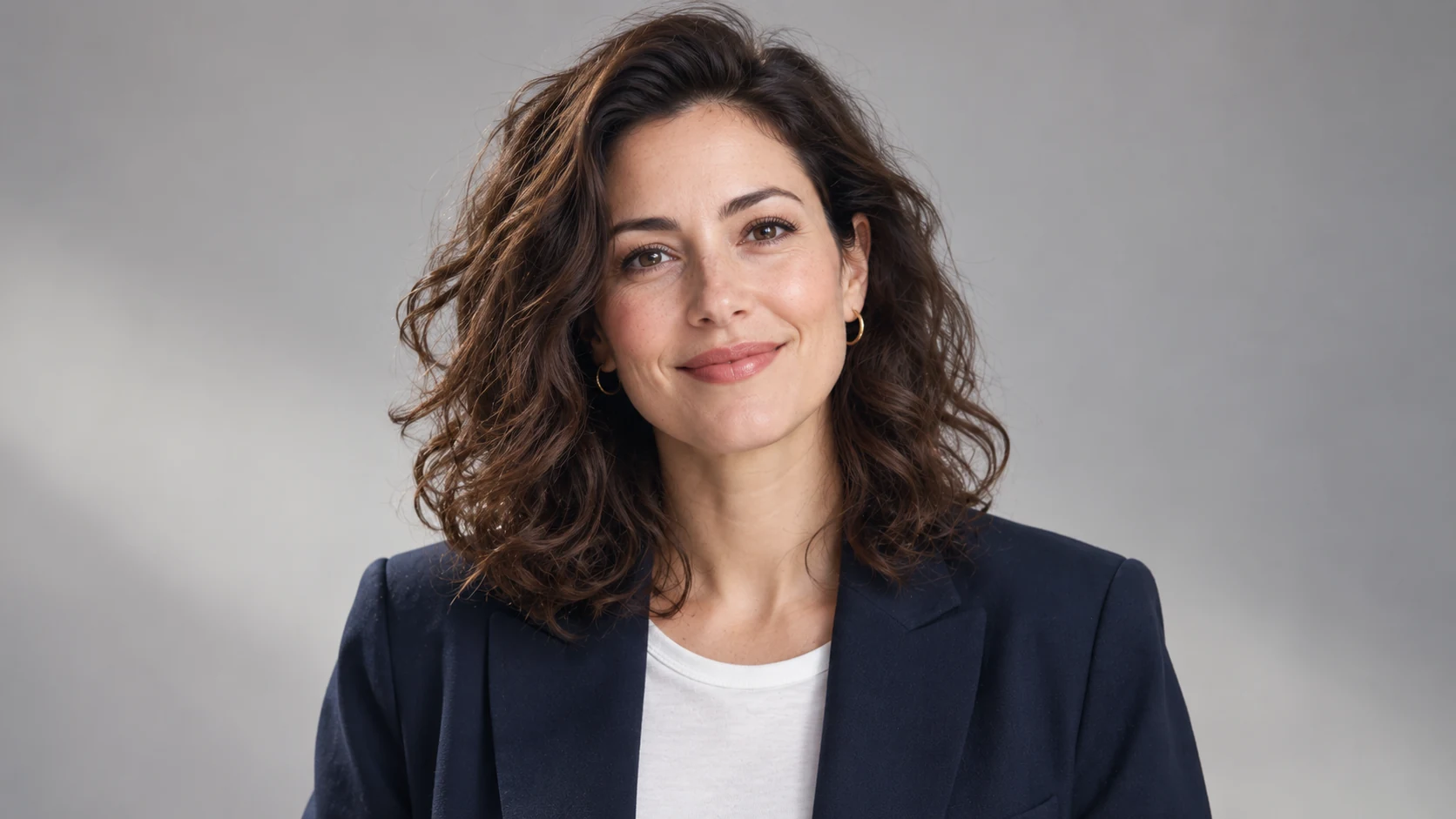
Build an AI portrait generator setting
An environment can suggest a life beyond the frame. Brief the AI portrait generator in MemeGIF on selected clues that support the person, without making every object demand attention.
Choose a place with a visual purpose
A greenhouse provides a reason for the leaf, window light, and practical jacket. Give the AI portrait generator in MemeGIF that relationship instead of an impressive location name alone. Choose a setting that explains the action.
Layer the scene around the person
Try a soft foreground edge, a clear subject area, and subdued shelves farther away. This gives the AI portrait generator on MemeGIF a depth plan without an inventory of room contents. Keep strong contrast away from the face and hands. Examine boundaries around hair and fingers where a simplified background can introduce distracting shapes.
Keep MemeGIF interpretation distinct from biography
An imagined studio illustrates a mood without documenting a real workplace. Treat the AI portrait generator scene from MemeGIF as a creative interpretation and choose a context the subject accepts. If the picture accompanies a biography, distinguish that visual idea from factual claims.
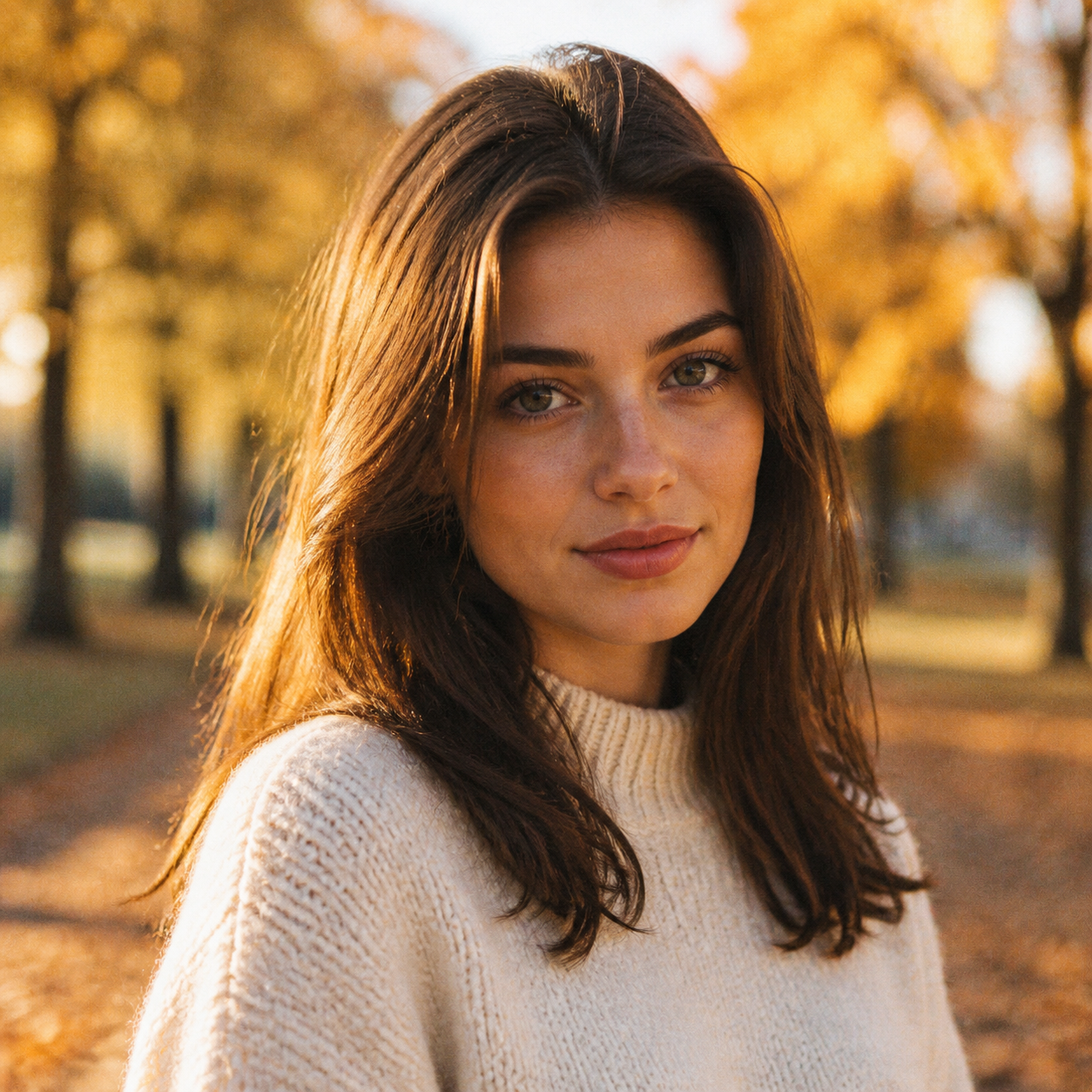
Run the AI portrait generator study in MemeGIF
Keep the reference close during exploration. The AI portrait generator in MemeGIF produces interpretations for comparison; assess the concept, recognizable features, and physical details before planning another request.
Upload and describe the concept
Upload an authorized photograph that shows the subject clearly and describe one concept. Give the AI portrait generator in MemeGIF the action, crop, clothing, setting, and light in a readable order. Name personal characteristics you will compare afterward. Strong stylization can reinterpret the face; a preservation instruction does not lock its pixels or guarantee exact likeness.
Review references and request settings
Default GPT Image 2 editing takes one to sixteen references and a prompt from three to 20,000 characters. The AI portrait generator in MemeGIF offers 1K, 2K, or 4K and one to four outputs, requesting JPEG/high quality. Start at 3:4/1K and review the quote. Sign in with sufficient credits; cloud inputs and results are saved to your account.
Compare the person and the scene
Compare the face with your photograph, then inspect hands, clothing, props, and surroundings. The AI portrait generator in MemeGIF may change features beyond the creative assignment. Keep the original and useful candidates for comparison. A follow-up should address the largest visible mismatch, such as unclear leaf contact, rather than add unrelated drama to an already uncertain scene.

Example prompts
A ceramicist pausing in the studio
Use the person in my uploaded reference photograph as the subject. Create a creative waist-up portrait in a quiet ceramics studio, with the adult seated slightly sideways and holding one simple clay bowl naturally near the worktable. Loose ivory linen shirt, relaxed shoulders, reflective expression, and soft window light from the left. Keep recognizable personal features as closely as possible. Use a few subdued shelves behind the subject, natural skin texture, and believable hands. Vertical 3:4 framing with comfortable headroom. No logos or text.
A painterly greenhouse portrait
Use my uploaded portrait as the person reference. Create a softly painted environmental portrait of the adult examining one leaf beside a greenhouse window. Dark canvas jacket, calm gaze, a clear three-quarter pose, and warm morning light against quieter cool green surroundings. Retain recognizable facial characteristics while using restrained brush texture and simplified background shapes. Show the hand and leaf clearly without covering the face. Vertical 3:4 composition with layered space and no lettering or brand marks.
Workflow examples
Illustrative ways to plan, generate, and review your work.
MemeGIF workflow examples
Begin with a product photograph and a focused image-editing brief. Compare the draft with the original for shape, labels, and proportions before placing it into a listing. Add approved logos and exact copy in your design application.
Choose a video model and describe one small action, such as a careful object turn. Review the available duration, resolution, and credits. Check the completed take for object continuity and sound before using it in a larger edit.
Give the image workspace a subject, viewpoint, and visual metaphor that supports your article. Preview the result inside the intended layout. Adjust the crop or composition when it competes with the headline or obscures an important detail.
Sign in and use Compress Image when a picture has the right dimensions but a large file size. Compression runs in the browser; input and output images are saved to your account. Compare the result before downloading individual files or a ZIP.
Paste a draft into Humanize AI and select Natural, Friendly, or Professional tone. Review the rewrite for meaning, names, figures, and technical terms. Copy or download the version you have checked; detector scores and publication outcomes are not guaranteed.
Record the palette, viewpoint, lighting, and subject scale in a reusable brief. Supply relevant references where the selected image model supports them. Compare the images together, then revise specific differences instead of assuming automatic campaign-wide consistency.
MemeGIF Pricing and Credit Plans
Cancel anytime
Trending face-swap templates cost 300 Credits per video, including full-length Bad Times and every available format. Other tools keep their own quotes. Existing MV tickets remain usable until their original expiry; new tickets are no longer sold.
Pay once annually; receive 1/12 of your annual Credits each month. The first allocation arrives after payment, then monthly. Tax included. Each allocation expires at the next subscription month or paid-year end.
Lite
50% off0.025 / credit
$14.9/month equivalent · Billed $179· Save $179.8
Annual total: 7,200 credits, issued monthly
Video Models


Image Models


- Includes MiniMax H3 and all premium models
- Up to 1 batch generation task
- Standard generation speed
- Standard generation success rate
- Standard customer support
- Commercial Use License
Standard
50% off0.017 / credit
$24.9/month equivalent · Billed $299· Save $299.8
Annual total: 18,000 credits, issued monthly
Video Models
Image Models
- Includes MiniMax H3 and all premium models
- Up to 4 batch generation tasks
- Priority processing speed
- High generation success rate
- Priority customer support
- Commercial Use License
Pro
50% off0.014 / credit
$49.9/month equivalent · Billed $599· Save $599.8
Annual total: 43,200 credits, issued monthly
Video Models
Image Models
- Includes MiniMax H3 and all premium models
- Up to 10 batch generation tasks
- Fastest generation speed
- High generation success rate
- Dedicated account manager
- Commercial Use License
Max
50% off0.012 / credit
$99.9/month equivalent · Billed $1,199· Save $1,199.8
Annual total: 96,000 credits, issued monthly
Video Models
Image Models
- Includes MiniMax H3 and all premium models
- Up to 10 batch generation tasks
- Fastest generation speed
- High generation success rate
- Dedicated account manager
- Commercial Use License
Pay safely and securely with























FAQ
Frequently asked questions
How does the AI portrait generator on MemeGIF differ from a headshot?
A headshot usually prioritizes a clear professional face. The AI portrait generator in MemeGIF gives gesture, atmosphere, clothing, and setting a larger role. Start with the person’s reference and one visible moment, such as holding a bowl, then assess the expression and physical relationships as well as resemblance.
Which reference should I give the AI portrait generator?
Use a readable photograph you are authorized to provide. Give the AI portrait generator in MemeGIF extra sources only when their roles are clear, such as a lighting or palette example. Default GPT Image 2 editing accepts up to sixteen references; more pictures do not automatically produce a more faithful portrait.
Will the AI portrait generator on MemeGIF preserve my exact appearance?
Exact preservation is not guaranteed. The AI portrait generator in MemeGIF may change facial proportions, hair, skin detail, or expression alongside the requested treatment. Compare with the source and obtain the subject’s agreement before using the selected version. An appealing scene and an accurate likeness need separate decisions.
Can the AI portrait generator produce a painted treatment?
Describe restrained brush texture, softer edges, or simplified background shapes in your reference-editing brief. The AI portrait generator in MemeGIF receives concrete visual directions rather than an automatic style guarantee. Review anatomy and recognizable features as carefully as the finish; a painted look can still introduce an unwanted change.
Can I change the AI portrait generator frame in MemeGIF?
The AI portrait generator in MemeGIF starts at 3:4/1K. You can choose another supported ratio and 1K, 2K, or 4K for GPT Image 2. Adjust the brief so the person remains prominent, then recheck outputs and credits. Other selected models have their own available options.
CTA
Give the AI portrait generator a visible moment with MemeGIF
Choose your photograph, one meaningful gesture, and a coherent setting. Use the AI portrait generator in MemeGIF to explore the concept, then compare expression, resemblance, and physical detail before choosing the portrait.
Create a portrait from your reference