 MemeGIF
AI avatar generator on MemeGIF for readable reference-based profile pictures
Plan a picture that reads beside a comment as well as in a larger profile. The AI avatar generator in MemeGIF opens with GPT Image 2 reference editing, square 1:1 framing, and 1K. Choose a clear subject, a simple style, and room around the face. Compare the result with your reference and the destination’s crop before selecting an avatar.
Image workspace
Sample Image
 6 / 17
AI-generated fictional portrait.
Introduction
Set an AI avatar generator goal in MemeGIF
An avatar is often seen before it is inspected. Give the AI avatar generator in MemeGIF one subject and a few recognizable cues that remain useful when the image becomes small.
Give one subject priority
Choose one face or clearly defined character rather than a desk, pet, and landscape together.
- Give the AI avatar generator on MemeGIF a hierarchy with the face first.
- At comment size, competing objects can become an indistinct patch. Simplify the scene before requesting more detail.
Name recognizable reference cues
Name the hairstyle, glasses shape, or facial proportions that identify your source. The AI avatar generator in MemeGIF should receive cues you can compare, rather than invented accessories added for attention. Review those features together; the same hair color does not make an unrelated face recognizable.
Test the MemeGIF result at its intended size
View a candidate as a small thumbnail in your destination layout or design workflow. An AI avatar generator image from MemeGIF can look attractive when enlarged yet lose its expression when reduced. Check the face and outline without zooming, then inspect detail separately before selecting it.
How to use
How to use the AI avatar generator in MemeGIF
- Input
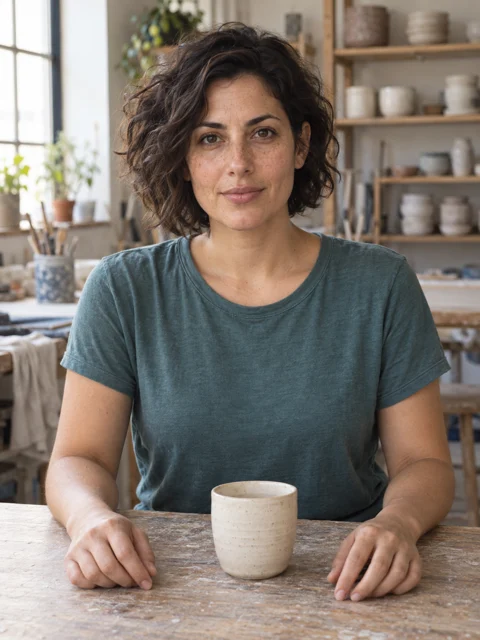 Reference image 1STEP 1
Choose the subject reference
Upload an authorized portrait or character image to the AI avatar generator in MemeGIF for GPT Image 2 editing. Keep the source for later resemblance checks.
- ModelGPT Image 21K1:1PromptOutputSTEP 2
Describe a simple visual direction
Give the AI avatar generator in MemeGIF recognizable cues, a restrained style, a clear expression, and a quiet background. Leave room around the face for the intended crop.
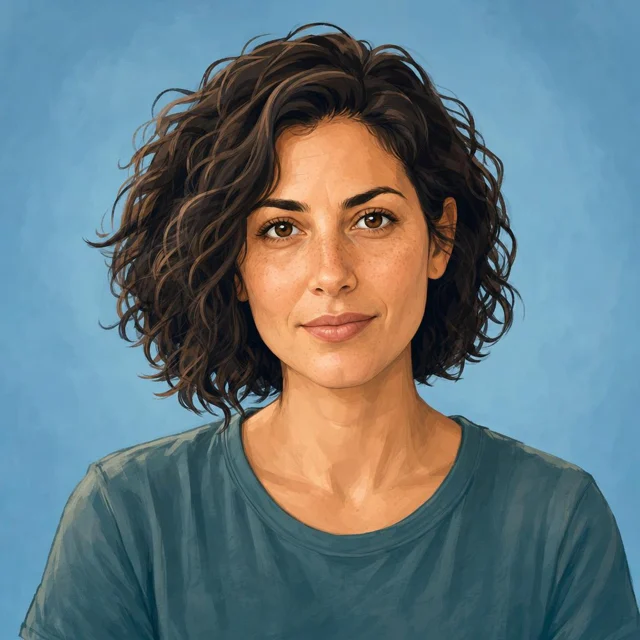 BeforeAfterSTEP 3
Review and submit the request
Begin the AI avatar generator at 1:1/1K in MemeGIF. Check references, size, outputs, and credits, then sign in with sufficient balance before submitting for cloud processing.
- STEP 4
Inspect the destination view
Compare the AI avatar generator image from MemeGIF with its source, then test small square and circular views in your destination layout before choosing a profile picture.
Features
Compose the AI avatar generator image for useful crops
The starting canvas is square, while many destinations crop it into a circle. Tell the AI avatar generator in MemeGIF to leave room around defining features, then check the actual destination.
Allow space around the face
Ask for a centered face with space above the hair and beside the cheeks.
- The AI avatar generator in MemeGIF starts with 1:1 framing, without an automatic destination crop.
- Compare a square and the circle your intended service displays, checking that ears and important accessories remain inside.
Use shoulders without a full scene
A little shoulder shape can anchor the head while leaving the face prominent. Tell the AI avatar generator on MemeGIF how much upper body to include. Avoid a wide scene when the destination needs a small profile image; extra canvas around distant hands does not help facial readability.
Check decorative borders in context
A ring can duplicate the border a profile interface already adds. Begin the AI avatar generator in MemeGIF with a clean composition and review it in context. Add decorative framing only when it serves that placement, rather than relying on a bright outer edge to rescue unclear features.
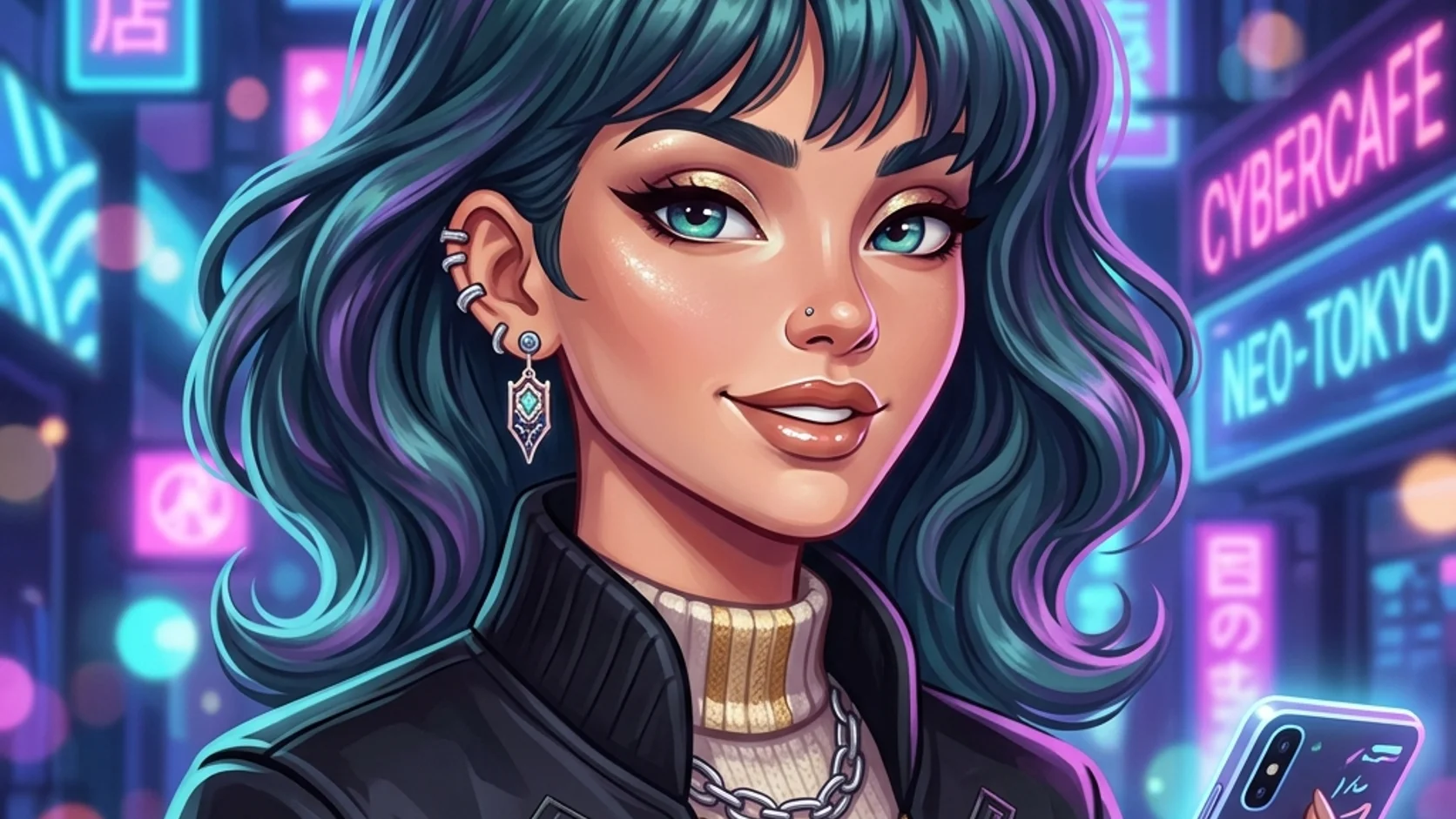
Choose an AI avatar generator visual treatment
Choose linework, shading, and texture deliberately. The AI avatar generator in MemeGIF receives a clearer direction from a few compatible traits than a list of every appealing visual style.
Choose a limited set of style traits
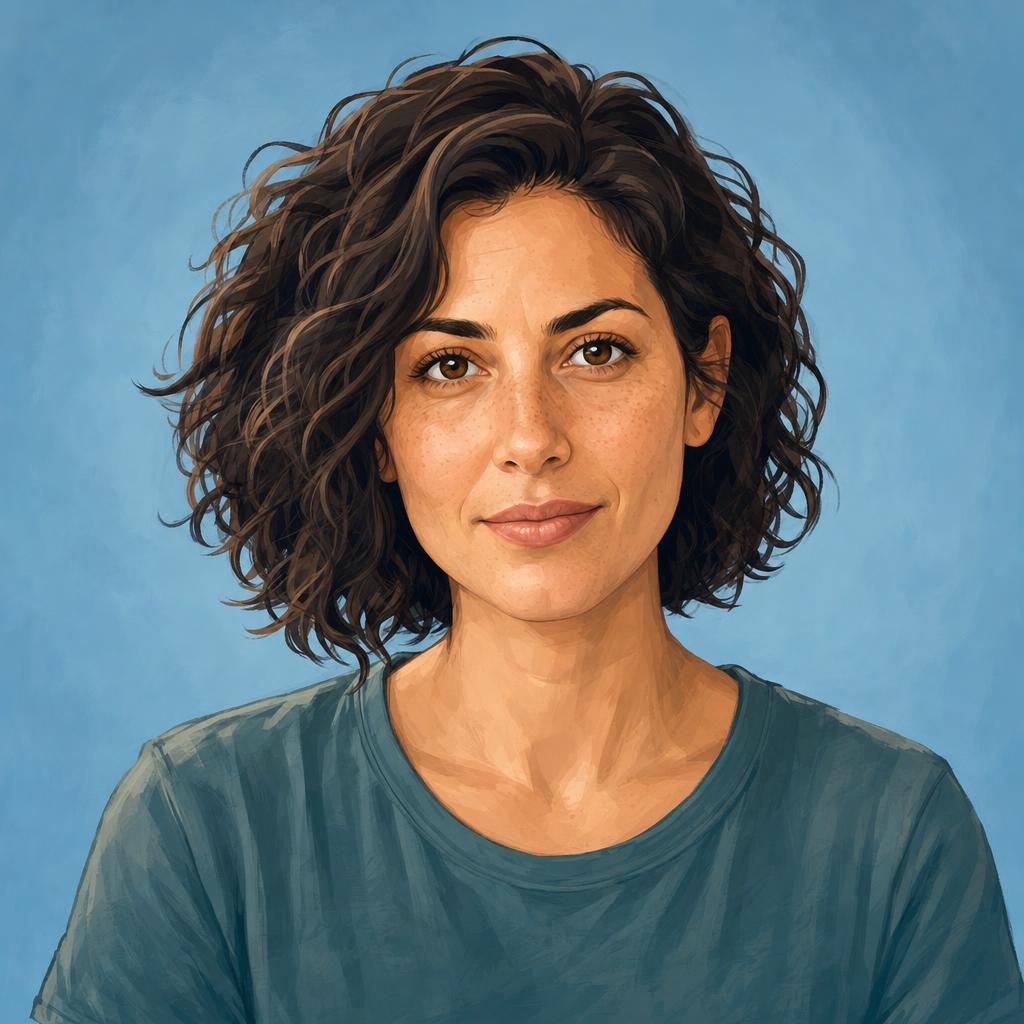
For the illustrated example, request clean contours, broad soft shading, and a muted blue background.
- Give the AI avatar generator in MemeGIF a compatible set of traits.
- Tiny texture may disappear or look noisy when reduced; review the face’s larger shapes before refining the surface finish.
Make expression readable quickly
Describe a relaxed gaze and slight smile instead of an exaggerated expression. The AI avatar generator on MemeGIF receives an inspectable direction for eyes and mouth. Compare them together after generation, since a small mismatch can change the personality suggested by an otherwise coherent simplified face.
Keep simplification distinct from identity change
A painterly treatment can reduce skin texture while retaining recognizable proportions. Tell the AI avatar generator in MemeGIF which reference cues matter. Inspect the result against the original rather than accepting polish alone. Written preservation instructions do not lock facial pixels or guarantee the same identity.
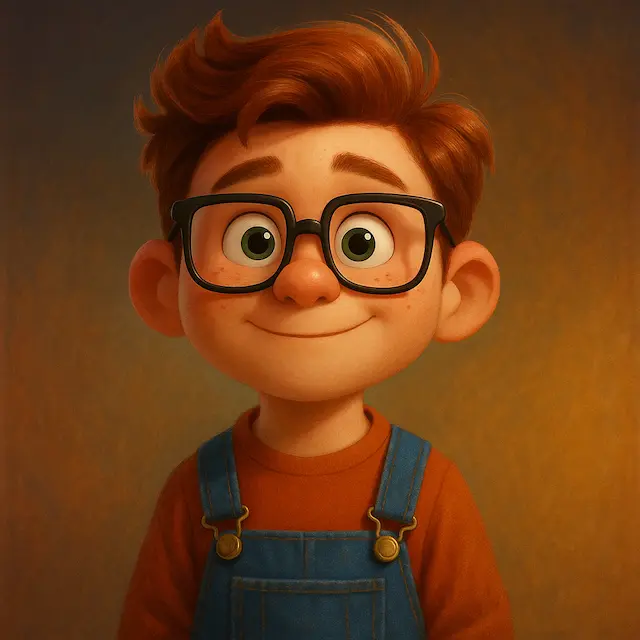
Build AI avatar generator contrast around the face
The face should separate from its surroundings. Brief the AI avatar generator in MemeGIF on value and color relationships, then inspect the silhouette beside light and dark interface backgrounds.
Separate hair from the backdrop
Dark hair against a dark backing can lose its silhouette.
- Give the AI avatar generator in MemeGIF a pale sage background or a quieter contrast in tone.
- Check the outer hair shape beside the face, rather than adding highlights that distract from the expression you wanted to retain.
Leave tiny text out of the first concept
Initials, badges, and intricate patterns can turn into clutter at small sizes. Keep the first AI avatar generator concept in MemeGIF focused on the face and background. Add exact typography separately in your design workflow when it matters, then check spelling and readability at the destination’s size.
Connect a set with a restrained palette
A shared background tone can connect related profile pictures without making their faces identical. Record the palette for the AI avatar generator in MemeGIF and compare each result with the selected version. Repeating a color description guides a direction without guaranteeing identical shades across separate requests.
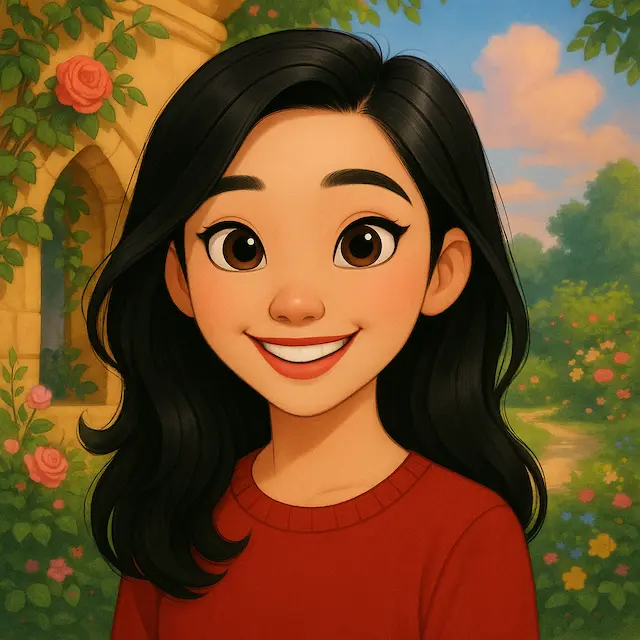
Run the AI avatar generator request in MemeGIF
Make the reference, recognizable cues, and treatment clear before submitting. The AI avatar generator in MemeGIF uses cloud reference editing with account-saved inputs and outputs; review the settings and quote.
Upload and identify the subject
Upload an authorized portrait or character reference that establishes the subject. Give the AI avatar generator in MemeGIF the defining cues, style, expression, and background in that order. Assign additional sources distinct roles, such as a palette example, rather than leaving several faces or treatments unexplained.
Review references and outputs
Default GPT Image 2 editing accepts one to sixteen references and prompts from three to 20,000 characters. The AI avatar generator in MemeGIF offers 1K, 2K, or 4K and one to four outputs, requesting JPEG/high quality. Start at square 1K, review the quote, and sign in with sufficient credits before provider processing.
Choose the strongest MemeGIF candidate
Choose by resemblance, readability, and crop flexibility. An AI avatar generator candidate from MemeGIF with a tiny face needs a framing revision before a larger resolution. Inputs and results are uploaded and saved to your account; keep the source and useful versions for a focused follow-up.
Keep AI avatar generator versions coherent
Keep an approved direction for future versions. The AI avatar generator in MemeGIF can receive the same brief again, while face, palette, and crop still need independent comparison between results.
Record the approved visual direction
Save the selected image with its expression, palette, crop, and style notes. Use those details for another AI avatar generator request on MemeGIF rather than reconstructing the direction from memory. Compare new versions with the approved picture so a more polished variation does not quietly become a different person.
Test the surrounding interface colors
Place the candidate beside the actual interface colors when possible. The AI avatar generator result from MemeGIF should not depend on a particular background to remain legible. Check whether pale shoulders disappear on white or the outer hair edge vanishes in a dark theme, then evaluate the face again.
Save the image for a deliberate profile update
Compare the avatar with the reference and choose a version the subject accepts. The AI avatar generator in MemeGIF produces an image without replacing external profile pictures automatically. Save the selected file and apply it in the intended service, where you can inspect the final crop and surrounding interface.
Example prompts
A clean illustrated profile avatar
Use the person in my uploaded reference as the subject. Create an original illustrated square profile avatar with recognizable facial proportions, hairstyle, and glasses if present. Center the face with a small amount of shoulders and comfortable room around the hair for a later circular crop. Use clean contours, broad soft shading, a relaxed expression, and a quiet muted blue background. Keep details readable at small sizes. No text, logos, badges, border rings, or extra objects.
A soft painterly avatar with a quiet palette
Use my uploaded portrait as the person reference. Create a simplified painterly square avatar with a centered head-and-shoulders composition, natural expression, and recognizable personal cues. Use restrained brush texture, warm skin tones, dark simple clothing, and a pale sage background with clear separation around the hair. Keep the face large enough to read as a small thumbnail while leaving room for a circular crop. Avoid tiny decorative details, lettering, logos, and elaborate scenery.
Workflow examples
Illustrative ways to plan, generate, and review your work.
MemeGIF workflow examples
Begin with a product photograph and a focused image-editing brief. Compare the draft with the original for shape, labels, and proportions before placing it into a listing. Add approved logos and exact copy in your design application.
Choose a video model and describe one small action, such as a careful object turn. Review the available duration, resolution, and credits. Check the completed take for object continuity and sound before using it in a larger edit.
Give the image workspace a subject, viewpoint, and visual metaphor that supports your article. Preview the result inside the intended layout. Adjust the crop or composition when it competes with the headline or obscures an important detail.
Sign in and use Compress Image when a picture has the right dimensions but a large file size. Compression runs in the browser; input and output images are saved to your account. Compare the result before downloading individual files or a ZIP.
Paste a draft into Humanize AI and select Natural, Friendly, or Professional tone. Review the rewrite for meaning, names, figures, and technical terms. Copy or download the version you have checked; detector scores and publication outcomes are not guaranteed.
Record the palette, viewpoint, lighting, and subject scale in a reusable brief. Supply relevant references where the selected image model supports them. Compare the images together, then revise specific differences instead of assuming automatic campaign-wide consistency.
MemeGIF Pricing and Credit Plans
Cancel anytime
Trending face-swap templates cost 300 Credits per video, including full-length Bad Times and every available format. Other tools keep their own quotes. Existing MV tickets remain usable until their original expiry; new tickets are no longer sold.
Pay once annually; receive 1/12 of your annual Credits each month. The first allocation arrives after payment, then monthly. Tax included. Each allocation expires at the next subscription month or paid-year end.
Lite
50% off0.025 / credit
$14.9/month equivalent · Billed $179· Save $179.8
Annual total: 7,200 credits, issued monthly
Video Models


Image Models


- Includes MiniMax H3 and all premium models
- Up to 1 batch generation task
- Standard generation speed
- Standard generation success rate
- Standard customer support
- Commercial Use License
Standard
50% off0.017 / credit
$24.9/month equivalent · Billed $299· Save $299.8
Annual total: 18,000 credits, issued monthly
Video Models
Image Models
- Includes MiniMax H3 and all premium models
- Up to 4 batch generation tasks
- Priority processing speed
- High generation success rate
- Priority customer support
- Commercial Use License
Pro
50% off0.014 / credit
$49.9/month equivalent · Billed $599· Save $599.8
Annual total: 43,200 credits, issued monthly
Video Models
Image Models
- Includes MiniMax H3 and all premium models
- Up to 10 batch generation tasks
- Fastest generation speed
- High generation success rate
- Dedicated account manager
- Commercial Use License
Max
50% off0.012 / credit
$99.9/month equivalent · Billed $1,199· Save $1,199.8
Annual total: 96,000 credits, issued monthly
Video Models
Image Models
- Includes MiniMax H3 and all premium models
- Up to 10 batch generation tasks
- Fastest generation speed
- High generation success rate
- Dedicated account manager
- Commercial Use License
Pay safely and securely with























FAQ
Frequently asked questions
Does the AI avatar generator on MemeGIF need a reference?
This page starts with GPT Image 2 reference editing. Give the AI avatar generator in MemeGIF an authorized photograph or character image that defines the subject. A completely invented subject described only in words belongs to text creation; a palette reference alone does not establish a particular person’s likeness.
Can the AI avatar generator make a circle-ready composition?
Ask the AI avatar generator in MemeGIF for a centered face with room around hair and accessories. It starts with a square canvas; test the result inside your destination’s circular crop. That check happens in the relevant service or your design workflow, and different placements may need different margins.
Will the AI avatar generator on MemeGIF keep my face identical?
Exact likeness is not guaranteed. The AI avatar generator in MemeGIF may reinterpret facial proportions, expression, or distinguishing details while simplifying the source. Compare recognizable cues directly with the reference and reject an attractive illustration when it does not represent the intended person. Styling and resemblance need separate review.
Should I choose 4K in the AI avatar generator for a tiny picture?
Fix the composition first. The AI avatar generator in MemeGIF offers 1K, 2K, or 4K for GPT Image 2, but more source pixels do not enlarge a face that is too small within the frame. Choose resolution for the file’s broader uses and review the displayed credits before submitting.
Can the AI avatar generator keep a set consistent on MemeGIF?
A shared brief and useful reference can guide a direction. Compare each AI avatar generator result from MemeGIF with the approved version, checking face shape, palette, expression, and crop. Matching wording does not guarantee identical results across requests; keep useful candidates and change one visible mismatch at a time.
CTA
Give the AI avatar generator a readable subject with MemeGIF
Choose your reference, a simple style, and space around the face. Use the AI avatar generator in MemeGIF to explore the idea, then compare resemblance and the actual destination crop before selecting an image.
Create a reference-based avatar