 MemeGIF
AI baby generator in MemeGIF for a fictional portrait shaped by your creative idea
Imagine a little face, a simple outfit and a gentle setting. The AI baby generator in MemeGIF starts with GPT Image 2 text mode at 3:4/1K, without requiring family photos. Use a written brief or authorized adult references to explore a fictional character for family artwork or a story. An imagined portrait does not predict a real future child.
Image workspace
Sample Image
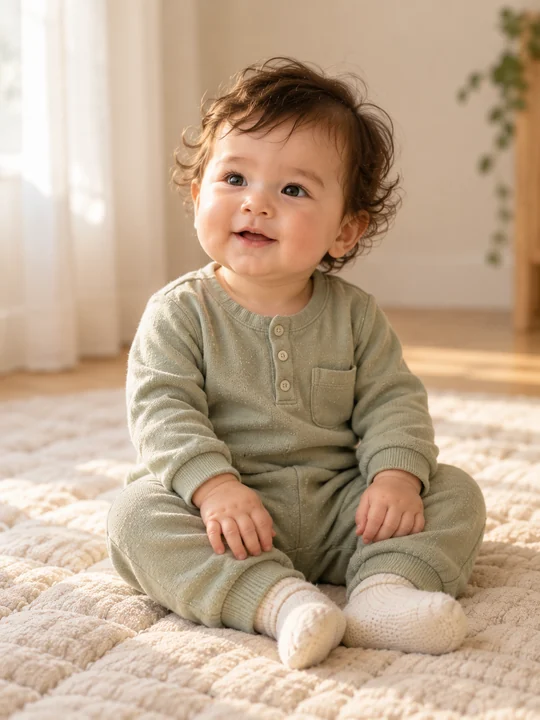 30 / 30
AI-generated concept portrait. Results vary.
Introduction
What Is an AI baby generator?
Use the AI baby generator in MemeGIF to express an imagined character through a still portrait in the image workspace.
Meet a Character You Invent
Perhaps your picture begins with soft curls, a curious expression, and a cream romper. The AI baby generator in MemeGIF gives those choices a visual form. You supply the idea; the picture is an interpretation, not a record of a real baby.
- Begin with an imagined mood in MemeGIF rather than a future-child prediction.
Choose Words or Photographs
No family photographs are needed to start. Describe a fictional subject in text mode, or switch the AI baby generator in MemeGIF to image mode and add adult references you have permission to use.
- Give the AI baby generator in MemeGIF a brief; references offer visual inspiration.
Keep Imagination Separate from Inheritance
This AI baby generator in MemeGIF does not use a dedicated genetics model. It cannot predict a future child's appearance or health, establish inheritance, or assign precise proportions of parental features.
- Treat the portrait as fictional family artwork.
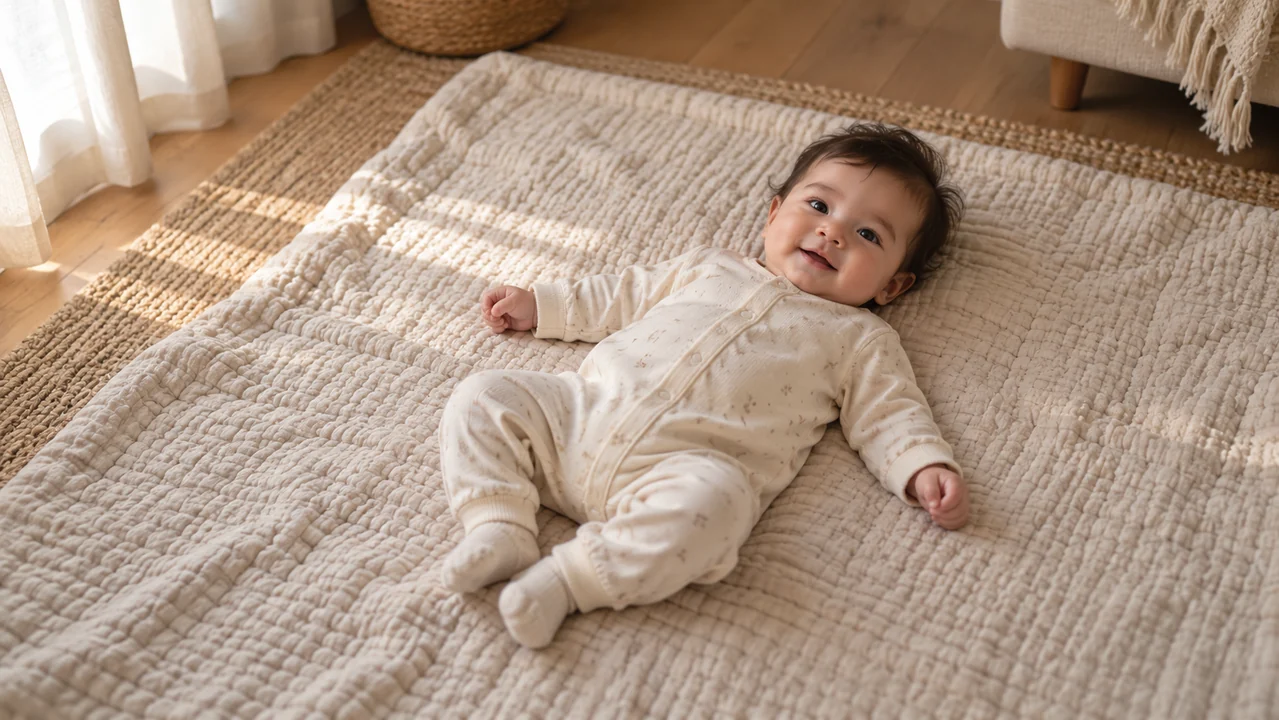
How to use
How to use the AI baby generator in MemeGIF
- STEP 1
Choose Your Starting Point
Open the image workspace in text mode, or switch to image mode and upload adult reference photos you have permission to use.
- STEP 2
Describe One Fictional Portrait
Write one clear description covering the baby's expression, complete outfit, setting, and artistic style; avoid asking for a prediction or feature percentages.
- STEP 3
Review Settings and Quote
Sign in, confirm your selected settings, and review the live Create credit quote before submitting your request through the existing workspace.
- STEP 4
Inspect and Download
Review the generated person, hands, clothing, and composition; download a result you like, or adjust the prompt and review another attempt.
Features
Give Your AI baby generator a Clear Description
Write a clear AI baby generator brief in MemeGIF so expression, clothing and setting support one understandable picture.
Start with Expression and Framing
Choose a sleepy gaze, an attentive look, or a small smile. Tell the AI baby generator in MemeGIF whether you want the whole figure or a closer portrait, rather than combining several poses.
- Give MemeGIF one baby, one expression and one point of view.
Describe an Outfit You Can Picture
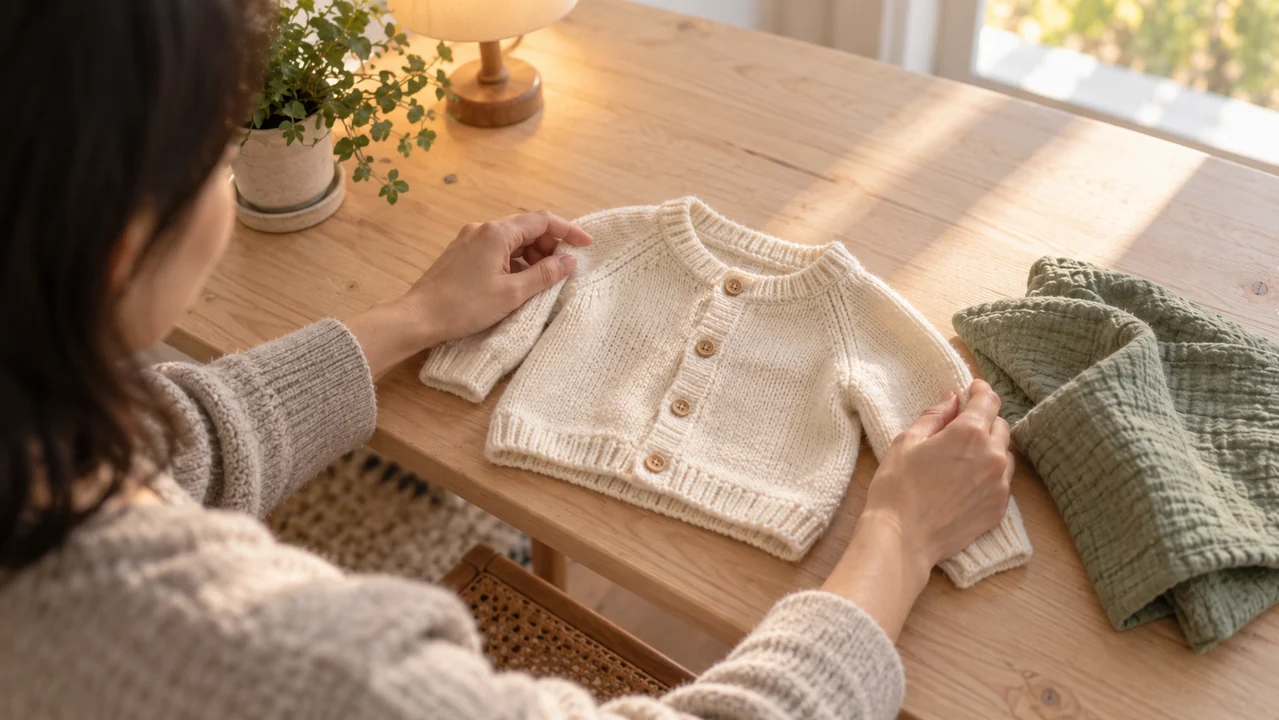
A sage cotton romper with long sleeves is more specific than an elaborate costume. Give the AI baby generator in MemeGIF a fabric, color, and simple garment shape. Ask for complete clothing and natural proportions.
Keep accessories modest so the face remains the focus.
- Check AI baby generator sleeves and fabric edges from MemeGIF afterward.
Let the Background Stay Quiet
Pair soft window light with a plain blanket or uncluttered room. The AI baby generator in MemeGIF needs a setting, but a crowded nursery can compete with the child.
- Choose one background color and a gentle light direction.
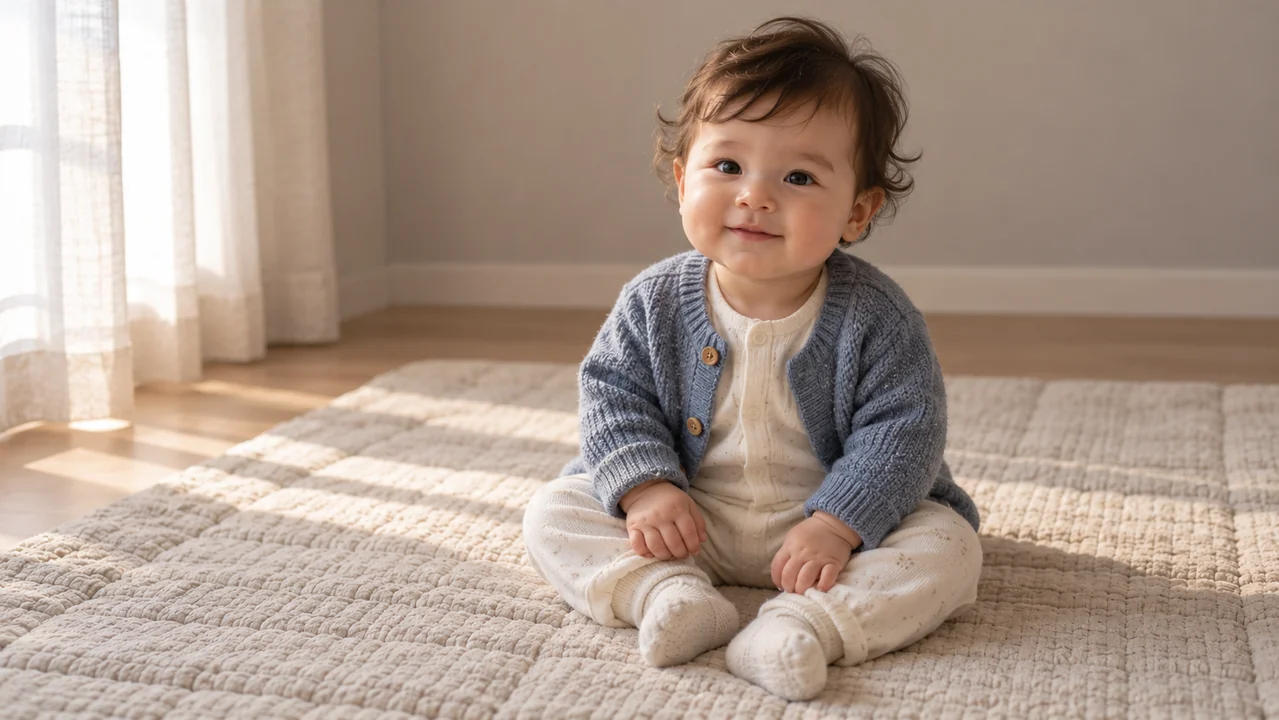
Bring Adult References to the AI baby generator
Use the AI baby generator in MemeGIF with authorized adult references when they help explain loose artistic inspiration.
Prepare Two Clear Adult Photos
Switch to GPT Image 2 image mode for one to sixteen authorized references. Two clear adult photographs can express loose inspiration for the AI baby generator in MemeGIF, without a dedicated couple-matching form. Explain each photo’s role and exclude the adults from the final composition if only the fictional baby should appear.
- Use your own photos or obtain permission before an MemeGIF reference request.
Describe Inspiration, Not a Formula
Ask for a fictional baby loosely inspired by the references. With the AI baby generator in MemeGIF, broad cues such as wavy hair can guide a request; exact inheritance ratios cannot be calculated or guaranteed.
- Tell the AI baby generator in MemeGIF whether only the invented baby should appear.
Judge Each Interpretation Independently
An AI baby generator result from MemeGIF may differ substantially from the adults, and later attempts may change features again. Keep a picture because it suits your creative idea, not because it proves a biological connection.
- Reference photos do not guarantee consistent likeness.
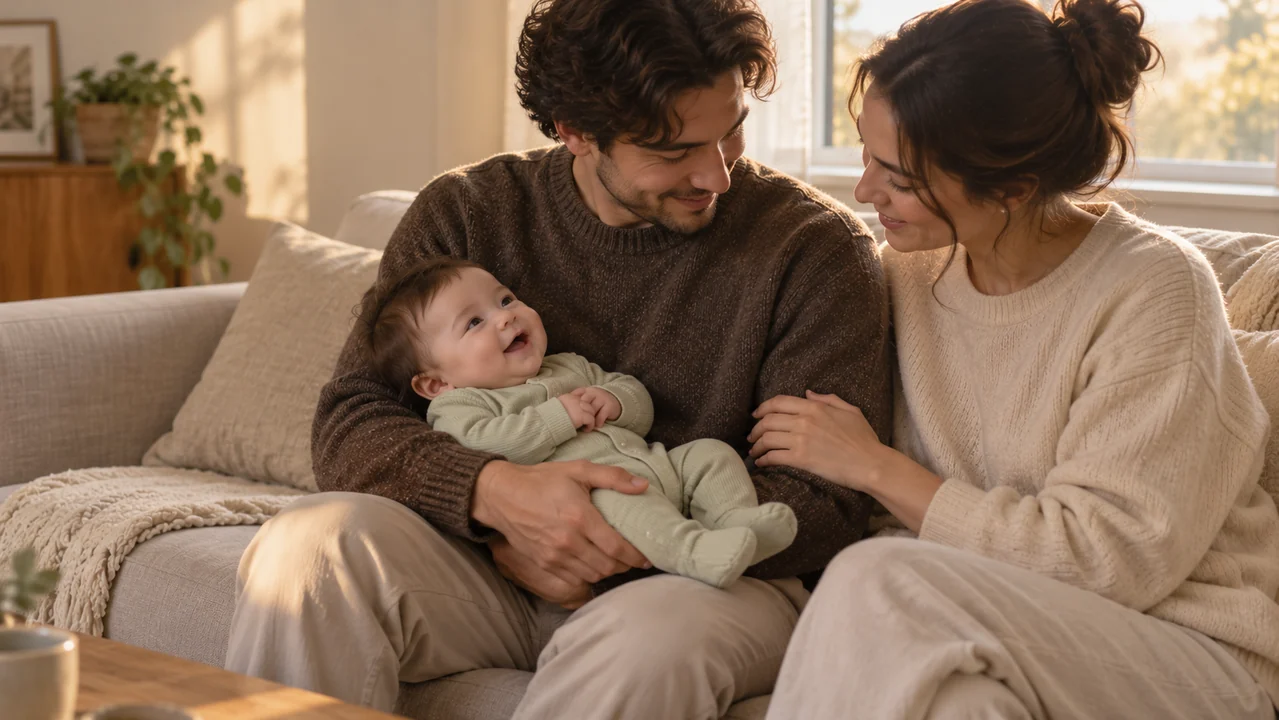
Choose an Art Direction for Your AI baby generator Portrait
Choose an AI baby generator art direction in MemeGIF, then judge its illustrated or photographic treatment on that basis.
Ask for a Gentle Photographic Look
Describe soft daylight, restrained color, and believable skin and clothing textures. A photographic AI baby generator portrait from MemeGIF should still be understood as invented, however convincing its lighting appears.
- Look for natural eyes and an unforced expression in the MemeGIF result.
Build a Storybook Character
Watercolor washes, colored pencil, or softly painted gouache can give a family story a different atmosphere. Request one treatment from the AI baby generator in MemeGIF rather than layering several conflicting styles.
Illustrated features may depart further from reference photographs.
- Name the medium and palette for your AI baby generator brief in MemeGIF.
Allow Space Around the Subject
The AI baby generator in MemeGIF opens at GPT Image 2 text mode/3:4/1K and one output. Other supported ratios, 2K, 4K and one to four candidates are available, with JPEG/high quality requested. Choose comfortable headroom and margins; the resolution tier does not determine an exact print size or guarantee every detail fits.
- Check the actual crop before planning another layout.
Make Family Artwork with the AI baby generator
Give the AI baby generator in MemeGIF a small creative purpose, such as an invented story character or family craft concept.
Suggest a Relationship Through a Gesture
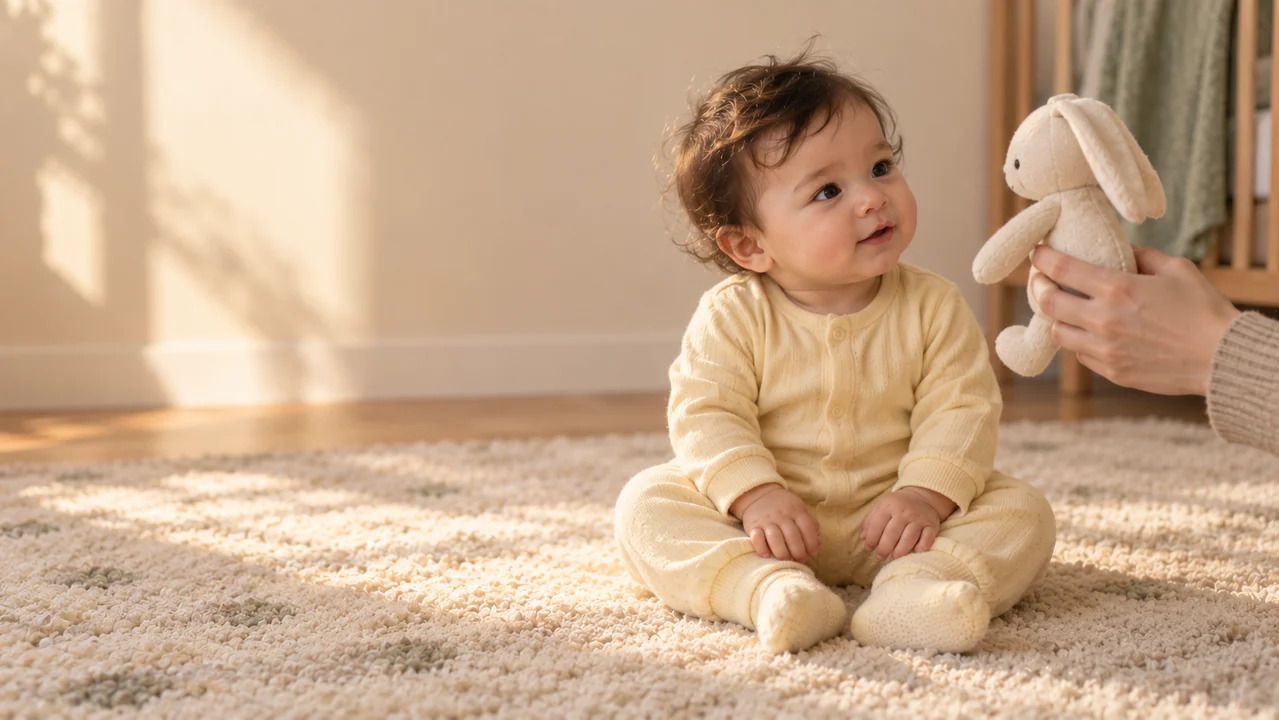
A nearby adult hand holding a cloth toy can make a scene feel affectionate without filling it with people. Ask the AI baby generator in MemeGIF for clear contact and believable support whenever another person appears.
- Keep the fictional baby fully dressed and comfortably positioned in MemeGIF.
Leave Personal Messages for Later
Request open space beside the child when you plan to add a family message. Download the AI baby generator image from MemeGIF, then arrange wording in your own editor instead of relying on generated lettering.
- Check AI baby generator downloaded dimensions from MemeGIF before choosing a print size.
Keep Ownership of the Creative Decision
Use the AI baby generator in MemeGIF to explore an idea for yourself or prepare artwork you later choose to share. The workspace does not automatically distribute the result or perform batch family matching.
- Decide where the downloaded picture belongs.
Review Your AI baby generator Image Before Saving
Review each AI baby generator image from MemeGIF for the person, pose and composition rather than relying on its overall mood.
Inspect the Person, Not Just the Mood
Check the eyes, ears, visible fingers, wrists, and clothing. An appealing AI baby generator image from MemeGIF can still contain awkward anatomy, an extra person, or fabric that blends into the background.
- Check the complete MemeGIF frame as well as the face.
Revise a Specific Request
A simpler pose or fewer accessories may be a useful next direction. Revise the AI baby generator prompt in MemeGIF and inspect the new output independently; changing one request can also change other details.
- Review the new AI baby generator interpretation from MemeGIF after each revision.
Check the Quote, Then Keep Your Choice
Sign in with sufficient credits and describe the fictional subject in three to 20,000 characters. Review the current quote and AI baby generator settings in MemeGIF before cloud processing. Inputs and results are uploaded and saved to your account. History and download controls support reviewing completed candidates; inspect each file before keeping it.
- Save only after your own visual review.
Example prompts
AI baby generator Prompt: Soft Daylight Portrait
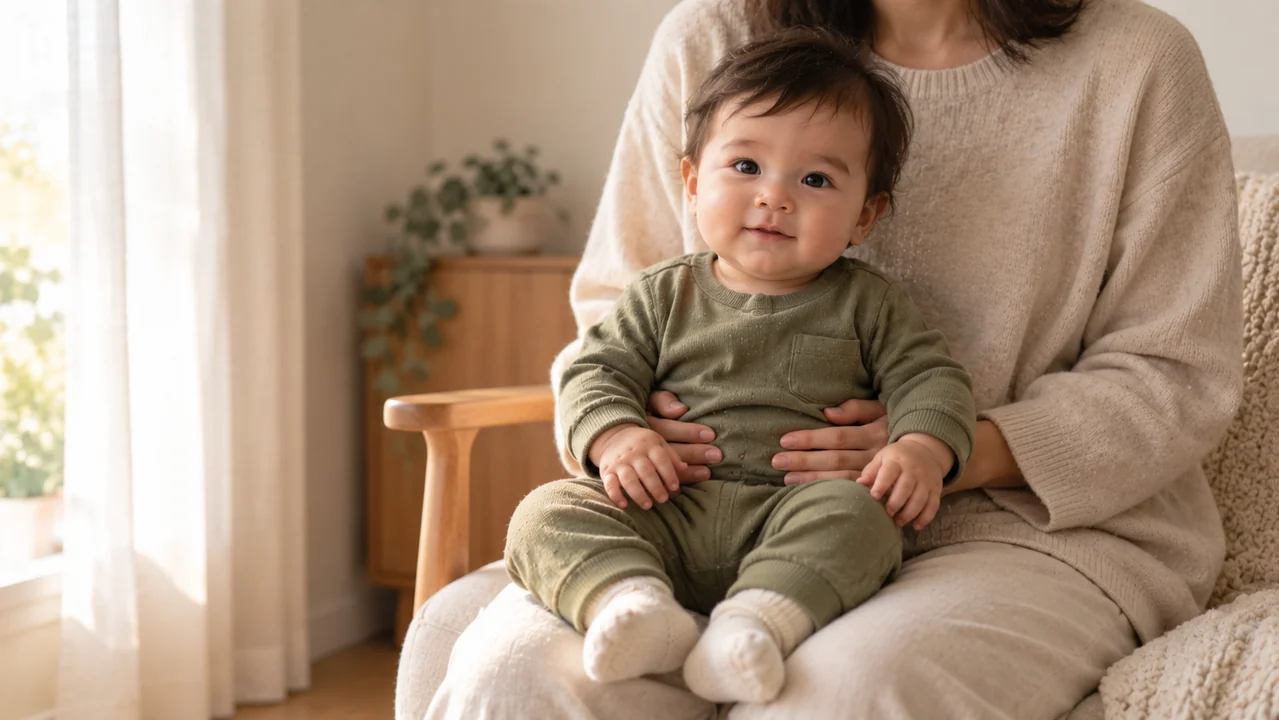
Create one entirely fictional baby portrait with a gentle photographic look. Show one older baby sitting naturally and securely on a padded oatmeal floor quilt, with soft dark curls, a curious expression, and a small relaxed smile. Dress the child completely in a sage cotton romper with long sleeves, full legs, and cream socks. Use soft daylight from the left, natural skin texture, and an uncluttered warm beige room. Keep the complete head, both naturally positioned hands, and the whole outfit inside a comfortable portrait composition. Include no other people, no visible branding, no lettering, and no watermark. This is an invented character, not a prediction of a real child.
AI baby generator Prompt: Reference-Inspired Watercolor
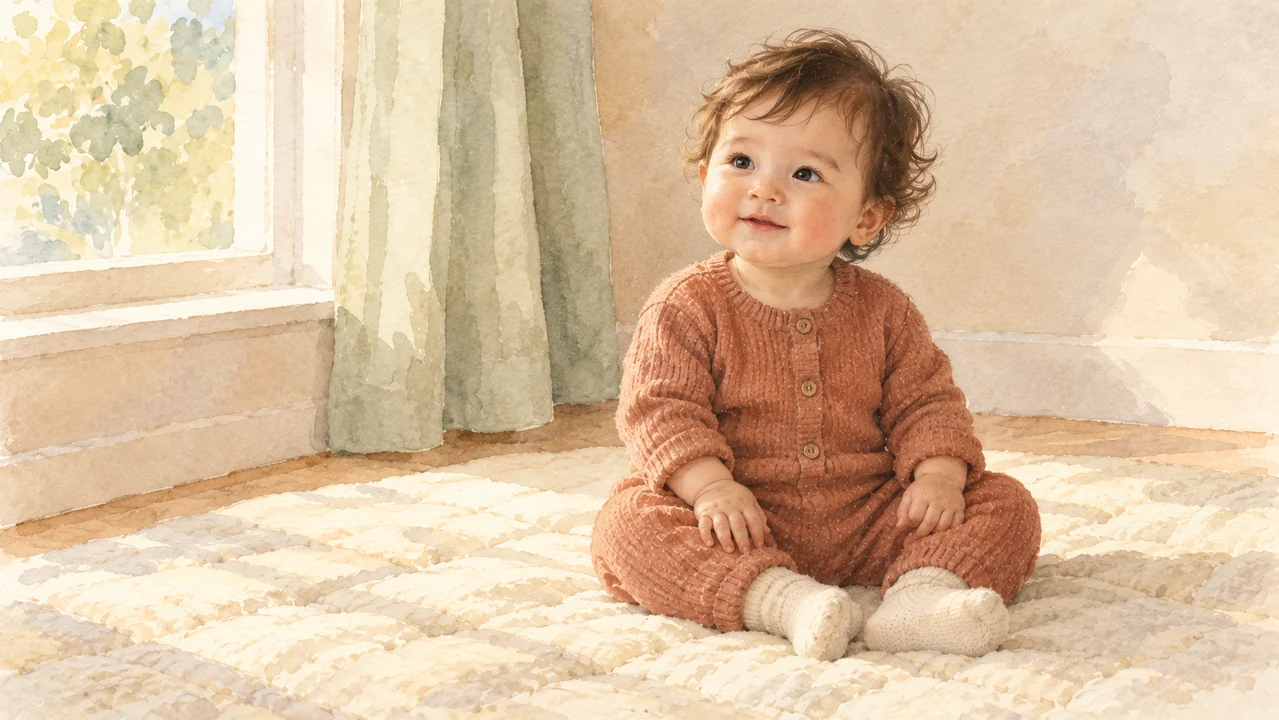
Use the two uploaded adult photographs only as loose artistic references for one entirely fictional baby portrait. Take broad visual inspiration without copying an adult face onto a baby's body or claiming to predict a future child. Show only the imagined baby, fully dressed in a muted terracotta knit romper with long sleeves and full legs, seated naturally on an ivory quilt. Use gentle watercolor washes, soft pencil details, a restrained cream and sage palette, and a quiet nursery background. Keep the face expressive, the hands naturally formed, and the full figure comfortably framed. Do not include the adult subjects, reference-photo panels, feature percentages, diagrams, lettering, logos, or watermarks.
Workflow examples
Illustrative ways to plan, generate, and review your work.
MemeGIF workflow examples
Begin with a product photograph and a focused image-editing brief. Compare the draft with the original for shape, labels, and proportions before placing it into a listing. Add approved logos and exact copy in your design application.
Choose a video model and describe one small action, such as a careful object turn. Review the available duration, resolution, and credits. Check the completed take for object continuity and sound before using it in a larger edit.
Give the image workspace a subject, viewpoint, and visual metaphor that supports your article. Preview the result inside the intended layout. Adjust the crop or composition when it competes with the headline or obscures an important detail.
Sign in and use Compress Image when a picture has the right dimensions but a large file size. Compression runs in the browser; input and output images are saved to your account. Compare the result before downloading individual files or a ZIP.
Paste a draft into Humanize AI and select Natural, Friendly, or Professional tone. Review the rewrite for meaning, names, figures, and technical terms. Copy or download the version you have checked; detector scores and publication outcomes are not guaranteed.
Record the palette, viewpoint, lighting, and subject scale in a reusable brief. Supply relevant references where the selected image model supports them. Compare the images together, then revise specific differences instead of assuming automatic campaign-wide consistency.
MemeGIF Pricing and Credit Plans
Cancel anytime
Trending face-swap templates cost 300 Credits per video, including full-length Bad Times and every available format. Other tools keep their own quotes. Existing MV tickets remain usable until their original expiry; new tickets are no longer sold.
Pay once annually; receive 1/12 of your annual Credits each month. The first allocation arrives after payment, then monthly. Tax included. Each allocation expires at the next subscription month or paid-year end.
Lite
50% off0.025 / credit
$14.9/month equivalent · Billed $179· Save $179.8
Annual total: 7,200 credits, issued monthly
Video Models


Image Models


- Includes MiniMax H3 and all premium models
- Up to 1 batch generation task
- Standard generation speed
- Standard generation success rate
- Standard customer support
- Commercial Use License
Standard
50% off0.017 / credit
$24.9/month equivalent · Billed $299· Save $299.8
Annual total: 18,000 credits, issued monthly
Video Models
Image Models
- Includes MiniMax H3 and all premium models
- Up to 4 batch generation tasks
- Priority processing speed
- High generation success rate
- Priority customer support
- Commercial Use License
Pro
50% off0.014 / credit
$49.9/month equivalent · Billed $599· Save $599.8
Annual total: 43,200 credits, issued monthly
Video Models
Image Models
- Includes MiniMax H3 and all premium models
- Up to 10 batch generation tasks
- Fastest generation speed
- High generation success rate
- Dedicated account manager
- Commercial Use License
Max
50% off0.012 / credit
$99.9/month equivalent · Billed $1,199· Save $1,199.8
Annual total: 96,000 credits, issued monthly
Video Models
Image Models
- Includes MiniMax H3 and all premium models
- Up to 10 batch generation tasks
- Fastest generation speed
- High generation success rate
- Dedicated account manager
- Commercial Use License
Pay safely and securely with























FAQ
Frequently asked questions
Do I need family photos for the AI baby generator?
Start the AI baby generator in MemeGIF with a written description in text mode; no photograph is required. Switch to image mode for one to sixteen authorized adult references when they help express the idea. State the intended person, pose and clothing instead of assuming the references define those choices.
Can the AI baby generator predict my future child?
The AI baby generator in MemeGIF creates an invented image through a general image model. It does not perform genetic analysis or establish a biological connection. Judge it as artwork; apparent resemblance to an adult is not evidence about a real future child’s appearance or inheritance.
Can I use two adult references in the AI baby generator?
Supply two authorized adult photos to the AI baby generator in MemeGIF using GPT Image 2 image mode. Describe loose inspiration rather than exact feature percentages. The workspace accepts one to sixteen references, and two is an optional creative choice. Compare each result independently without assuming consistent family resemblance.
What does the AI baby generator cost?
Choose the actual model, resolution and output count, then review the displayed quote. The AI baby generator in MemeGIF uses account credits for cloud processing; this page does not establish a fixed price or allowance. Recheck settings and the quote if you switch models or request more candidates.
Can I download an illustrated AI baby generator portrait?
Describe watercolor, pencil or another intended treatment in the AI baby generator brief in MemeGIF, then inspect the returned JPEG. Keep precise personal messages in your own layout tool; the image has no editable text layers. Download the reviewed result through existing controls and decide yourself where to use it.
CTA
Create Your Own Imagined Portrait
Begin with a simple description or authorized adult references, choose the settings, and check the quote. Use the AI baby generator in MemeGIF for a fictional portrait, then inspect the person, clothing and composition before keeping your chosen interpretation.
Open the Image Workspace